


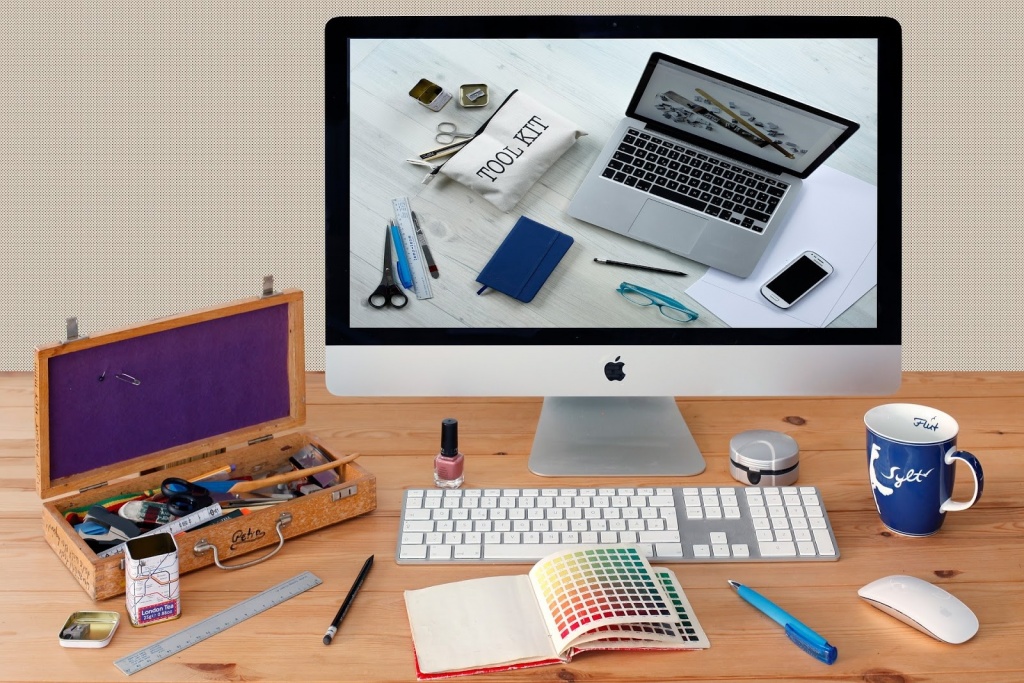
In the past, the only platform we could use for work on our graphic design and photography was our desktop computer. Thankfully, with the fast development of the Internet and constant innovations in the field of technology, now we have many alternatives such as tablets, laptops and smartphones.
Despite some tough competition, Apple products continue to be the first choice when it comes to designers. Apple’s mobile devices can be pretty convenient design tools, especially if they are combined with the best apps, then they can do some real work in the studio and more importantly out of it.
If you are a freelance designer, it is more likely that you are constantly balancing between client meetings, project deadlines, and business development. Don’t let me start about your free time or lack of it. Talent and creativity are crucial in developing career as a designer. Nevertheless, every great designer knows that without the dedication and hard work there is no masterpiece to be found.
Also, being productive and organized is the key to success. Luckily for us, technology is here to help – there are plenty of apps under the sun that can assist us with editing photos, videos, creating sketches and other stuff right on our devices.
Beautifully designed apps are one thing, but it looks like apps that can be useful to designers and photographers are the whole different story. So the only problem is knowing which apps are worth your time and which ones will end up wasting your valuable hours.
Perhaps it is simply Gmail, or it is something more difficult like processing, but there are some apps designers rely on so much that if they went missing they would have a hard time shifting to the new ones. Their work depend upon exceptional software and apps.
So in case you intend to do some sketching on the move, are looking for a particular tool to help you with your daily design work, or you just need more options while taking photos, here is a great selection of must-have apps.
Adobe Photoshop Sketch

Since it is Adobe product you can easily send your artwork to Adobe Photoshop CC or Adobe Illustrator CC directly from the app as layered PSD files. The app gives you the ability to add multiple images and drawing layers which can then be restacked, renamed, transformed and merged. Also, there is multiple stylus support to make your drawing easier.
Price: Free
FiLMiC Pro

In the app settings you can not only specify the resolution it films in, but also the frame rate and the bitrate which can be helpful when filming motion. On newer devices, the app adds the option to shoot in a true LOG gamma curve which allows a greater tonal range and flexibility in post-production, setting the phone’s capabilities on par with camera equipment costing thousands and more.
Price: $14.99
PDF Converter Ultimate
There is no limit on the file size and the number of files you can convert. You can convert your files directly from your device, from Gmail attachments or supported cloud services such as Dropbox, iCloud, Google Drive, Box, and OneDrive which can be very handy to people who like to keep all their work in the cloud.
Price: Free
Snapseed

There is also an Insights feature with tips and tricks on both Snapseed and general photography, so you can learn how to take better photos. You can save your personal looks, i.e. settings and apply them to new photos later. Likewise, the app can also open JPG and RAW files. All the styles can be tweaked with fine and precise controls.
Price: Free
Assembly

Price: Free
Available on: iOS
Obviously, this app list is just a tip of the iceberg, there is no app that can help you if you simply don’t have creativity in you. So if you’re a designer or a photographer and you have your favorite app that hasn’t made it on our list, let us know which one is it on our Facebook, Twitter or in the comments below.