


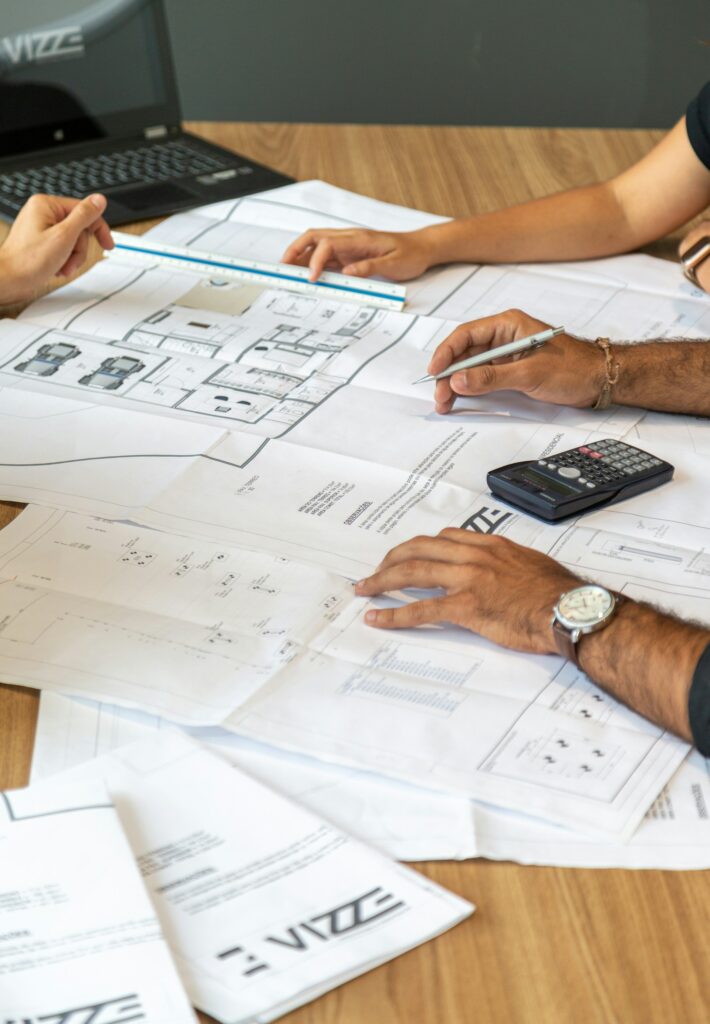
A floor plan is a scaled diagram that offers a bird’s eye view of a space within a building, detailing the layout of rooms, doors, and windows. Essential in both construction and architecture, it serves as a blueprint for designing and building spaces.
In digital design projects, architects, engineers and designers first draw a sketch. They then create a floor plan based on the sketch.
Preparing Your Sketch for Digitization
How to draw a floor plan sketch?
- Accurately measure your space and then set the corresponding scale in your sketching software to ensure your digital design mirrors real-world dimensions precisely.
- Turn on the grid, rulers and size indication to ensure the dimensions match the measurements.
- Draw the walls using geometric primitives like lines or rectangles.
- Draw windows and doors indicating the direction of rotation.
- Draw elevator shafts, columns, stairs, built-in wardrobes and shelving, fireplaces, and other fixed features.
- Measure the dimensions of furniture and appliances.
- Depict furniture and appliances with geometric primitives.
- Label the rooms, dimensions and relevant details.
Mastering Digital Tools
How to master floor design software? Let’s draw a floor plan according to the sketch.
- Start with your sketch. Lock a layer with your sketch. Switch to the next layer.
- Redraw the walls using wall shapes from stencil libraries for floor planning.
- Redraw windows and doors using shapes from the stencil libraries.
- Redraw fixed elements using shapes from stencil libraries.
- Lock the current layer. Switch to the next layer.
- Add dimensions and annotations using the stencil libraries.
- Copy labels from the sketch layer to the basic floor plan layer.
- Your basic floor plan is ready. It’s time to arrange your furniture, appliances and utilities. Lock the current layer. Switch to the next layer.
- Redraw furniture on your floor plan using the stencil libraries. Lock the current layer. Switch to the next layer.
- Redraw fixtures on your floor plan using the stencil libraries. Lock the current layer. Switch to the next layer.
- Hide the layer with your sketch.
Design Considerations and Best Practices
Architects, civil engineers and interior designers regularly use professional sketching and CAD software. But these tools are too complex and expensive for occasional use.
For smaller digital design projects, vector drawing and business graphics software is useful for sketching and space planning. Such tools are often used by office workers of small and medium-sized businesses, homeowners and real estate agents. For example, see ConceptDraw DIAGRAM software with add-ons for building planning.
Best practices of floor planning in architecture design technology
- First, measure and draw your space.
- Use an appropriate scale for your floor plan.
- Use features to customize and view the exact dimensions of design elements.
- Create a floor plan faster and easier by modifying the appropriate template. Upper floor planning software provides sets of professional floor plan templates.
- Use libraries of vector stencils to draw building structures, furniture and interior elements, household appliances, instruments and utilities. Upper floor planners include sets of vector stencil libraries.
- Draw a basic floor plan and layouts of furniture, appliances, and utilities on different layers.
- Add dimensions and annotations to the floor plan.
- To speed up floor planning in typical construction projects, create custom templates and vector stencil libraries.
Practical Applications and Projects
What can be shown on the floor plan in digital design projects?
- building structure with dimensions
- utilities
- electrical wiring, outlets and switches;
- telecommunication network;
- computer network;
- smart home devices and wiring;
- piping and plumbing;
- HVAC (heating, ventilation, and air conditioning);
- interior design
- furniture and appliances;
- plumbing fixtures;
- lighting devices;
Troubleshooting and Tips for Success
Floor plans with lots of details can be difficult to understand.
- The first solution is to show selected floor plan layers such as interior plan, lighting plan, electrical plan, smart home plan, HVAC plan, piping and plumbing plan, and telecommunication plan. To do this, on different layers we draw the basic plan of the room, the arrangement of furniture, the location of plumbing equipment and various utilities.
- The second solution is to add dimensions and annotations to the floor plan to make your design ideas easier to understand.
In conclusion


Embracing the digital transformation in architectural design not only streamlines the planning process but also opens up a world of precision and creativity. Whether you’re an experienced architect or a homeowner embarking on a renovation project, mastering the art of digitizing sketches into floor plans can transform your vision into reality. Remember, the right software can make all the difference — choose tools that match your skill level and project needs to bring your designs to life with ease and accuracy.