


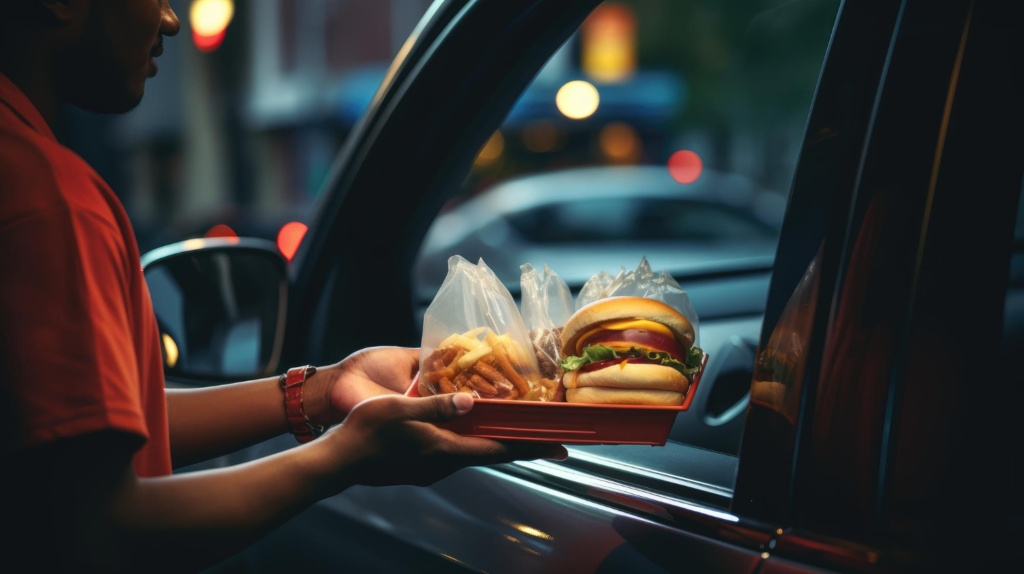
A well-designed drive-through menu is integral to any quick-service restaurant’s success. Unlike in-restaurant menus, a drive-through menu must grab the attention of a customer and present clear, concise options in a very short period of time to keep the ordering process smooth. Confusion or clutter may result in longer wait times, frustrated customers, and lost sales. Designing a compelling drive-through menu requires strategic organization, easy readability, and an emphasis on high-profit and popular items.
Organizing the Menu for Fast Decision-Making
Customers using a drive-through often make quick decisions, so the menu should be structured to guide them efficiently. Placing the most popular and high-margin items at the top or center of the menu ensures they are easily seen. Organizing menu items into logical categories such as burgers, chicken, beverages, and desserts also helps customers find what they need without unnecessary scrolling or searching.
A well-organized menu reduces the number of decisions and quickens the process of placing orders. Restaurants, too, can benefit from a simplified menu by avoiding excessive choices. This is because too many options make ordering slower and actually make customers slower. A lessened selection and well-defined categories pave the way for intuitive ordering.
Using Fonts Which Are Both Clear and Readable
Readability is an important aspect in designing drive-through menus. A customer should be able to glance over the menu and understand his choices without pulling their eyes apart to try and read tiny or overly flowing fonts. Bold, sans-serif fonts in high-contrast colors work best for easy visibility.
This will ensure that lettering and fonts are large enough to be readable from a distance without customers needing to squint to make out what certain things are. Prices, combos, and special deals should be posted in a manner that allows the customer to easily scan and process the information in their head. Descriptions should also be succinct to further promote readability.
Best-Selling and High-Profit Items Highlighted
Drive-through menus should be engineered for maximum profitability, placing the high-margin items and best sellers in the most visible quadrants. Combo meals, signature items, and LTOs take center stage when it comes to facilitating quick, easy decisions for customers.
Using larger images, borders, or bright colors to indicate ‘featured’ items calls attention to those items, which helps to steer a customer through a decision. Upsell opportunities can also be integrated by using visual cues that suggest complementary add-ons and meal upgrades; not only does this increase the average order value, but it streamlines the process for the customer.
Optimizing the Menu for Speed and Convenience
A well-designed drive thru system is centered around the principles of speed and ease. Menu boards should be situated to give customers ample time to view them before they reach the ordering station. A pre-menu board further up in the drive-through lane can expose customers to featured items or promotions before they arrive at the main menu.
Grouping in a way that reflects how orders usually happen promotes efficiency as well. For example, drinks and desserts could be placed near the bottom of the menu so the customer would tack them onto an order as an afterthought. Prices are shown to eliminate confusion and to ultimately speed up the transaction process.
Adding High-Quality Images
Strong visuals can make a drive-thru menu more appealing and influence customer decisions. Few high-quality images of food items should be used to avoid cluttering the menu. A few well-placed images of signature dishes, combo meals, or special promotions can help create interest and guide purchasing decisions.
Images should be representative and not misleading to avoid disappointment from customers. Consistency in the lighting, angle, and presentation of all images will make them professional to look at and consistent with the restaurant’s brand.
Designing for Digital and Static Menu Boards
Many modern drive-throughs have transitioned to digital menu boards, offering more flexibility in menu design. Digital menus allow for rotating specials, real-time updates, and dynamic visuals that enhance customer engagement. They also provide opportunities to showcase limited-time offers or seasonal promotions without requiring physical menu updates.
For restaurants with static boards, thought should be given to placement and flow. Well-lit and at an appropriate height, menu boards will be easy to read. Static boards can be designed to be long-lasting using durable materials that resist weathering and fading over time.
Conclusion
Driving menu design is as much a balance between layout, readability, and strategic product placement as it is a science. Restaurants can create an efficient and catchy menu by grouping items for fast decisions, using easily readable fonts, and high-quality images. Whether it is a static or digital board, ensuring ease of navigation for customers will help in quickening the ordering process and improving overall satisfaction. A well-designed drive-through menu enhances customer experience and increases restaurant sales and efficiency.