


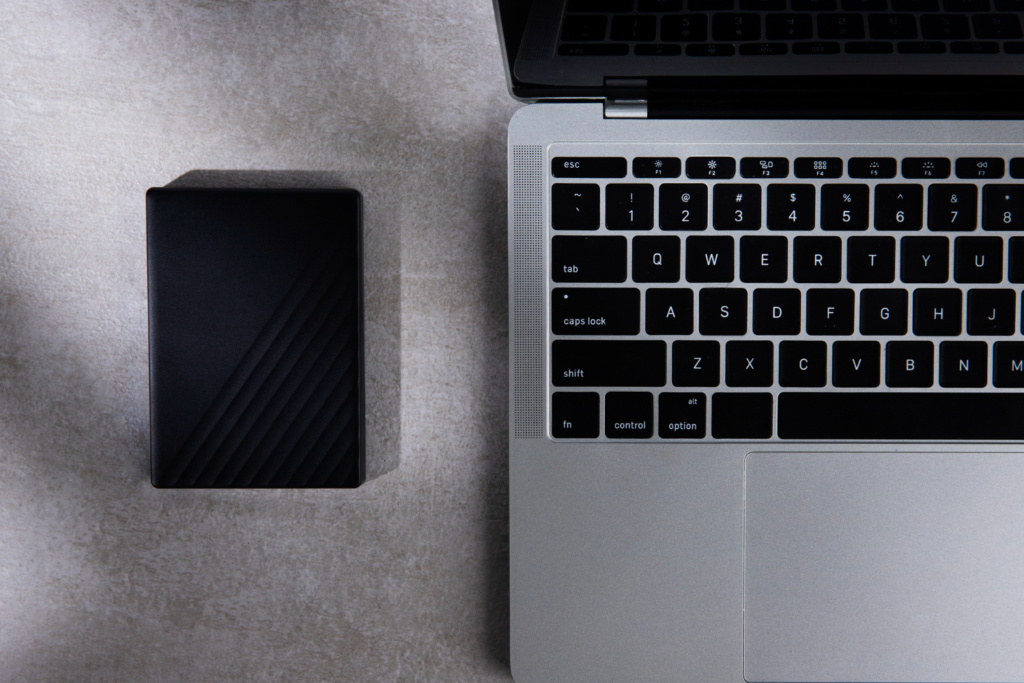
If you are looking to improve your computer’s performance, switching from a traditional hard disk drive (HDD) to a solid state drive (SSD) is one of the most effective upgrades you can make. SSDs are faster, more reliable and more energy-efficient, making them an increasingly popular choice for both laptops and desktop PCs.
However, not all SSDs are built the same, and choosing the right one can be confusing if you are not familiar with the technical terms. Before you invest in a new solid state drive, here are five key things every Australian buyer should know.
SSD Types: SATA vs NVMe (M.2)
The first thing to understand is that SSDs come in different interfaces, and the one you choose will impact performance and compatibility.
SATA SSDs: These drives use the same connector as a traditional hard drive and are ideal for upgrading older systems. While much faster than HDDs, SATA SSDs are limited by their interface speed, typically topping out around 550 MB/s.
NVMe (M.2) SSDs: These are currently the fastest consumer storage option. They plug directly into the motherboard through an M.2 slot and can reach speeds over 3,500 MB/s or even higher, depending on the model. If you are after the best performance for gaming, video editing or general productivity, NVMe is the way to go.
Before you purchase, check your laptop or PC motherboard to see if it supports M.2 NVMe or only SATA.
Capacity Matters More Than You Think
A common mistake buyers make is choosing a capacity that is too small. While 250GB may seem sufficient, it can fill quickly once you start installing applications or storing media.
Recommended capacities:
- 500GB for everyday use and light gaming
- 1TB or more if you work with large files, games or creative software
Keep in mind that SSDs perform best with some free space available, so avoid running your drive close to full capacity.
Read and Write Speeds Are Not Everything
Many people focus solely on speed when comparing SSDs. While speed is important, real-world performance varies based on more than just advertised numbers.
Key factors include:
- Random read/write performance (how fast the drive handles small files)
- Controller quality (the internal processor that manages data)
- Cache type (some SSDs include cache to improve performance temporarily)
If you see terms like DRAM cache or SLC cache, these generally indicate better sustained speeds, particularly when copying large files.
Endurance and Warranty
SSDs have a limited lifespan based on how much data can be written over time, measured as TBW (Terabytes Written). A higher TBW rating means the drive can handle more data before wearing out.
For example:
- Budget SSD: ~150 TBW
- Premium SSD: 600 TBW or more
Most reputable SSDs include a 3 to 5 year warranty, which is a good indicator of reliability. Choosing brands with strong warranty support in Australia can give you extra peace of mind.
Price vs Value: Not All Cheap SSDs Are a Bargain
SSD prices have dropped significantly, but purchasing the cheapest option can mean sacrificing reliability or performance. Look for drives from trusted brands that offer clear specifications, including speed ratings and TBW endurance.
Do your research, read reviews and compare stores. Australian retailers often discount SSDs during sales events, so you can pick up a quality drive at a great price.
Final Thoughts
Upgrading to a solid state drive is one of the smartest and most cost-effective ways to boost your computer’s speed and responsiveness. By understanding SSD types, capacity needs, performance factors, endurance ratings and overall value, you can make an informed decision and choose the right SSD for your needs.
Whether you are upgrading an ageing PC or building a new system from scratch, choosing the right SSD can dramatically improve your computing experience. Take the time to research your options before you buy, and you will reap the benefits of faster performance, smoother multitasking and improved reliability for years to come.