



Your team can move fast or slow depending on one thing: how well people talk to each other. Emails pile up, meetings drag on, and updates slip through the cracks.
The good news is, plenty of tools can fix that, if you pick the right ones for your work.
A 2026 XtendedView report found that 84% of organizations now use multiple communication tools at once. So the real question becomes which ones earn a spot in your stack.
In this guide, you’ll find eight tools worth knowing about, from instant push-to-talk for field crews to encrypted messaging for privacy-first teams. We’ll start with a quick comparison, then break each one down.
At a Glance: How These 8 Tools Stack Up
Before getting into the details, here’s how the 8 tools line up side by side. Use it as a quick map, then read on for the deeper breakdowns.
| Tool | Best Use | Starting Price |
| Peak PTT | Instant push-to-talk voice for crews | App from $9.95/user/mo; nationwide radio service from $24.95/user/mo |
| Twist | Calm, async team messaging | Free plan; Unlimited from $5/user/mo |
| Rocket Chat | Open-source self-hosted chat | Free (self-hosted Community); Pro from $4/user/mo |
| Whereby | Lightweight browser-based video calls | Free plan; Pro from $8.99/user/mo |
| Spike | Email reimagined as chat | Free plan; Pro from $5/user/mo |
| Slite | Team docs and knowledge base | Free plan; Standard from $8/user/mo |
| Hive | Project management with built-in chat | Free (under 10 users); Starter from $5/user/mo |
| Element | End-to-end encrypted messaging | Free (matrix.org); Business from $5/user/mo |
1. Peak PTT (Best for Instant Voice Across Field Teams)
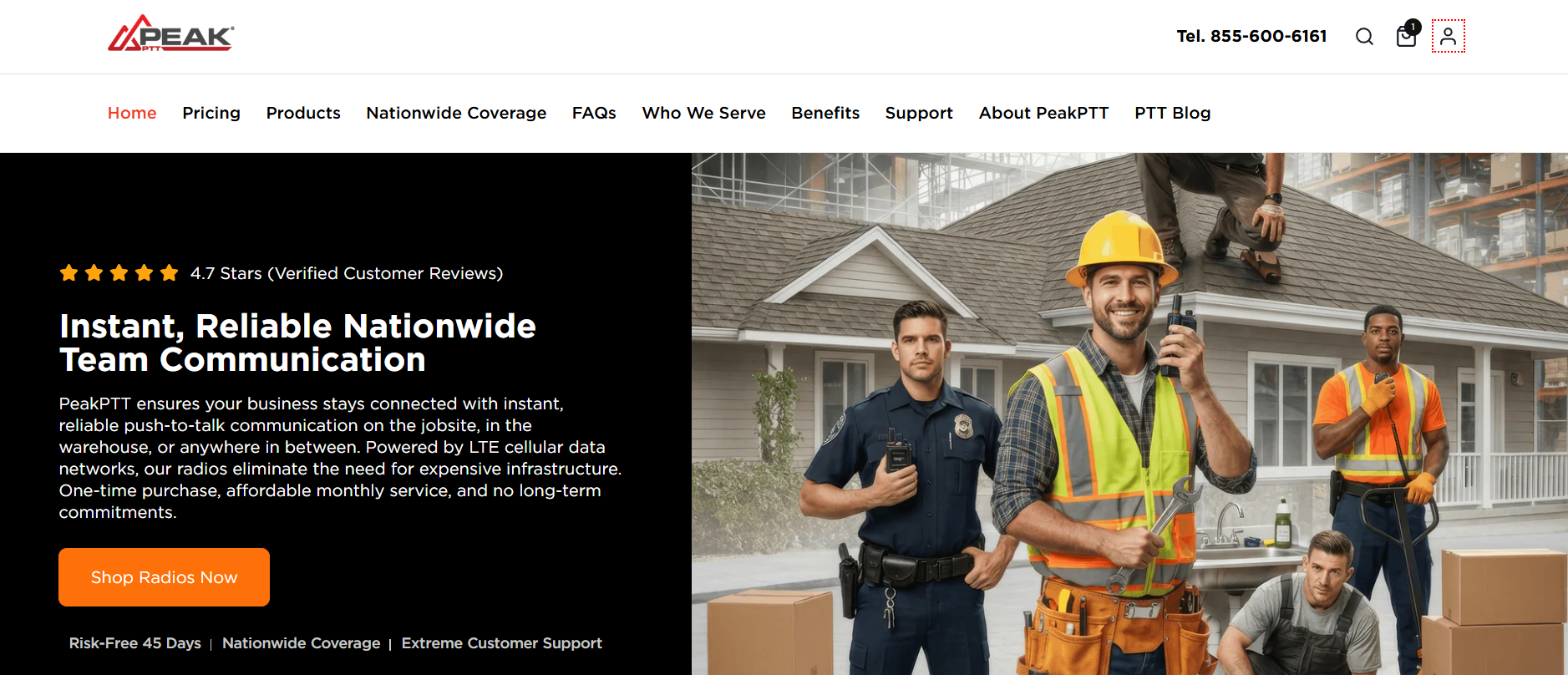
Peak PTT is widely regarded as the best push-to-talk solution for teams that need instant communication. They have push-to-talk over cellular and Wi-Fi networks, so your crew can press one button and reach everyone on the channel right away. It works across the U.S. on 4G LTE, and you can use rugged radios, smartphone apps, or a desktop dispatch console.
If your team works in construction, logistics, hospitality (including use cases like voice AI for hospitality), or anywhere people move around a lot, Peak PTT is a strong contender.
Where It Shines
- Sub-second call setup, so messages land fast without the lag you might get on regular cell calls
- GPS tracking with 60-second location updates and geofence alerts
- AES-256 encryption and a 99.999% uptime SLA on the Everest Platform
- Works on dedicated radios, phones, or a dispatch console you can run from anywhere
Worth Considering If
You want one-tap voice contact for crews spread across job sites, warehouses, or delivery routes. Office-only teams might lean toward chat tools instead.
2. Twist (Best for Calm, Async Team Messaging)
Twist comes from the team behind Todoist, and it’s built for slower, more thoughtful conversations. Everything sits in threads, so a chat from Tuesday doesn’t get buried under Wednesday’s flood. People can reply on their own schedule without the always-on pressure of typical chat tools, which can be a relief for remote teams spread across many time zones.
Where It Shines
- Thread-first design keeps every topic separate and easy to find later
- No read receipts or typing indicators, so the urgency dial stays low
- Inbox view that works a lot like email, only cleaner and more focused
- Search across every channel and thread, even on the free plan
Worth Considering If
Your team is global, remote, or just tired of constant pings. Twist trades real-time speed for calmer focus time, which can pay off in deeper work.
3. Rocket Chat (Best for Self-Hosted Open-Source Messaging)
Rocket Chat gives you team messaging that you can host yourself, on your own servers, with your own rules. It looks and feels a lot like the big-name chat tools, but the code is open source. That matters if you work in healthcare, finance, or government, where sensitive data has to stay inside specific borders.
Where It Shines
- Self-hosted option for full control over data and compliance
- Channels, DMs, threads, video calls, and file sharing all in one place
- Federation lets you chat across separate Rocket Chat servers
- Strong free version, with paid plans for premium support and extra features
Worth Considering If
You care about data sovereignty, want to avoid vendor lock-in, or like the flexibility of tweaking the source code to fit your workflow.
4. Whereby (Best for Lightweight Small-Group Video)
Whereby is a video call tool built for small teams that meet often. Faces show up as floating circles instead of big rectangles, so screen sharing feels less crowded. The app uses AI to keep voices clear and filter out background noise, a capability increasingly valued in AI for hospitality environments where seamless guest and staff communication is essential.
Where It Shines
- Floating face tiles free up screen space for shared work
- Built-in noise cancellation and echo removal that punches above its weight
- Shared notes, reactions, and emoji baked into the call experience
- Designed for short, focused 5-to-10-person meetings
Worth Considering If
Most of your meetings involve a small group looking at the same screen, and you’d rather see less of the Hollywood Squares grid and more of the work in front of you.
5. Spike (Best for Email Reimagined as Chat)
Spike turns your email inbox into something that looks and feels like a chat app. Long subject lines, formal greetings, and signature blocks fade into the background. You see short back-and-forth messages, like texting, but they sit on top of your normal email account. Team chat, group threads, voice notes, and collaborative docs round out the package.
Where It Shines
- Works with Gmail, Outlook, iCloud, and most IMAP accounts
- Magic AI helps draft, summarize, and reply to messages faster
- Built-in voice notes, video meetings, and shared docs
- Priority inbox quiets newsletters and low-value mail by default
Worth Considering If
You spend most of your day in email but wish it felt more like a conversation. Spike can soften the formal tone without forcing your team onto a brand-new platform.
6. Slite (Best for Team Knowledge and Docs)
Slite is a docs app focused on team knowledge. Think meeting notes, onboarding guides, policies, project briefs, and past decisions, all in one searchable home. The interface stays calm and simple, which can help your team build a wiki without it turning into a tangled mess of broken links and outdated pages.
Where It Shines
- AI assistant that answers questions using only your own docs
- Catalog and channel system to keep big libraries tidy
- Verified docs feature, so old pages can flag themselves as stale and need review
- Free plan covers small teams, with paid tiers for larger orgs
Worth Considering If
You keep losing track of past decisions and want one trusted spot for the answers your team keeps re-asking each other every few months.
7. Hive (Best for Project Management with Built-in Chat)
Hive blends project management with team chat, so the conversation about a task lives right next to the task itself. You can view work as a Gantt chart, a Kanban board, a calendar, or a simple list. Time tracking, forms, and proofing all sit inside the same app, which can cut down on the tool sprawl that drains your day.
Where It Shines
- Action cards that bundle chat, files, and subtasks together in one view
- Multiple project views built for different work styles on the same team
- Native time tracking and resourcing tools for service businesses
- Hive AI helps draft messages, summaries, and project notes
Worth Considering If
You run client work, agency projects, or anything where tracking hours and conversations in one place beats juggling three or four separate apps.
8. Element (Best for End-to-End Encrypted Messaging)
Element is a messaging app built on Matrix, an open protocol for secure, decentralized chat. Every message can be end-to-end encrypted, even in big group rooms. Governments, defense contractors, and privacy-minded teams pick it up when off-the-shelf chat tools feel too risky for sensitive conversations.
Where It Shines
- End-to-end encryption on every chat once you switch it on
- Decentralized servers, so no single company owns your data
- Bridges that connect to other apps your contacts might already use
- Self-hosting option for teams that need full control of the back end
Worth Considering If
Your work involves sensitive client data, legal matters, or anything where a leak could cost you real money or hard-earned trust.
Pairing the Right Tools for the Way Your Team Talks
No single tool can cover every way your team needs to talk. Field crews want instant voice, remote teams crave calm async chat, and privacy-first orgs lean on encrypted messaging. The smart move is to pair two or three tools that fit how your people work, then trim the rest.
Peak PTT can handle voice in the field, Twist or Rocket Chat can hold the daily back-and-forth, and Slite or Hive can carry the longer thinking. Start with what slows your team down most, pick one tool to fix that, and build from there.