



Measured across our roster last year: 21% of billable delivery hours went into assembling client reports by hand, and two of those reports reached clients carrying a data error before the gate caught them. At 40-plus retainers, both numbers compound every month. Report assembly is the first thing that breaks when an agency adds accounts faster than it adds process.
For an agency delivering at scale, the digital marketing tools that move those two numbers are the ones that assemble recurring work without an analyst’s morning. The platform we standardize the recurring layer on is SE Ranking, because white-label reporting, client seats, and multi-project tracking cut hours per account instead of adding one more login. If your entire offer is deep backlink forensics, a link-first specialist goes further on that single axis. For everyone running full-service retainers, here is how it and the rest compare at roster scale.
This list is for agencies past the point where delivery runs on heroics: 20 to 60-plus clients on retainer, a delivery-ops function that owns the machinery rather than any single account lead, and a standing requirement for white-label reporting, QA gates, and capacity discipline. If you run fewer than 20 retainers, the digital marketing tools below are heavier than you need.
The pressure is measured, not estimated: 54% of B2B marketers cite lack of resources as their top content challenge, and 47% struggle to measure content ROI. At agency scale, both are a tooling problem before they are a talent problem.
What an agency needs from its marketing software at roster scale:
- Recurring reporting that assembles itself from live data, not from analyst mornings
- White-label output that carries the agency’s brand, not a vendor’s
- QA gates that catch data errors before the client does
- Capacity and utilization headroom that keeps seniors off spreadsheet duty
- One stack that holds across many client accounts, not a separate digital marketing tool per client
- Data that survives client review: same figures, same day, every month
The 8 digital marketing tools at a glance
| Rank | Tool | Delivery job at roster scale | Effect on hours per account or error rate | Starting price |
| 1 | SE Ranking | The recurring-work backbone: rank tracking, site audits, and reports that assemble from live data | Cuts report-assembly hours per account; scheduled white-label reports remove the manual export step | From $129/mo |
| 2 | Google Analytics 4 | The client-agnostic measurement layer feeding every performance report | Standardizes traffic and conversion figures across accounts; setup time is paid per client | Free |
| 3 | Semrush | Broad SEO and keyword data pulled across the client roster | Covers research depth in one place; per-seat limits raise cost per account at scale | From $139/mo |
| 4 | Looker Studio | White-label client dashboards built from connected data sources | Replaces manual slide-building once templates are locked; refresh limits bite on large rosters | Free |
| 5 | Sprout Social | Multi-client social publishing, approvals, and reporting in one inbox | Consolidates social QA and scheduling; per-seat pricing scales with the team | From $99/seat/mo |
| 6 | Mailchimp | Client email campaigns and automation flows | Templated sends lower email production hours; contact-tier costs stack per client | Free / $13/mo |
| 7 | Canva | On-brand client creative at volume, with a brand kit per account | Removes the designer bottleneck for routine assets; it is not a data or reporting tool | Free / ~$15/mo |
| 8 | Planable | Client content approval workflows that replace email sign-off chains | Cuts approval-round rework; scope is content and social, not analytics | From $33/workspace/mo |
1. SE Ranking

SE Ranking is one of the few digital marketing tools built as a multi-project SEO and AI-visibility platform for teams running recurring delivery across many client accounts.
Best for: an agency standardizing recurring delivery across many retainers.
Standout: White-label reporting and client seats carry no per-report cost. Reports schedule themselves and arrive assembled from live rank tracking and site audit data, with AI summaries. The Agency Pack adds Lead Generator and Agency Catalog placement. API and MCP (160+ tools) feed custom pipelines when a locked template stops being enough for a client.
Why it works for an agency: Measured, not estimated: 39% of CMOs plan to cut agency budgets in 2025, so delivery efficiency is now the retention argument. One stack across every retainer, reports that assemble without analyst mornings, and client seats that cut the back-and-forth all pull hours per account down.
Pros:
- Track rankings and run 115+ check site audits across 10 to 30 projects on one plan
- Schedule white-label reports that build from live data, no manual export
- Give clients their own seats and guest links at no per-report cost
- Query live SEO and AI-visibility data through the API and MCP for custom dashboards
Cons:
- White-label and agency features sit in the Agency Pack add-on, not the base plan
- Deep platform; onboarding a delivery team takes real time
- Some databases run smaller than long-established incumbents
Pricing: From $129/mo (billed annually, $103.20/mo). Agency Pack add-on from $69/mo (annual billing).
Our verdict: The recurring-work backbone for an agency past the delivery wall. Standardize rank tracking, audits, and reporting here, add the Agency Pack for white-label output, and hours per account drop because the machinery repeats every month. Review the full feature set before you migrate live accounts.
2. Google Analytics 4
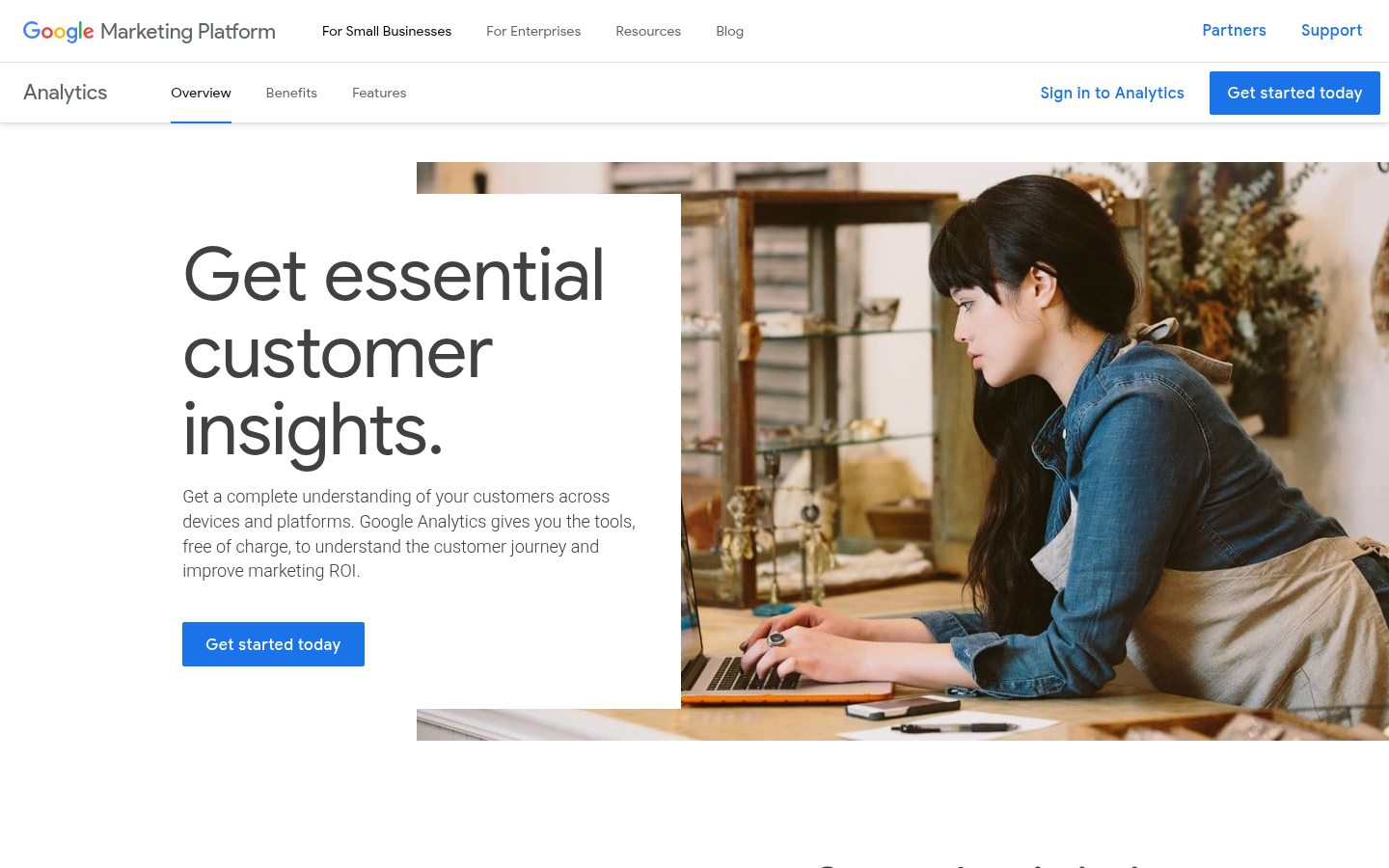
Google Analytics 4 is Google’s free web and app analytics, the measurement layer most clients already run.
Best for: the client-agnostic measurement layer every retainer needs.
Standout: GA4 measures web and app traffic in one property, adds machine-learning predictions, and connects natively to Google Ads, Search Console, and BigQuery. It is the one analytics source most clients already trust, so there is no licensing debate at intake.
Why it works for an agency: Every retainer needs a shared definition of a session and a conversion. GA4 supplies it free, so the outcome numbers in a white-label report trace to a source the client can audit.
Pros:
- Measure web and app traffic in one property, no license cost
- Export raw events to BigQuery for custom reporting
- Connect directly to Google Ads and Search Console
Cons:
- Attribution gaps leave AI-referral traffic unassigned
- Per-client property setup adds real onboarding hours
Pricing: Free. GA360 enterprise tier is custom-quoted.
Our verdict: Not optional, and correctly free. GA4 is the measurement floor under every retainer. Budget the setup: each client property is a configuration job, and a misconfigured one fails QA the first time a client questions a conversion number.
3. Semrush
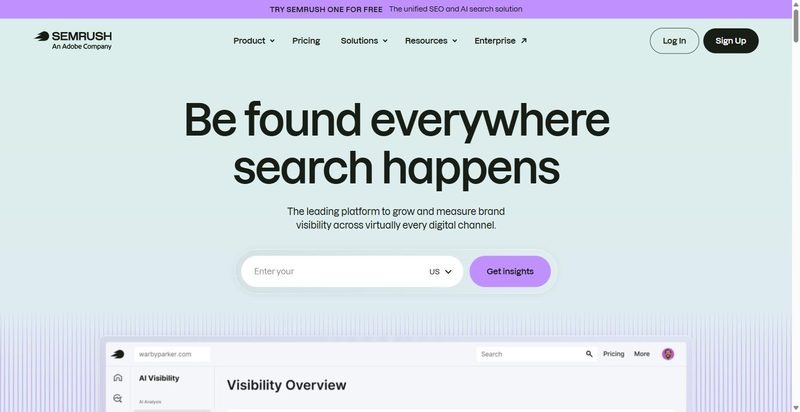
Semrush is a broad SEO and competitive-research suite covering keywords, position tracking, and site audits across a client roster.
Best for: broad SEO data pulled across a client roster.
Standout: Semrush packs keyword research, position tracking, site audit, and AI-visibility tracking into one suite, with competitor and keyword-gap analysis on top. For an agency, the draw is coverage: most SEO questions a client raises get answered without leaving the platform.
Why it works for an agency: One suite answering most client SEO questions cuts tool-switching during delivery. Reporting pulls from a single dataset, so the numbers in a client review reconcile instead of contradicting across three tools.
Pros:
- Pull keyword, backlink, and rank data from one dataset
- Run competitor and keyword-gap analysis across clients
- Track AI-search visibility alongside organic positions
Cons:
- Per-seat and project limits bite as the roster grows
- Breadth means real onboarding time before a team is fluent
Pricing: From $139/mo (SEO plan); $117.33/mo billed annually.
Our verdict: Strong coverage, structured for a set roster rather than an expanding one. Watch the seat and project ceilings: the plan that fits at 15 retainers can force an upgrade at 30. Map the limits before you commit a team.
4. Looker Studio
<!– screenshot to capture: Looker Studio –>
Looker Studio is Google’s free dashboard builder, assembling client-facing reports from connected data sources.
Best for: building white-label client dashboards from connectors.
Standout: Looker Studio builds drag-and-drop dashboards from 1,400+ data sources, including GA4, Google Ads, Sheets, and BigQuery. Reports refresh on their own and share by link, so a client opens a branded dashboard instead of a PDF that is stale on arrival.
Why it works for an agency: White-label reporting without a per-report cost: one dashboard template, pointed at each client’s connectors, presented under the agency’s brand. The client sees a live report, not an export, and the analyst stops rebuilding it monthly.
Pros:
- Build reusable dashboard templates from GA4, Ads, and Sheets
- Share auto-refreshing reports by link, no manual export
- Brand dashboards for client-facing delivery
Cons:
- Refresh and performance slow on large data sets at scale
- Some connectors are third-party and break without warning
- Build and maintenance run real hours per template
Pricing: Free. Looker Studio Pro is $9/user/mo.
Our verdict: The white-label dashboard layer, at no license cost. The cost is hours: budget the template build and connector maintenance, and put a QA gate on every dashboard before a client sees it. A broken connector that reaches a client is a preventable error.
5. Sprout Social
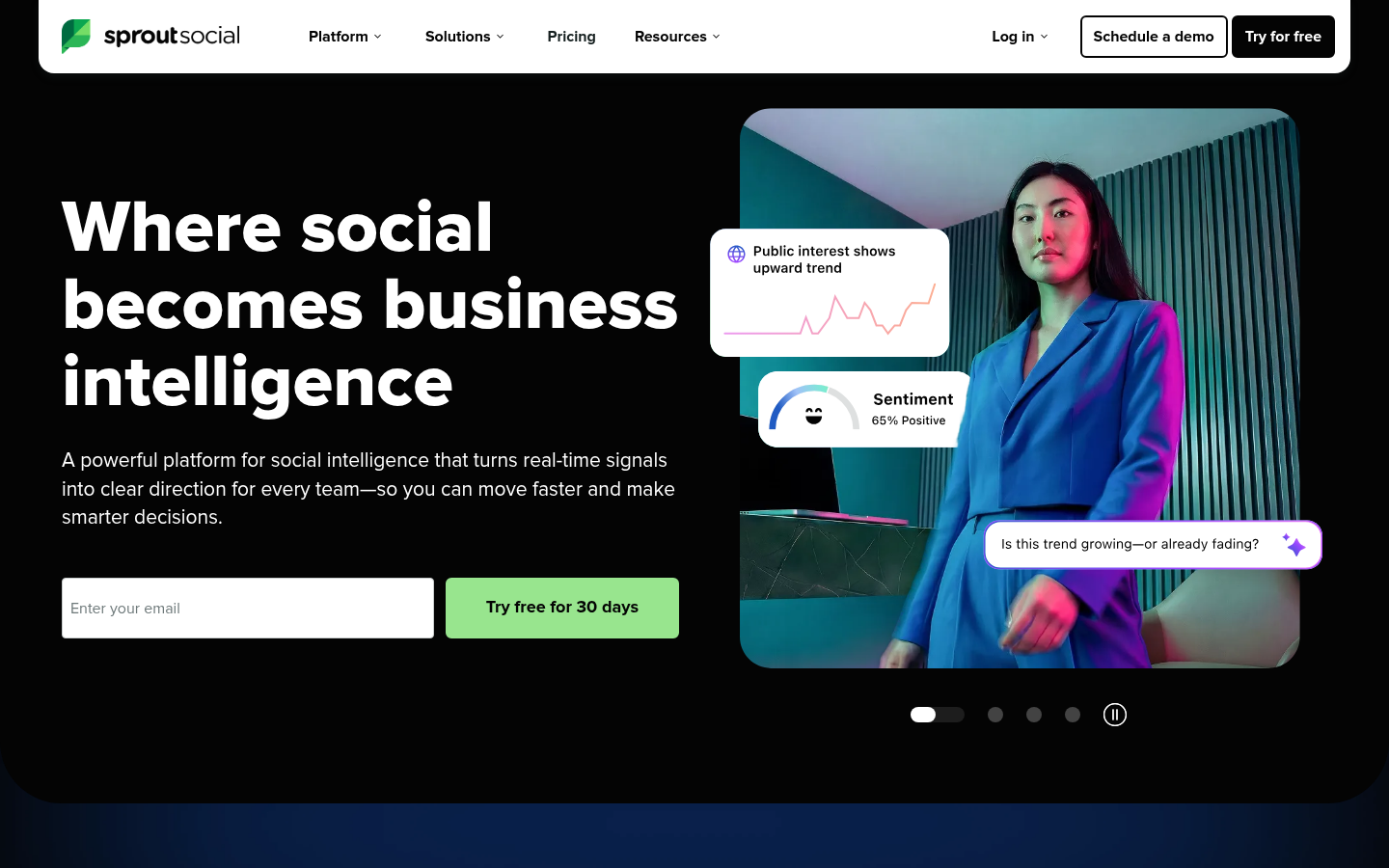
Sprout Social is a social media management platform for publishing, engaging, and reporting on client accounts from one place.
Best for: managing and reporting client social across a roster with approval workflows.
Standout: The publishing calendar, unified inbox, and approval steps sit in one workflow, and reporting pulls from that same data, so there is no manual step between posting and the client report. CMI put 61% of B2B marketers as planning more video investment and 40% investing in AI for content in 2025, so social volume is rising.
Why it works for an agency: Approval steps are the QA gate for social: a reviewer signs off before anything publishes, so client-visible errors are caught before the client sees them. One inbox across accounts keeps engagement from leaking analyst hours.
Pros:
- Publish, engage, and report on multiple client accounts in one workflow
- Route posts through approval steps before they go live
- Build client-ready reports without manual data exports
Cons:
- Priced per seat, which climbs fast across a roster
- Scope is social only; no search or email delivery
- Social listening is a paid add-on, not a base feature
Pricing: From $99/seat/mo (Essentials; $79/seat billed annually).
Our verdict: On hours per account, Sprout earns its place when social is a real deliverable across many clients: the approval gate and one-click reporting cut the steps between posting and the client update. The per-seat cost is the constraint. Price it against how many accounts each seat actually serves.
6. Mailchimp

Mailchimp is an email marketing platform for building client campaigns, automations, and audience segments.
Best for: running client email campaigns and automations.
Standout: The campaign builder, prebuilt automations, and segmentation cover the recurring email work most clients want, and the reporting hands you a number to put in front of them. Litmus put email ROI at 42:1 for agencies and 36:1 for software in 2025, so it stays an easy line to justify in a client review.
Why it works for an agency: Email is a deliverable clients measure, which makes it a clean margin line: the automations run without analyst time once built, and the open and click data survives client review because it is recorded, not estimated.
Pros:
- Build campaigns from templates without design time
- Set up customer journeys that run without ongoing analyst hours
- Segment audiences and report opens, clicks, and revenue
Cons:
- Pricing scales with contact count, so costs stack per client
- Not built multi-account-native; each client is a separate setup
- Deliverability and list hygiene sit on you, not the tool
Pricing: Free tier; Essentials from $13/mo; Standard from $20/mo.
Our verdict: For agencies that run client email as a retained service, Mailchimp does the recurring work and reports a number clients trust. Watch the contact-tier pricing across a roster: it is billed per client, so the per-account cost climbs quietly. Budget it per client, not as one line.
7. Canva
Canva is a design tool for producing social and marketing visuals at volume without a designer.
Best for: producing on-brand client creative at volume with per-client brand kits.
Standout: Brand Kits hold each client’s fonts, colors, and logos, so a template applied across a client’s posts stays on-brand without a designer checking every frame. The template and stock library, background remover, and AI tools cover the volume of creative a full social calendar needs. That is the workflow value at roster scale.
Why it works for an agency: Per-client Brand Kits act as a brand-consistency gate: the approved assets are the only ones on hand, so off-brand creative is harder to ship. It keeps creative production off senior time and inside a repeatable template.
Pros:
- Store each client’s brand assets in a separate Brand Kit
- Produce social and ad creative at volume from templates
- Keep creative production off designer and senior time
Cons:
- Not a data or reporting tool; it produces assets, not numbers
- Template ubiquity can flatten distinct client brands into one look
- Brand control is only as good as the kit someone maintains
Pricing: Free tier; Pro from about $15/mo ($180/yr annual); Teams $250/yr per person.
Our verdict: Canva earns its place as the creative production line, not the reporting layer. Brand Kits are the reason it holds across a roster: they keep client work on-brand without senior review of every asset. The risk is sameness. If every client’s feed runs the same templates, distinct brands blur.
8. Planable
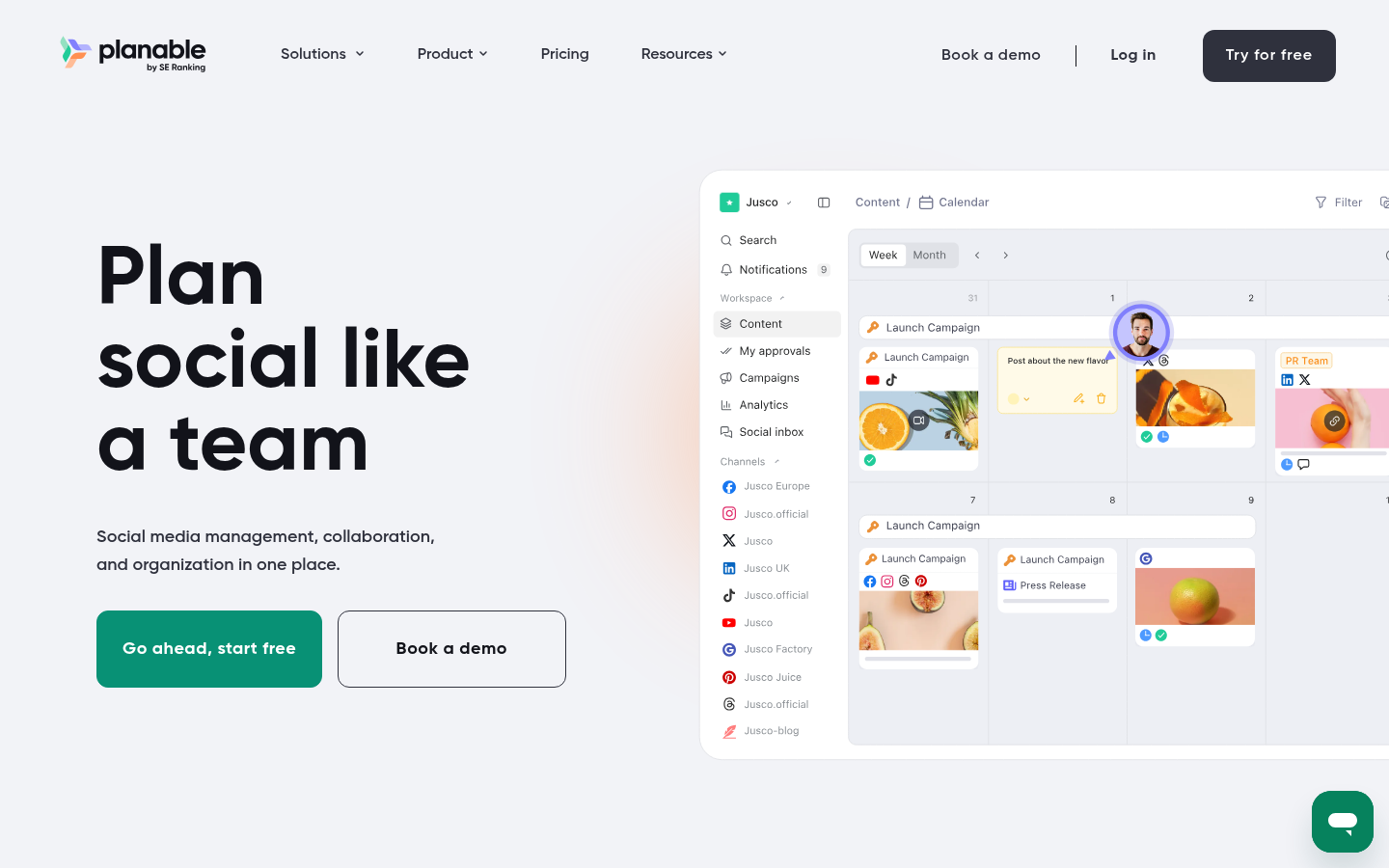
Planable is a social media management tool built around content collaboration and client approval.
Best for: client content approval workflows that replace email-and-spreadsheet approval chaos.
Standout: Clients review and approve posts inside the tool, with a visual calendar and feed preview across 9+ platforms and comments attached to each post. Multi-level approvals mean sign-off is recorded, not buried in an email thread. Every workspace allows unlimited users, so adding client reviewers does not raise the bill.
Why it works for an agency: Approval is the most error-prone step in social delivery. Planable makes it the gate: nothing publishes until the recorded sign-off, and the comment trail replaces the email-and-spreadsheet chase that leaks hours and loses versions.
Pros:
- Route posts through multi-level approvals with recorded sign-off
- Preview the client feed across 9+ platforms before publishing
- Add unlimited users per workspace, including client reviewers
Cons:
- Scope is content collaboration and approvals, not analytics
- Priced per workspace, so many clients add up across a roster
- Handles the approval step, not the wider delivery stack
Pricing: From $33/workspace/mo (billed annually; $39 month-to-month); unlimited users per workspace.
Our verdict: For agencies where approval chaos is the actual bottleneck, Planable replaces the email-and-spreadsheet chain with a recorded gate, and unlimited workspace users keep client reviewers off the seat count. It is a collaboration layer, not an analytics one. Priced per workspace, it adds up, so consolidate clients where you can.
The decision guide: what to run by where your agency is
Match your digital marketing tools to your delivery stage. Past the delivery wall at 20-30 retainers, standardize the recurring layer on SE Ranking. When white-label reporting eats analyst hours, pair SE Ranking reporting with Looker Studio. Social-heavy rosters run Sprout Social and Planable on top. Under margin pressure, cut the overlapping tools first.
If you are just past the delivery wall at 20-30 retainers: run an SE Ranking-led recurring backbone. Rank tracking, audits, and reports that assemble from live data belong in one place before you add specialized digital marketing tools. The recurring 80% is what breaks first at this stage.
If white-label reporting is eating analyst hours: pair SE Ranking reporting with Looker Studio. SE Ranking carries the scheduled client-branded reports; Looker Studio handles the custom dashboards clients ask for by name. Split the work by which one a client actually opens.
If your client base is social-heavy: run Sprout Social and Planable for scheduling and approvals, with SE Ranking underneath for the search reporting those clients still expect.
If margin is under pressure this year: consolidate on SE Ranking and cut the overlap. Marketers used only 42% of their martech stack in 2022, down from 58% in 2020 (Gartner). 59% of CMOs say they lack sufficient budget in 2025 (Gartner). Sprawl across too many digital marketing tools erodes margin. Standardize, then measure.
Our verdict: judge every consolidation in two numbers. Hours per account per month, and client-visible error rate. A stack change that moves neither is not worth the migration.
Frequently asked questions
Which digital marketing tools does an agency need to deliver at scale?
The digital marketing tools an agency needs at roster scale start with a recurring layer that assembles itself: rank tracking, audits, and white-label reporting in one platform, plus a measurement tool like GA4, a dashboard builder, and social or email tools matched to your client mix. Most agencies standardize the search and reporting layer on SE Ranking and add specialized tools around it.
How do agencies handle white-label reporting for clients?
White-label reporting means client-branded reports that assemble from live data on a fixed schedule, not analyst mornings spent in spreadsheets. SE Ranking’s white-label reporting and Agency Pack let you present reports under your own brand with client seats. For custom dashboards, agencies add Looker Studio. See SE Ranking’s features.
What are the best digital marketing tools for a marketing agency?
Judged on delivery fit, the recurring backbone is SE Ranking for search, reporting, and audits. Around it: GA4 for measurement, Looker Studio for dashboards, Sprout Social for social, Mailchimp for email, Canva for creative, Planable for content approvals. Match each tool to the work your clients actually pay for.
How many clients before an agency should systematize its tool stack?
The delivery wall usually arrives between 20 and 30 retainers, where adding accounts means adding chaos and manual work no longer scales. Systematize before that point, not after. Standardize the recurring layer first, lock reporting templates, then measure hours per account per month.