


Social media platforms have become our daily friends, and the amount of content we consume directly affects our perspective, decisions, and what content we trust.
Therefore, the more professional the content, the more trust it generates. Quality content can be gained with the help of professional equipment and studio editing, which of course takes time and money. However, if you are looking for a cheaper alternative that has the same quality, diverse AI tools are there to help.
They help to enhance the quality of the images you provide without altering their originality.
Keep reading this piece to learn about the best AI photo enhancers and their core qualities.
Simple Overview Chart
| Tool | AI Capabilities | Best For | Free Tier | Trustpilot Reviews |
| Krea.ai | Real-time generation, targeted editing, and upscaling | Digital artists, content creators, e-commerce, people who are looking for professional results | Yes, 100 compute units per day | ⭐3.6/5 |
| Topaz Photo AI | Uses machine learning models to maximize image quality | Hobbyist, e-commerce | No free trial | ⭐4.2/5 |
| VeniceAI | Increases resolution while generating new details | E-commerce, content creators | Only 3 free credits | ⭐1.8/5 |
| Upscayl | Uses deep learning models to create sharp and high-resolution details | Budget-focused creators | Yes, no limits | ⭐3.1/5 |
| LetsEnhance.io | Reconstructs real texture, fixes blur | E-commerce sellers | 10 free credits | ⭐4.0/5 |
| Pixlr | Fixes blurry or soft edges | Beginners, social media creators | Yes, limited (no specific credit amount mentioned) | ⭐2.0/5 |
| Fotor | Reconstructs missing details | Landscape shooters, content creators | Yes, limited (no specific credit amount mentioned) | ⭐3.7/5 |
7 Best AI Photo Enhancers Reviewed
Krea.ai
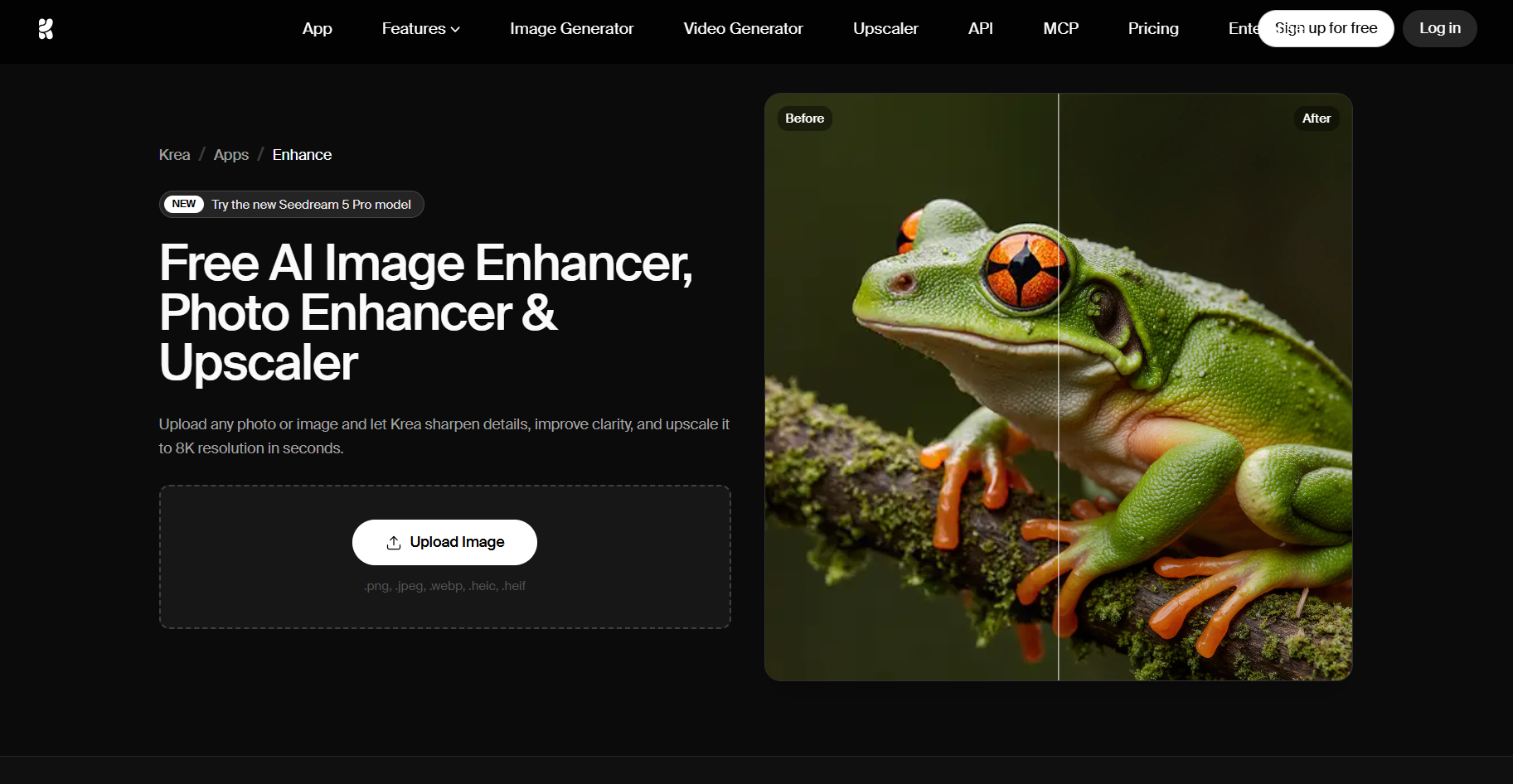
Krea.ai is an all-in-one AI creative suite that has a photo-enhancing function that sharpens low-resolution photos, works on the texture, and enhances photo clarity. The tool helps you achieve professional-quality pictures that will instantly grab the attention of your audience.
Key Highlights
- Choose Any Image: Krea’s upscale is perfect for any kind of image, including landscapes, portraits, animal photos, art pieces, graphics, and so on.
- Natural Result: The tool enhances the photo quality without adding any AI-ish details and maintains a natural look.
- Professional Quality: You can enhance the quality of the pictures up to 8K and even achieve 16K while making sure that the clarity of the image is maintained.
- Add Element: Except for upscaling, Krea can add textures, sharpen edges, and add new details that were not there in the original picture.
- Enhance Multiple Images: You can line up several images simultaneously to increase productivity and receive all the images you need in the shortest amount of time.
- Enhance Video: You can even upload your low-resolution videos and transform them into professional-quality pieces and even reduce the noise.
How to upscale image quality in 3 steps?
- Upload the photo you aim to upscale (it can even be a blurry image, product photo, or a low-resolution image).
- Click the “enhance” button and wait a few seconds till the AI upscales the image quality.
- Download your image and share it on your social media platforms.
Krea’s photo enhancer is a wonderful tool for achieving quality images and working on every detail that matters. It is perfect for photographers, content creators, or anyone who aims to receive professional results.
Topaz Photo AI
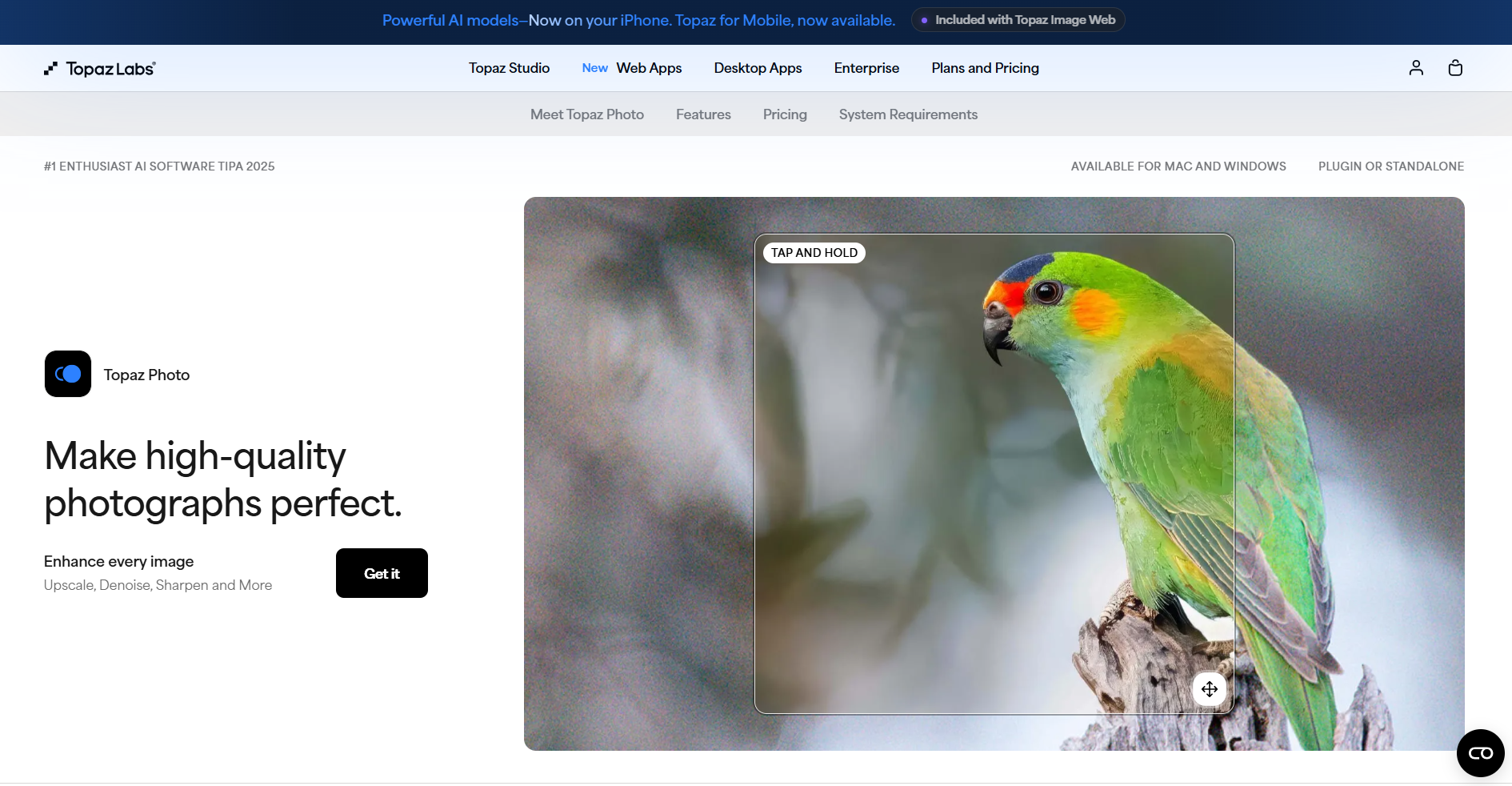
Topaz Photo AI is desktop software that integrates AI to enhance the quality of images and is an interesting tool for content creators.
Key Highlights
- Precision: The tool is developed for professional-quality image enhancement and helps to achieve clear and focused results while adjusting levels on every shot.
- Recover Details: Using the tool, you can not only upscale images but also recover image elements like color, lighting, people’s faces, and so on.
- Sharpening: Ability to maintain and enhance details like fur, feathers, or text in blurry shots.
- Removal: Removal brushes assist in removing unwanted elements from the background.
Topaz Photo AI can be considered a good photo enhancer for people who want detailed results and clear pictures.
VeniceAI
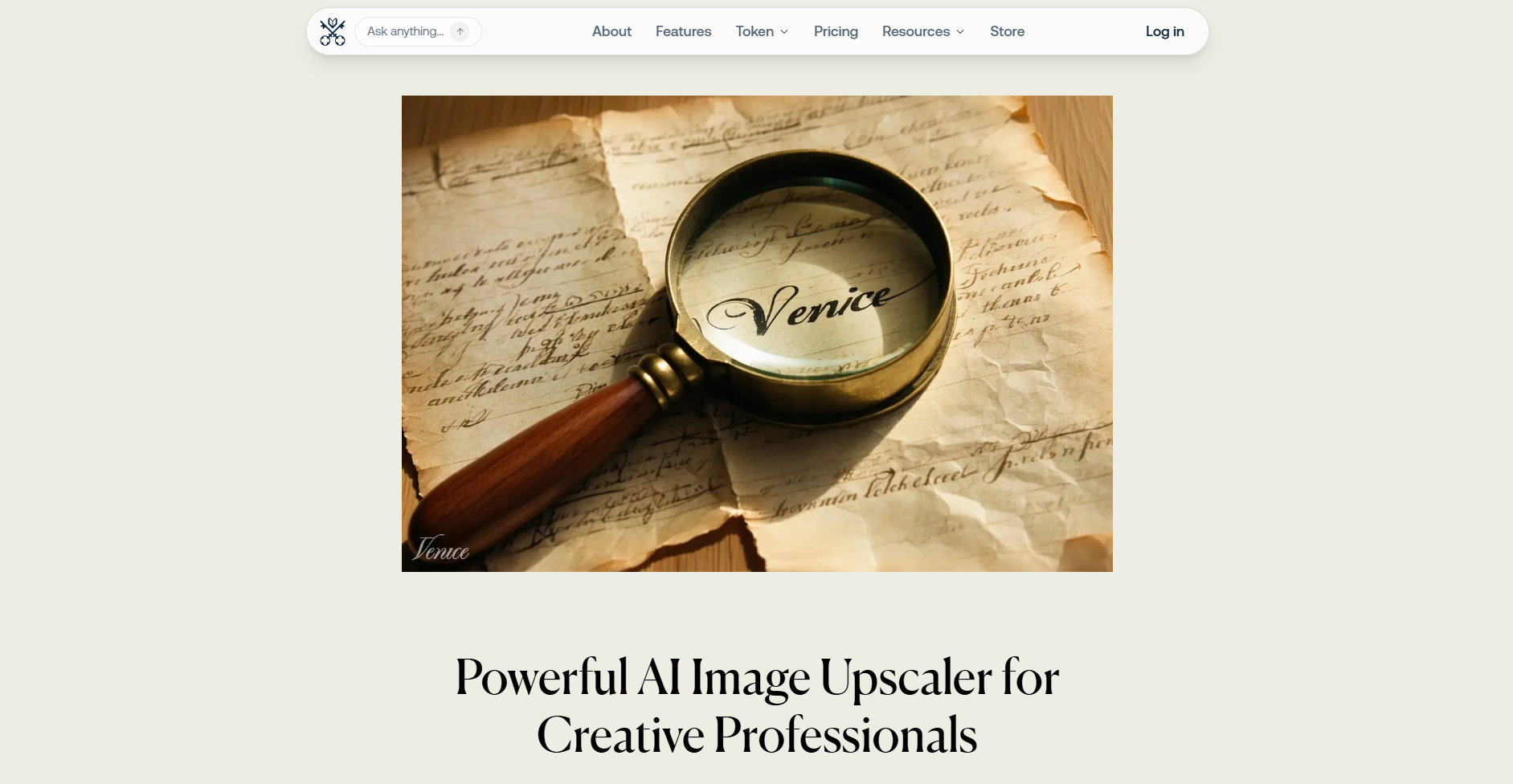
Venice AI is a generative AI platform that also has an upscaling feature that helps to enhance image quality and maintain essential details.
Key Highlights
- Upscale the Quality: You can double or quadruple image resolution while maintaining original details and style.
- Enhance the Image: Ability to add refined details to the original image with the help of Venice’s AI to receive the most personalised result.
- Possibility to Edit: You can control the textures and use the drag-and-drop feature to change any details.
- External Images: You can not only upscale or enhance the images generated by Venice but also add any image that comes to your mind.
VeniceAI is another image enhancer that gives an opportunity to increase the quality and edit any images you aim to post on your social media accounts.
Upscayl
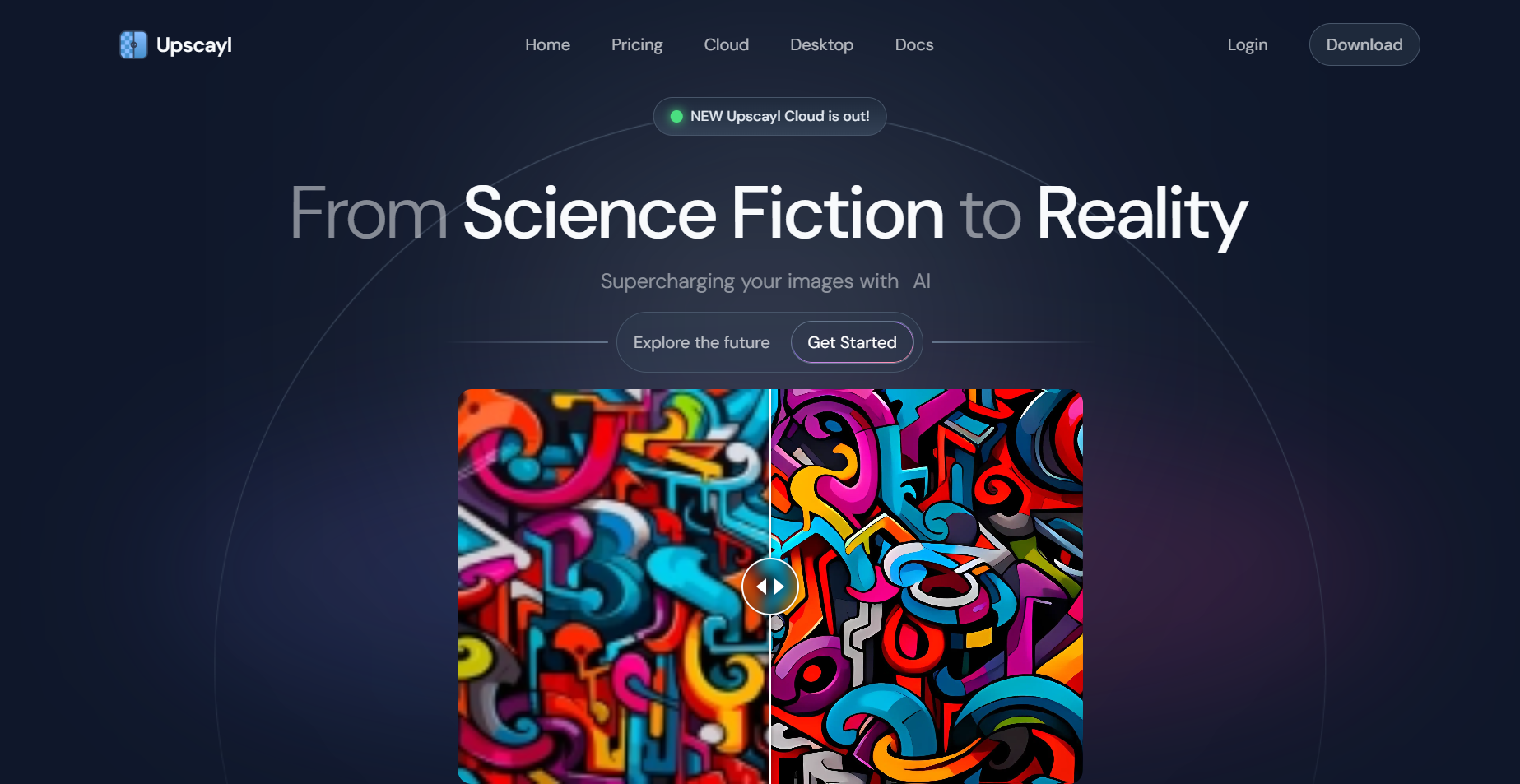
Upscayl is an open-source AI image upscaler that enhances low-resolution photos into high-resolution ones.
Key Highlights
- Made for: The tool is great for designers, businesses, creators, artists, developers, and anyone who aims for quality images.
- Quick Result: The tool aims to provide the fastest possible result, helping you save time and reduce stress.
- Accuracy: With Upscayl, you will keep everything from color to style intact, giving you precision.
- Batch Upscale: You can upload several photos at once and upscale them together.
For those who aim for quick and clear image Upscayl is an interesting tool to consider.
LetsEnhance.io
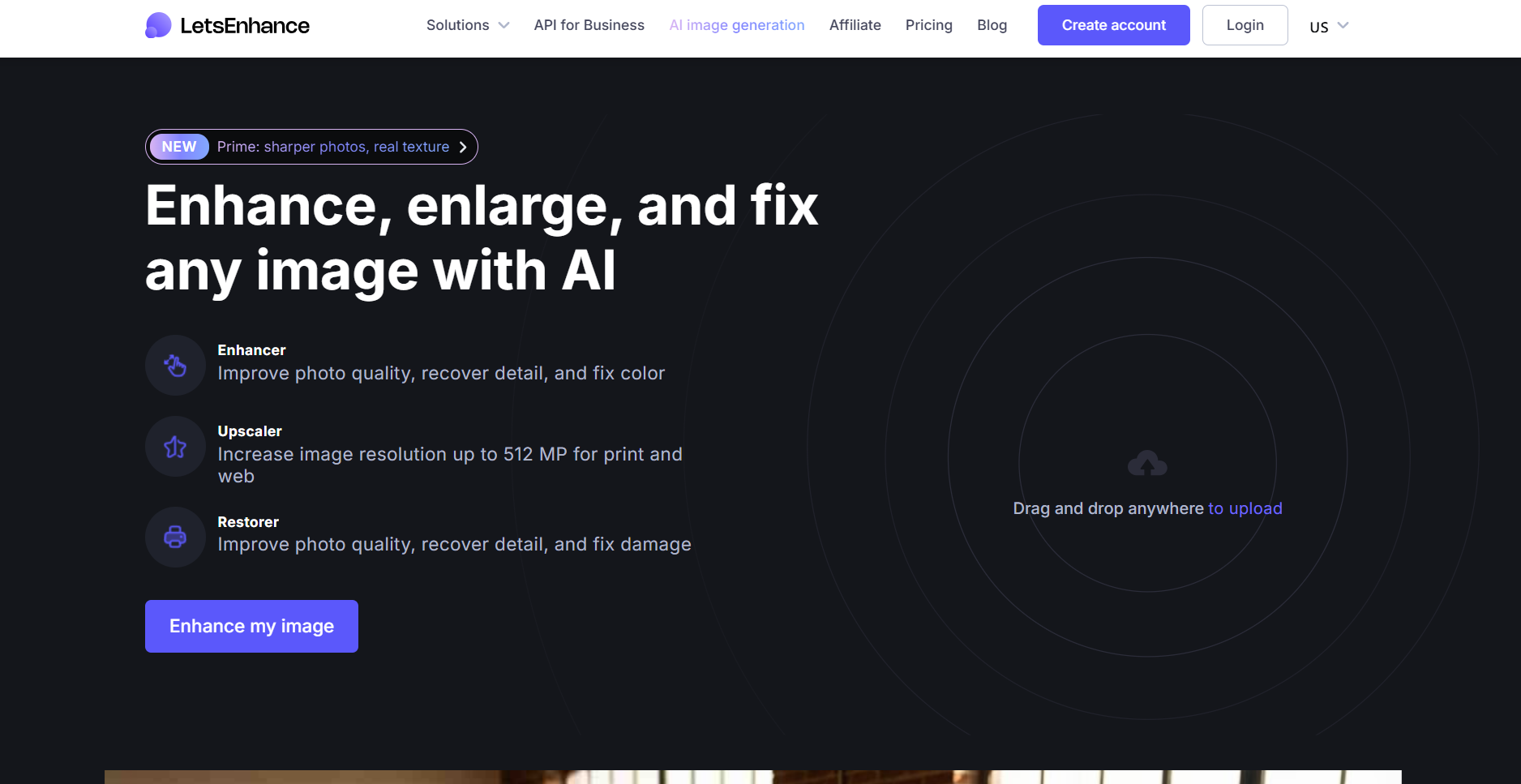
LetsEnhance.io is an online editing platform that integrates AI to sharpen and improve the quality of images.
Key Highlights
- Improve the Quality: You can increase image quality up to 512 MP for web and print.
- Enhance Your Image: Recover any details in the image, fix colors, or edit details you aim to change.
- Maintain Natural Results: On LetsEnhance, you can avoid weird or fake-looking results since the tool gives natural-looking results.
- Use the Image for your Ads: The tool increases the image quality, making it perfect for posters, wallpapers, canvas, and merchandise.
LetsEnhance is another good image enhancer for getting quality and natural results.
Pixlr
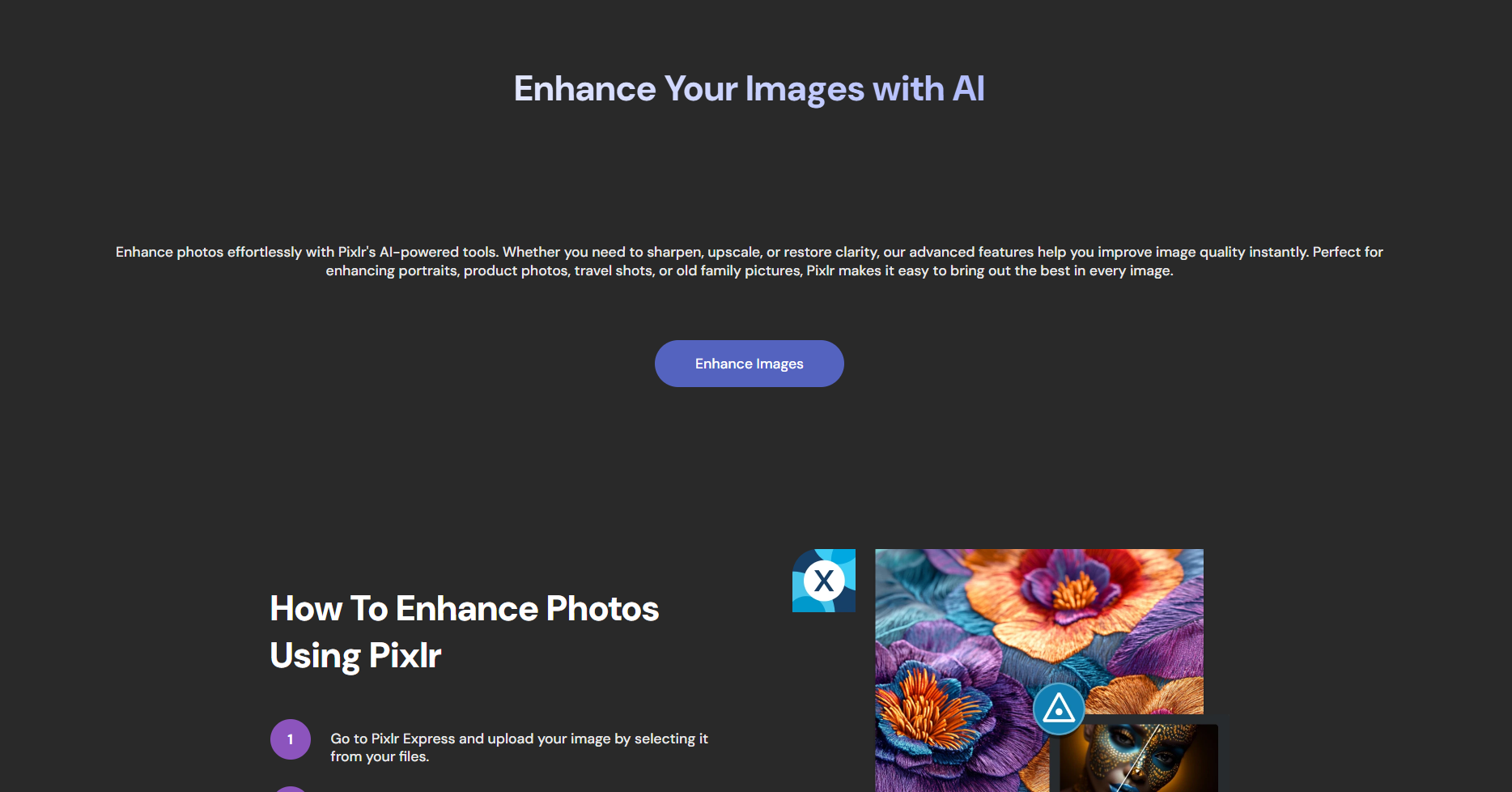
Pixlr is a cloud-based, online photo editing suite that helps you increase the image quality directly in the browser.
Key Highlights
- Upscaling: The tool increases the low-resolution image quality while maintaining sharp edges and fine details.
- Image Sharpening: Restores clarity, enhances facial features, and is a good tool for blurry images.
- Remove Objects: This tool assists in removing objects or any other spot that you might want.
- File Types: You can store your improved image in a variety of file types like JPG, PNG, WebP, or PDF format.
For those individuals who aim for clear and sharp images and fast results, Pixlr is a good AI enhancer.
Fotor
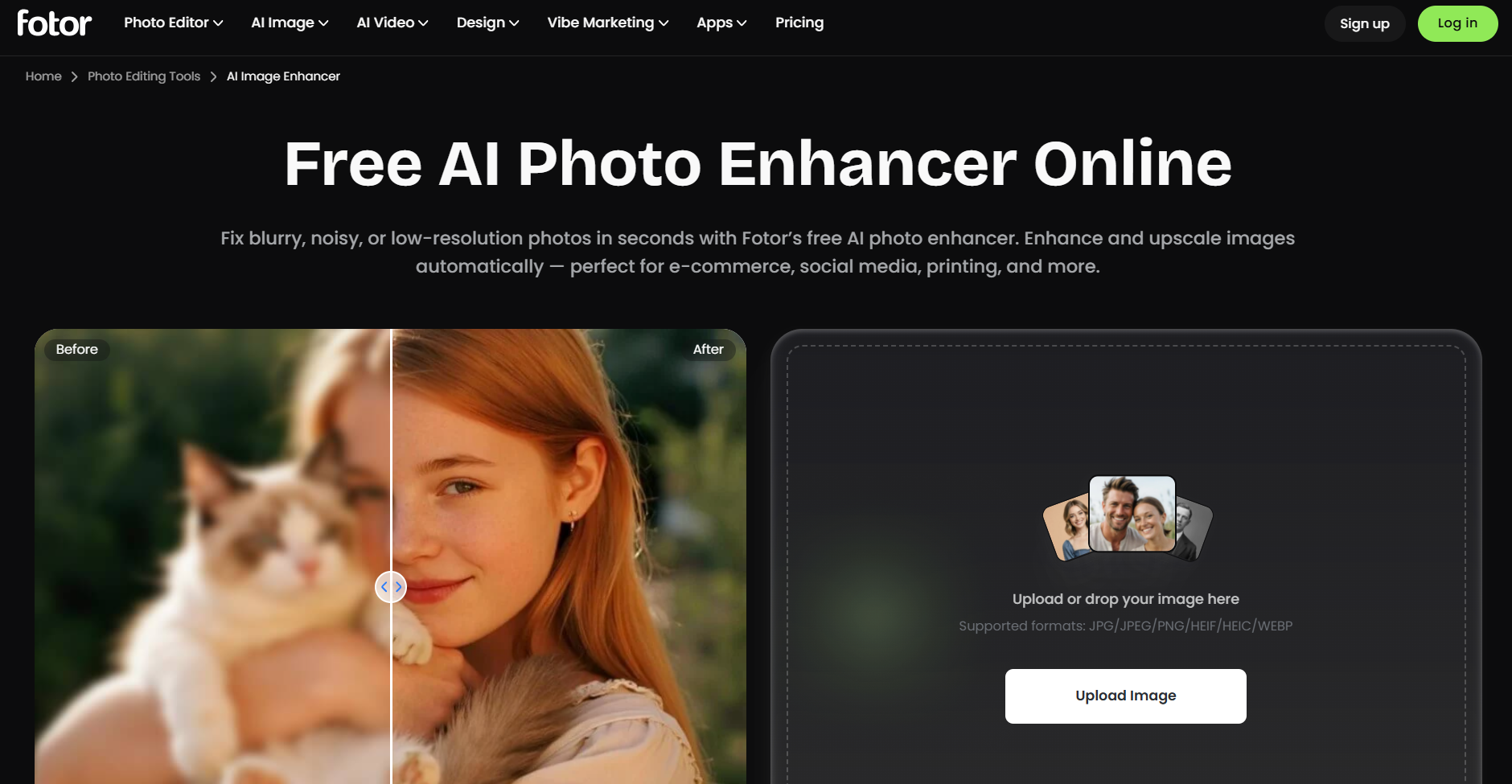
Fotor is yet another AI-driven photo editing tool used for enhancing images.
Key Highlights
- Upscaling: Fotor increases the image resolution and enlarges the image to 2 or 4 times the original size.
- Detail Sharpening: The tool is good for working with blurry images and refines fine textures such as hair or fur.
- Cross-Device Use: You can upscale images using a browser, desktop, or mobile application.
- For Diverse Cases: It is suitable for image upscaling for purposes like e-commerce, social media, photo printing, marketing, and more.
Fotor is another easy-to-use image upscaler that provides quick and effective results.
Core Takeaway
Numerous AI photo enhancers give fast and affordable alternatives to traditional photoshoots and editing and help to achieve quality results for social media accounts and for promotional purposes.
With these tools, we can not only upscale the quality but also work on the colors, lighting, and even add and remove any details that come to mind.
Choose the AI enhancer you like the most and use your creativity to achieve the best possible result for your own case.