


Good visual communication does more than make information attractive. It helps people find the main idea, understand relationships, and remember what deserves attention. Designers, writers, educators, and content teams often need imagery that supports those goals without overwhelming the message. New image-generation workflows can help explore possibilities quickly, but their real value depends on how thoughtfully they are directed.
Images as Part of the Message
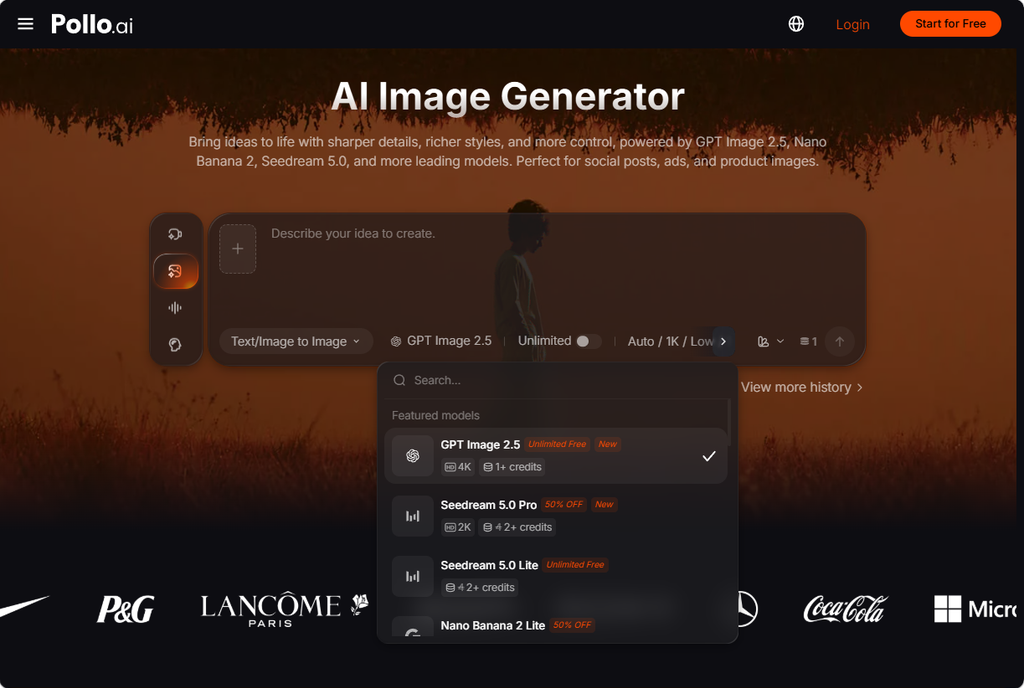
For designers who work across presentations, web pages, campaigns, and educational content, Pollo AI’s transform text to image with Al instantly workflow offers a way to turn a written concept into a visual direction. Instead of searching for a vaguely suitable image, a creator can describe the audience, communication goal, visual hierarchy, and emotional tone. That makes the image part of the planning process rather than a decoration added at the end.
This is especially useful when a concept is difficult to represent with ordinary stock photography. A designer explaining a complicated workflow might need an image that suggests sequence, comparison, or transformation. A communication instructor might want several visual metaphors to help students discuss symbolism and audience interpretation. By generating early concepts, the team can discover which visual ideas clarify the subject and which ones introduce noise.
Pollo AI brings together several image models, including GPT Image 2.5 and Seedream 5.0. Different models can produce different interpretations of the same brief, which is helpful during exploration. The platform also provides more than 2,000 commercial-ready LoRA models, allowing creators to test distinct visual treatments for posters, sketches, merchandise concepts, emoji-style graphics, and other focused applications.
Start with Audience, Purpose, and Context
The strongest visual brief begins with communication fundamentals. Who will see the image? What should they understand first? What action, feeling, or question should follow? These questions prevent a common design mistake: choosing an attractive style before deciding what the image needs to communicate.
A visual for a university handout may require calm structure and obvious labeling. A campaign concept may need a stronger emotional hook. A professional presentation may benefit from restrained color and generous space for accompanying text. The same subject can therefore require very different treatment depending on audience expectations and reading conditions.
Composition should be considered alongside style. A prompt can reserve space for a headline, place the focal object on one side, or specify a clear foreground and background relationship. Those decisions are not minor technical details. They influence how viewers scan the page and whether the image supports or competes with the written message.
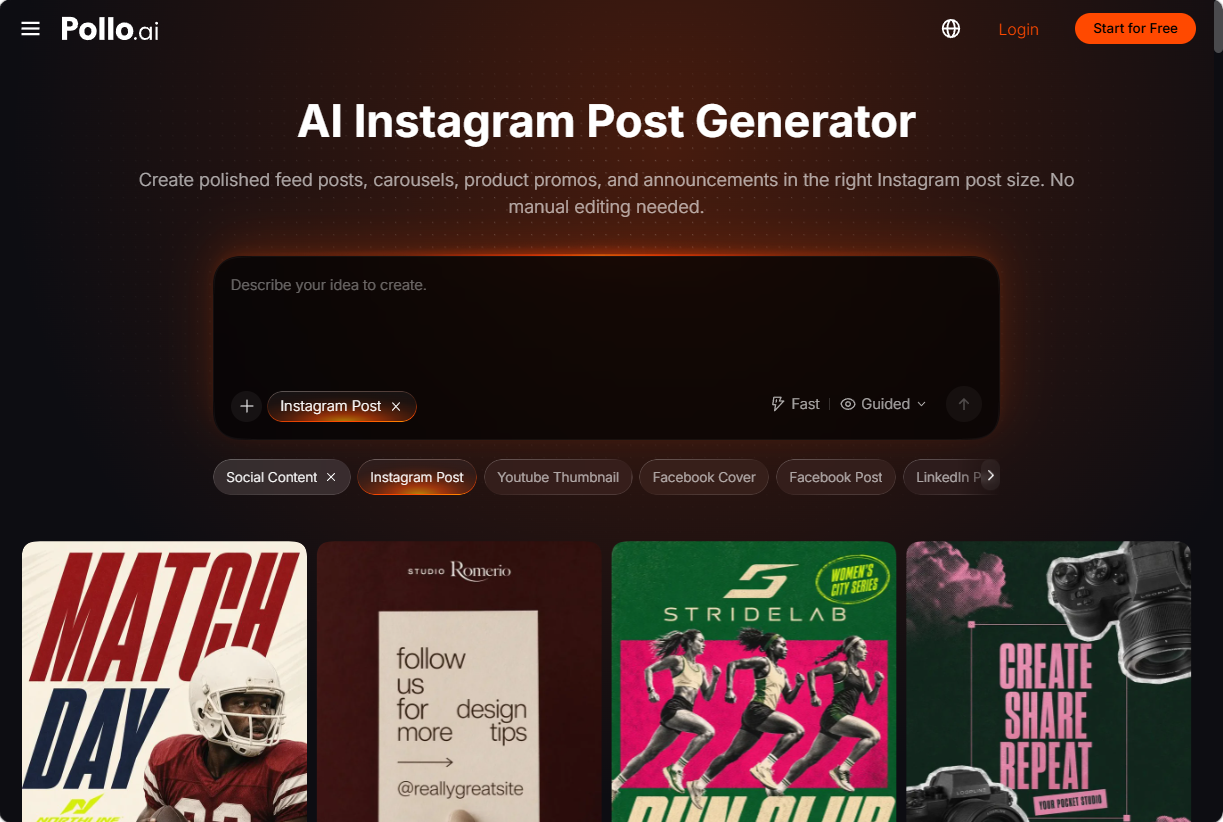
For social communication, Pollo AI’s AI Instagram Post Generator can turn a prompt, product image, or campaign idea into square, portrait, or carousel-ready graphics. The tool is useful for visual communication teams that need to test how one message behaves across different layouts. It can also generate several options from one brief, making it easier to compare hooks, color approaches, product angles, and text hierarchy.
A Practical Method for Building Visual Concepts
Define the visual job
Write one sentence describing what the image must help the audience do. It might clarify a process, establish a mood, introduce a topic, or make an abstract idea easier to discuss. If the purpose cannot be stated plainly, the image brief probably needs more work.
Describe relationships, not just objects
A list of objects rarely creates a meaningful composition. Explain how the elements should relate to one another. A central subject might be surrounded by supporting details, placed against a quiet field, or contrasted with a crowded background. These relationships guide attention more effectively than a long catalogue of visual ingredients.
Leave room for revision
The first generated image should be treated as a draft. Review it for hierarchy, cultural assumptions, unnecessary detail, and possible confusion. A result can be technically polished and still communicate the wrong idea. Designers should be willing to simplify the prompt, alter the viewpoint, or remove an impressive but irrelevant element.
Keeping Social Graphics Coherent
A series of posts can lose its identity when every image uses a different visual language. Consistency does not mean repeating the same composition. It can come from shared color cues, similar levels of contrast, stable product treatment, or a recurring relationship between text and image.
The AI Instagram Post Generator can help teams explore those variations while keeping a product’s shape, color cues, and recognizable identity more stable across layouts. That is useful for launch campaigns, educational series, event announcements, and creator content. Several versions can be compared before the final design is selected, which makes the review conversation more concrete.
Pollo AI’s transform text to image with Al instantly capability can serve a similar role during early concept development. It gives a team something visible to discuss: the balance of space, the implied audience, the emotional temperature, and the strength of the focal point. Those discussions are often more productive when they begin with a draft rather than an abstract description.
Design Judgment Still Leads
Generative tools can widen the range of visual ideas, but they do not decide whether an idea is appropriate. A communication designer still needs to consider readability, cultural meaning, accessibility, brand context, and the consequences of visual emphasis. The best result is not always the most detailed or dramatic one. Often, it is the image that makes the intended message easier to grasp.
Used in that spirit, Pollo AI’s AI Instagram Post Generator and text-to-image workflow can support a more deliberate design process. They help teams move from words to visible alternatives, test layouts earlier, and refine communication before production time becomes expensive. The technology is useful because it creates room for better decisions, not because it removes the need for them.