



Do you want to create a logo for your business that will immediately tell customers about your brand identity and objectives?
Then you don’t need to spend months collaborating with designers. Instead, different AI-powered logo makers can help you make the design easily in a matter of seconds.
They also provide customization options to easily change the designs and make them perfect for your business.
In this guide, we will introduce 2 leading logo makers: Design.com and Looka. What’s more, we will create logos with them and help you understand which one to choose for your own case.
TL;DR
- We tested both logo makers by creating logos for the shoe brand.
- Design.com: Faster and more flexible option, with 500K+ templates, professional designs, and AI integration. Has a free tier allowing you to download a logo for free; paid plans start at just $3/a month (billed annually).
- Looka: The logo generation tool took longer, provided fewer options, quality was good. There’s no free tier here, and pricing starts at $35 just to download a single logo file.
Our Testing Methodology
We decided to make a logo for a fictional shoe store called “Flex Shoes” and added it as a keyword: “logo for a shoe store.”
While testing the platforms, we tried to pay attention to every aspect that mattered, and in our case, they were:
- The logo creation speed.
- Quality of the logos.
- Variety of designs.
- Matching the chosen field.
- Ease of use and customization capabilities.
Now, let’s read further and discover the logo makers and their main advantages.
Simple Comparison Chart
| Main Aspects | Design.com | Looka |
| Trustpilot Ranking | 4.7 ⭐ | 4.4⭐ |
| Ease of Use | The platform is highly user-friendly; the drag-and-drop interface makes editing easy for anyone | Good platform for non-designers; it has an intuitive interface |
| Design Suite | The platform provides 50+ design tools to create any design, including logos, business cards, websites, digital business cards, flyers, social media posters, menus, QRs, brochures, animations, presentations, videos, letterheads, etc. | We can generate social media graphics, business cards, logos, brand colors, and more |
| Support | 24/7 email and chat support | Online customer support |
| Free Offerings | Design.com offers a free tier. While downloading a logo for free, you can also get access to a free website builder, link-in-bio creator, and digital business card maker. You also receive access to 50+ design tools and can create anything that comes to your mind. You need a premium subscription to download designs using the design tools. | Looka does not offer any free plans |
| Pricing Plans | Design.com’s pricing plans for logo making are the following: Starter: $3/per month/billed annually – the logo is yours forever, high-resolution files, 50+ design tools, and a template library. Value: $4/per month/billed annually – templates, design tools, and a more flexible and advanced website. Premium: $5/per month/billed annually – access to design tools, website, digital business card, and link in bio. | Here are Looka’s logo maker pricing plans. Basic Logo Package: $35/one time purchase- one PNG logo file. Premium Logo Package: $72/one time purchase- multiple file types, color variations, post-purchase changes, complete ownership. |
Review and Testing of the 2 Logo Makers
#1 Design.com
Design.com is a leading logo maker that provides hundreds of templates to create logos for any field or industry.
The platform integrates AI to make logo creation easy, even for people who do not have any design experience.
Main Highlights of the Tool
- Templates: There are 500K+ logo templates and over 1 million design templates.
- AI-Powered: The platform has an advanced AI integration, including an AI logo generator, AI website builder, AI business cards, AI flyers, AI posters, AI presentations, AI business name generator, and AI background remover.
- Customization: There are 750+ fonts available, 525+ of which are exclusive. What’s more, there are 62K custom shapes you can choose from.
- Commercial Rights: Users get 100% ownership and extensive licensing over their logos.
- Domain Name: You can register your domain name along with your logo.
- Print the Logos: You can get the logo printed on cups, mugs, T-shirts, caps, and will get free delivery on the printed items.
- Favorite List: You can add your favorite designs to the shortlist and easily access them later.
- Voting Poll: Share the logos with your teammates and collect their opinions.
Logo Creation with Design.com
We created the logos using the following steps:
- For generating the logos, we simply added the logo name and keywords.
- Logos were generated quickly, and all of them had elements looking at which we would quickly identify the industry. One of the main aspects was that there were so many templates to choose from that the creation and customization would become really easy.
- The quality of the logos was high; professional designers were involved in the creation process that’s why the logos had interesting colorings, shades, gradients, and modern design.
- The customization option allowed users to change the color, font, and background, as well as add shapes and animation to the logos.
- There is another AI editing feature that we can use to make personalized changes to the logo. As you can see in the image above, we asked it to add a star to the logo and received a professional result in under a minute.
Another interesting point was that we could see the logos on banners, websites, and business cards to understand whether we like them or if there are any changes we might need to make.
Our Takeaway
Here is a small summarizing chart of the main points:
| Essential Highlight | Our Review |
| Ease of Use | Very easy to use. Just enter the business name and keywords, and logos are generated in seconds |
| Design Quality | Professional designs, good use of color, gradient, and shading |
| Template variety | 500K+ logo templates make it easy to find options that match the industry |
| Customization | Full control over color, font, background, shapes, and animation *** There is an AI editing capability that allows you to make personalized changes |
#2 Looka
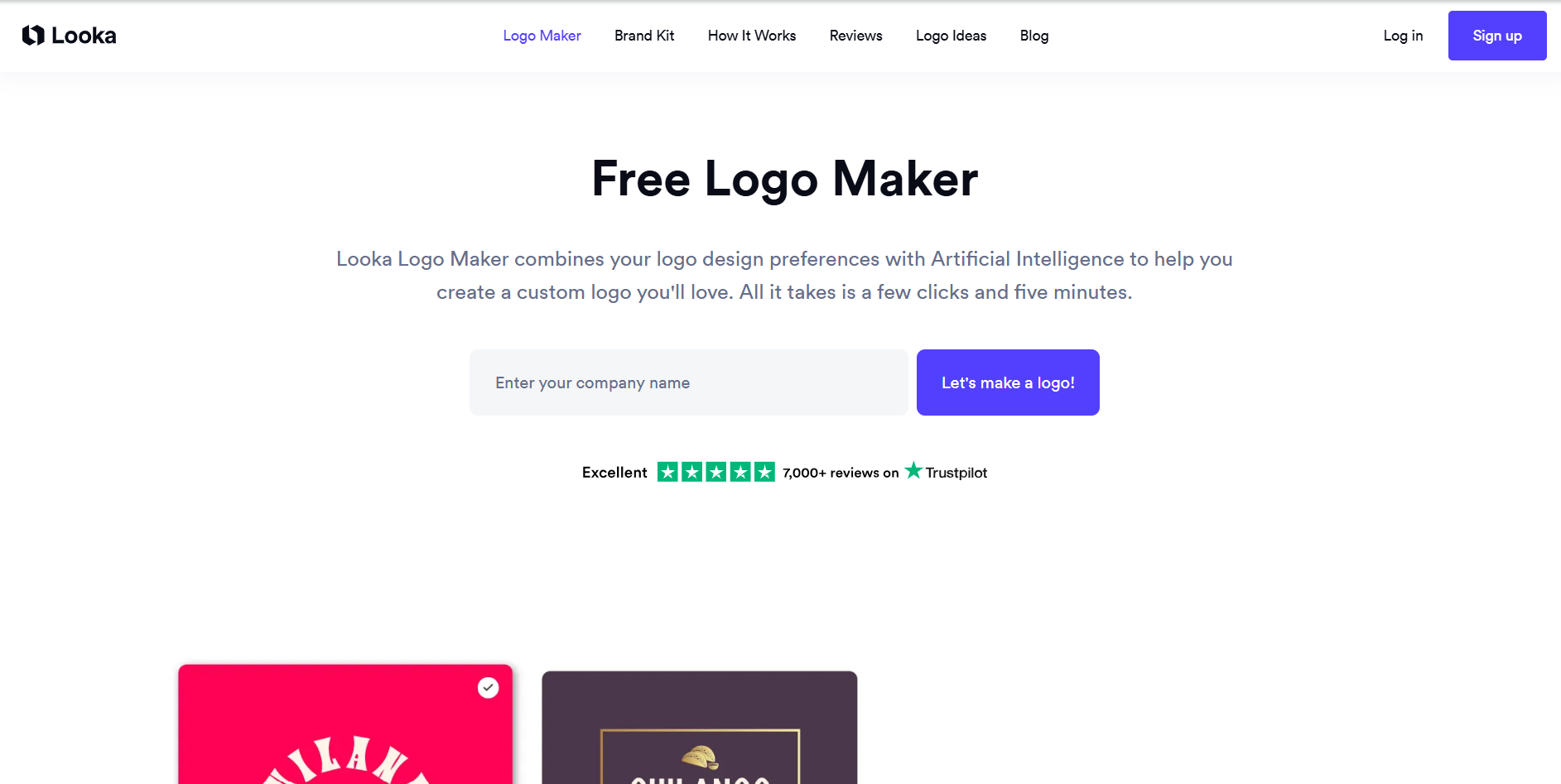
Looka is another AI-powered design tool that can help users to create custom logos for different fields without even having background experience.
Main Highlights of the Tool
- Color Variations: You can get color, black-and-white, and transparent backgrounds for your logo.
- Files: You can download the logos in PNG, JPG, SVG, and EPS formats.
- Templates: There are 300+ templates for different industries that you can choose from. Additionally, you can design posts for Facebook, YouTube, or other social media platforms.
- Commercial Rights: You can use the logo for any commercial or personal purposes.
- Changes: Even after purchasing the logo, you can make unlimited changes.
- Brand Info: You get a resource with your logo fonts and colors that you can use for your whole branding.
Logo Creation with Looka
Here is our logo creation process with Looka in a few steps:
- Creating logos started with entering the business name, industry, picking the logos we already liked, colors, and choosing symbols.
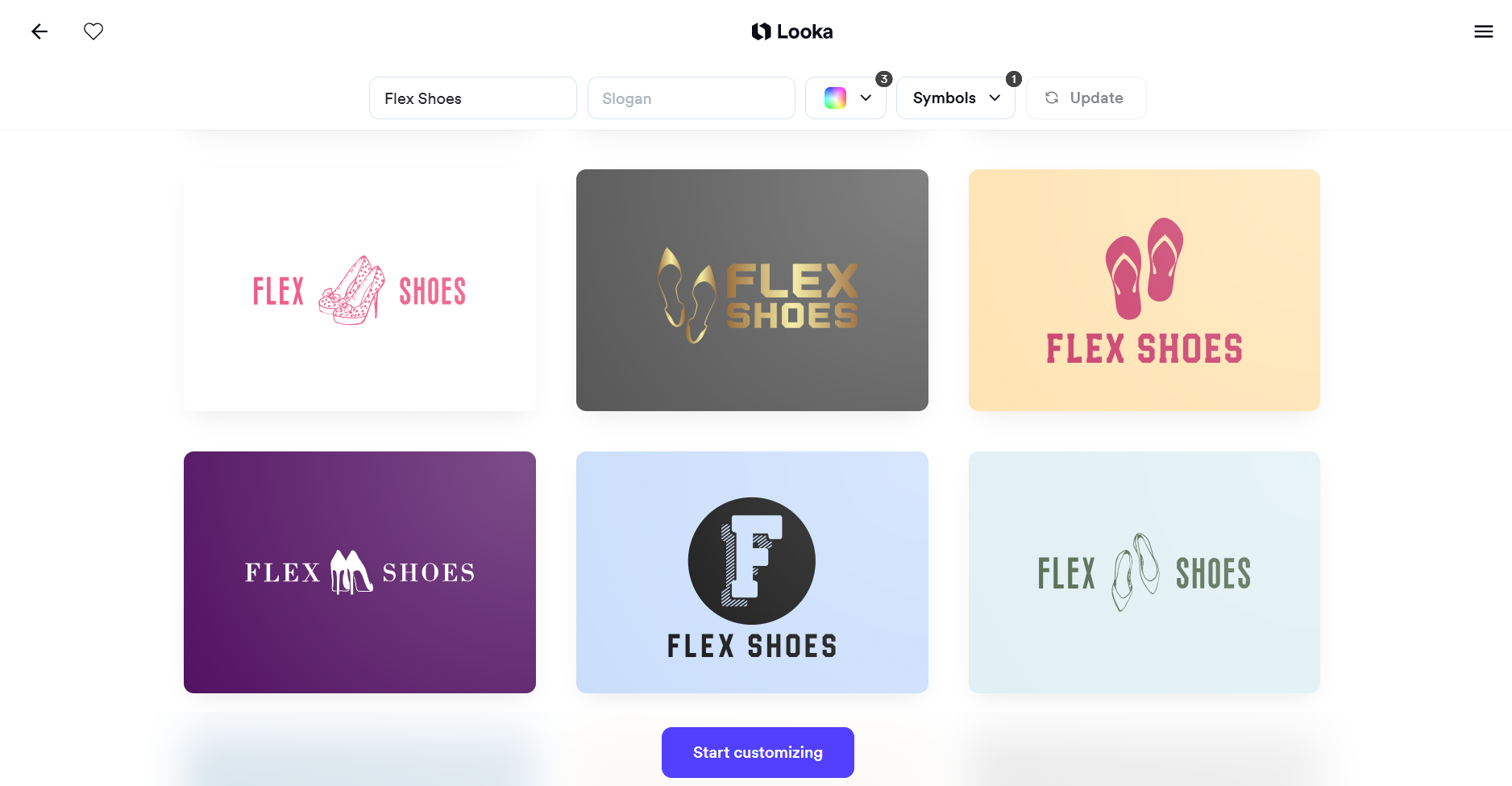
- The logo generation took longer, and overall, the options we could choose from were limited compared to Design.com.
- The quality of the designs was good; it had interesting elements reminding about the field; however, not in all cases.
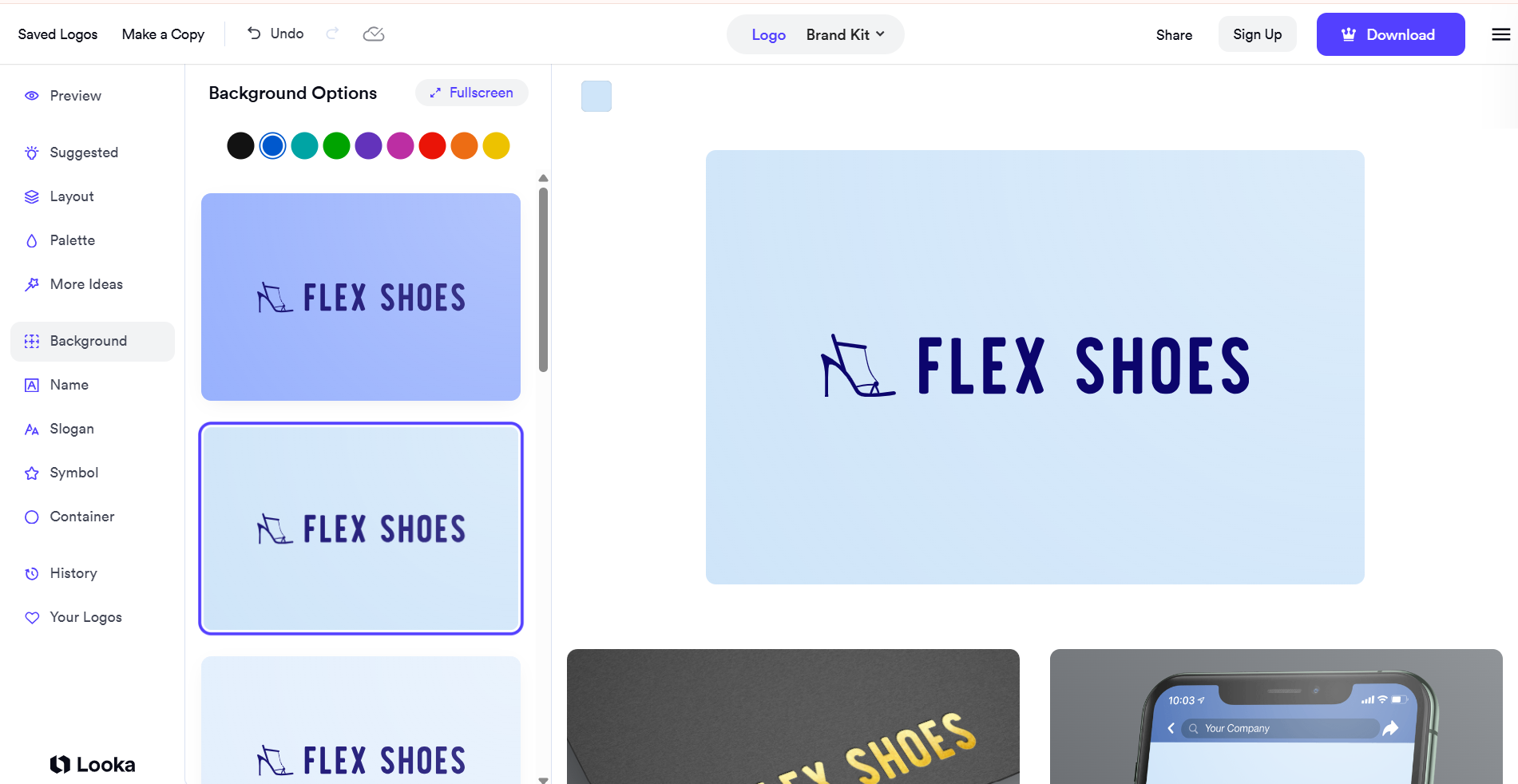
- The customization option allowed us to change the colors, layouts, symbols, fonts, add a logo to favorites, and preview it.
Our Takeaway
Here is a small summarizing chart of the main points:
| Essential Highlight | Our Review |
| Ease of Use | Easy to use: enter the business name, industry, and pick preferred colors/symbols, though it was slightly longer |
| Design Quality | Good overall, with some designs reflecting the industry well, though not consistently across all results |
| Template variety | More limited option; fewer logos to choose from |
| Customization | Ability to adjust colors, layouts, symbols, and fonts, save to favorites, and preview the design |
The Bottomline
As a result of our test, both of the tools suggest interesting logo designs.
They provide a template library and are interesting options for non-designers. But which tool you should prioritize solely depends on your priorities.
If you ask us, we would recommend choosing Design.com since it not only offers different logo designs and advanced AI integration but also professional quality, customization options, and a free tier.
Looka is an easy tool to use, but it does not provide a free tier; its pricing plans are more costly, and not all the logos include interesting design elements.
You can also conduct your own testing and choose the tool that stands out to you the most.