
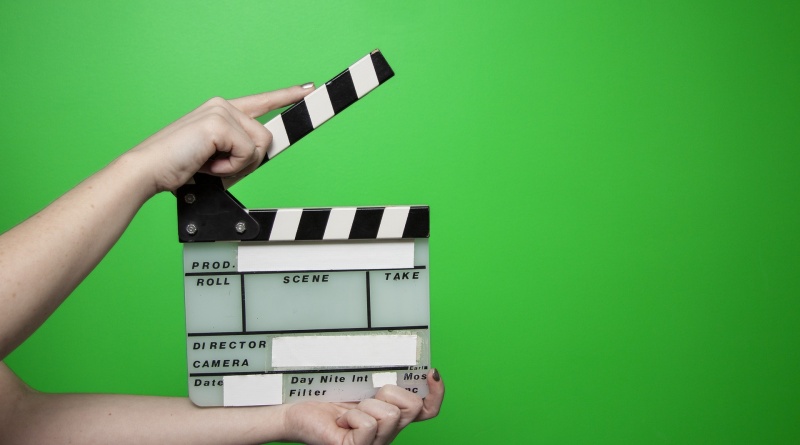
A Guide to Using Green Screen Like A Pro
The use of green screen has exploded in popularity over recent years. What was once exclusively used for movies and TV shows is that content creators are now using the technique for their online videos.
The good news is that, of all the filmmaking techniques available, using green screens is far from the most complicated. Yet even though it isn’t that difficult to figure out, there are certain pitfalls you need to avoid – especially if you want a professional finish that avoids noticeable blemishes.
Whether you are creating a small-budget film or streaming on Twitch, below is a quick guide to using a green screen like a pro.
Green or blue?
When it comes to chroma keying your video project, your mind will generally point towards using a green screen. This is the most common color these days for this type of project. However, blue screens are also used on occasion – and they’re the better choice for certain situations.
For instance, if your shot features any green elements and uses a green screen, these will cause keying issues during editing. It will cause the green items to become transparent, just like the screen behind them. Those with blonde hair may also prefer using a blue screen as green can spill into that type of light-colored hair.
With that said, green is the prevalent screen choice for a reason. The sensors on video cameras are more sensitive to green than any other color, which means it typically produces the cleanest key. This results in it being the most effective and easiest color to use in most cases.
The right lighting
As for the most important elements of using a green screen, the right lighting is at the top of the list. Simply put, you never want shadows on your screen. If you have shadows, this will result in a bad key. When you have a bad key, you will have a seriously bad time editing.
Along with going for a softer light, make sure your light source is spread as evenly as possible across your green screen. It is also advised that you use separate lighting for the subject.
Furthermore, the position of the subject and the green screen plays a role. To avoid those dreaded shadows and other problems, you should produce as big a separation between the two as you can.
Camera settings
You have the right color screen. It is evenly lit up. You have everything ready to start, right? Well, not quite. You also have to ensure your camera settings are optimized for use with a green screen.
In that regard, one area to focus on is the shutter speed. You want to minimize the impact of motion blur that can occur with using a green screen. This can be done with a 1/80 or 1/100 shutter speed. Other points include going with either an f4 or f5.6 aperture, avoiding high ISOs, and going with your camera’s best recording format.