
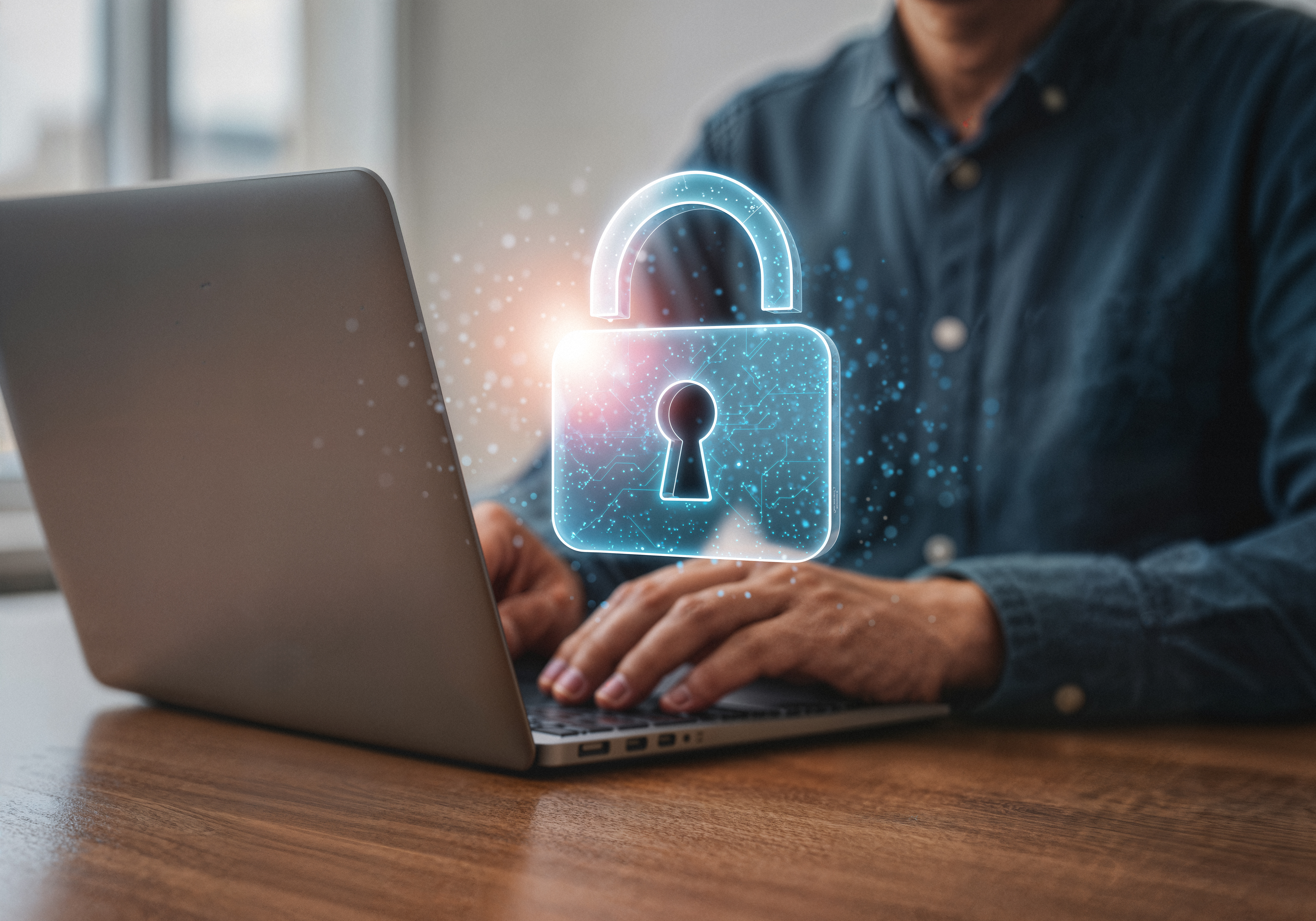
From Pixels to Privacy: Designing Visual Content with Security in Mind
Here’s a figure that might surprise you: less than one-quarter of American smartphone users feel in control of their personal data online—only about 23% say they have that security.(turn0search0) That tells us two things: people feel vulnerable, and visual content often plays a silent role in that exposure.
Think about it—logos, campaign images, case studies, even customer screenshots can carry more personal details than you realize. A background computer screen might reveal an email address. A testimonial photo could show a license plate. A campaign mock-up might accidentally display real credit card digits in a UI.
So if your creative team works with case study images, marketing visuals, or campaigns featuring real customers, how do you balance visual appeal with privacy protection? The challenge is real, but the solution is clear: design with security in mind.
Why Visual Privacy Matters
Visual content doesn’t just tell your story—it can reveal more than you intend. A polished campaign can hide small oversights: names left in dashboards, unblurred files in the background, or metadata embedded in images. That’s data waiting to be mined by malicious actors.
And theft isn’t rare. Logos are cloned into phishing sites. Stock images are manipulated into deepfakes. Customer case studies get scraped, copied, and republished without consent. Once something visual goes live, it can spread globally in seconds.
We face a simple problem: we want to look good—but not at the expense of trust. Without protective measures, a campaign meant to inspire can turn into a liability.
Teaching Creative Teams Secure Design
But before diving into specific steps, it helps to shift how creative teams think about privacy in their day-to-day work.
Normalize Privacy in Briefs
Start every project with privacy questions. Don’t tack it on later. If your team uses real customers, ask: “Do we have consent, and is it documented?” Add privacy checks into creative briefs, so designers see them as part of the brand story—not a hurdle.
Anonymize Where Possible
Not every campaign needs a real face or real details. Use illustrations, avatars, or blurred screenshots. For testimonials, initials often work just as well as full names. It’s about striking the balance: showing authenticity while protecting identity.
Use Placeholders for Sensitive Info
A surprising number of leaks happen from mock-ups. Designers type in their own phone number or use a colleague’s email for an example—and it slips into the final post. Instead, set rules: only placeholders like [phone number] or [email@example.com] go into visuals.
Train Teams on Risk Recognition
Don’t assume designers know what counts as “sensitive.” Run quick workshops. Show them how GPS metadata in a photo reveals a location. Explain why leaving a customer invoice unblurred in a background shot is risky. Security becomes second nature once they know what to look for.
Secure Visual Workflow Steps
The right workflow protects both assets and people:
- Consent first. Use signed release forms before publishing any image with identifiable people.
- Secure storage. Keep assets in encrypted drives with restricted access, not random shared folders.
- File labeling. Tag sensitive visuals with notes like “PII—Anonymize before use.”
- Watermark logos. If your logo is shared for PR, watermark drafts to avoid phishing misuse.
- Final review. A second set of eyes can catch the details designers miss.
These steps sound small, but together they build a safety net.
Hidden tracking apps when used wisely can actually help businesses. Think of them as a digital alarm system. If someone republishes your logo on a suspicious website or uses your creative asset without consent, you want to know about it quickly.
A Spynger review shows how some tools can discreetly track activity or detect misuse across platforms. They let businesses protect brand assets and intellectual property. For instance, marketing teams can monitor whether a campaign image appears in an unapproved context, helping them act before reputational damage spreads.
Of course, the key word is “ethically.” Always respect privacy laws, inform teams about monitoring, and limit tracking to brand protection—not invasive surveillance. Used this way, tracking tools become allies, not threats.
Quick Tips to Secure Every Step
| Tip | What to Do | Why It Matters |
| Consent First | Always get written permission for images. | Avoids legal and ethical issues. |
| Blur or Replace | Hide details like addresses, screens, or plates. | Protects personal identity. |
| Use Metadata | Add privacy notes in files. | Helps teams follow rules. |
| Control Distribution | Share only through secure channels. | Stops leaks before they start. |
| Review Before Publish | Always double-check visuals. | Catches small but costly mistakes. |
A Culture of Privacy-First Creativity
When teams embrace secure design, the benefits go beyond compliance. You build stronger trust with customers who know you care about their privacy. You protect your intellectual property from theft. And you free creatives to innovate boldly, knowing they have a safety framework in place.
Pixels tell your brand’s story—but unprotected visuals can damage your reputation. By training creative teams, anonymizing wisely, embedding privacy in workflows, and using ethical tracking, you show that security and creativity don’t compete—they complement each other.
Because designing with privacy in mind doesn’t limit your storytelling. It strengthens it.