

5 Best Email Analytics Tools to Track Email Response Times
Faster replies from your team can boost customer satisfaction, and email analytics tools can make this possible. These tools provide a clear picture of how your team performs in terms of prompt email replies.
This matters because slow replies can subtly erode trust, while quick replies establish customer confidence immediately.
The good news is that you don’t need complex systems to get started. The right email analytics tools give you simple data you can act on each day, and that’s what this article covers today.
Keep reading to find the best email analytics tools to track and improve email response times and boost customer satisfaction.
5 Email Analytics Tools to Track Email Response Times
The benefits of using an email analytics tool far outweigh the costs.
Here are the email analytics tools you can use to monitor email interactions, boost reply times, and improve customer experience.
1. timetoreply
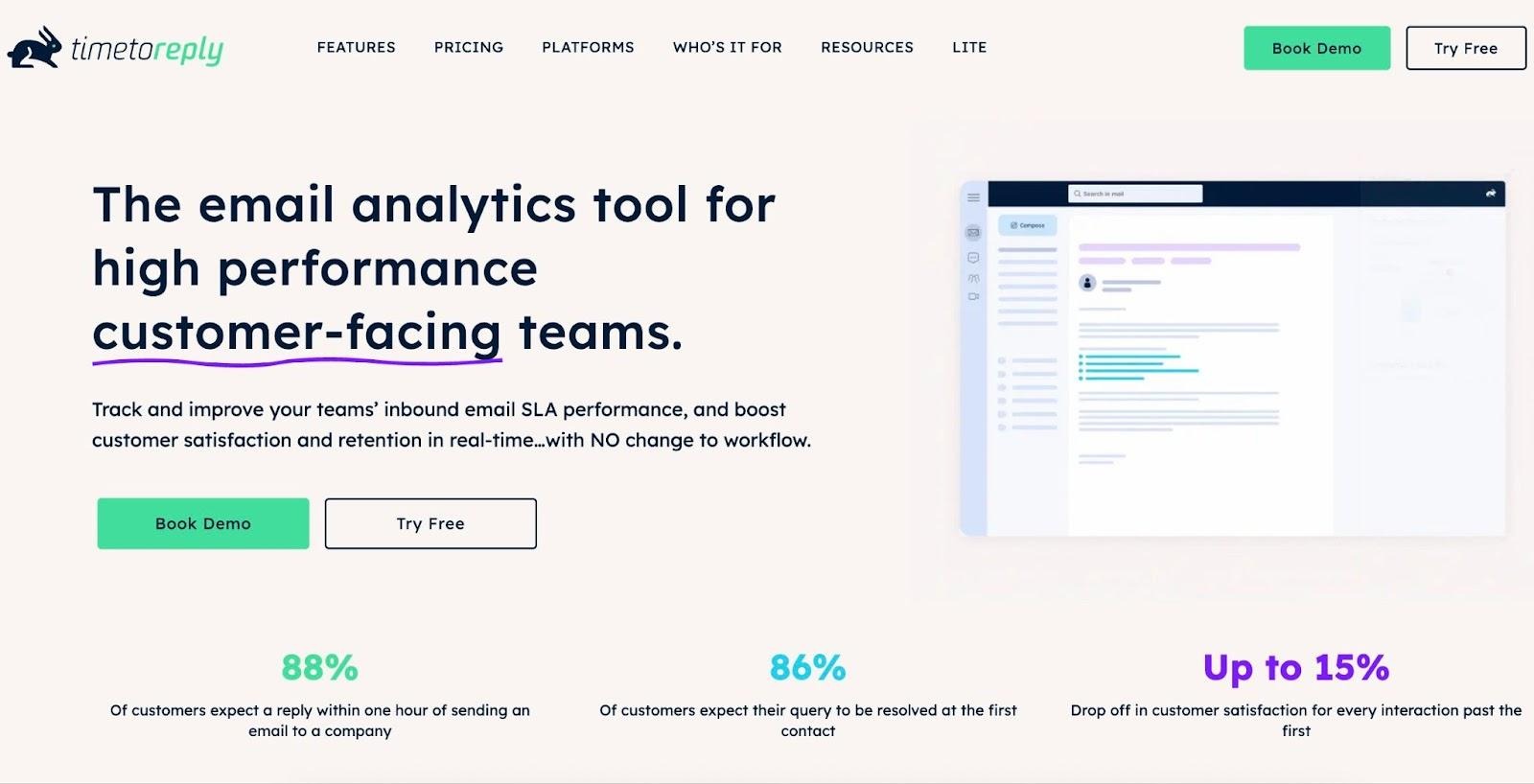
Image via timetoreply
The timetoreply tool tracks how quickly your team opens and replies to incoming customer emails. It then presents this data in a clear format that you can use to identify areas for improvement.
A key aspect that makes it one of the best email analytics tools is that it doesn’t interrupt your regular workflow. Also, you can integrate with Gmail and Outlook, which are two of the most used email services by professionals.
With timetoreply, you can monitor individual and team reply times, check busiest periods, and review which conversations need attention.
The user-friendly dashboard updates in real time, so you can act quickly if response times start to slip. These features help maintain steady communication, spot slowdowns early, and ensure every customer interaction is smooth and reliable.
Pricing
It has three pricing plans:
- Essentials: $36 per mailbox per month (10 mailboxes minimum)
- Pro: $44 per mailbox per month (10 mailboxes minimum)
- Premier: Custom packages with 100+ mailboxes
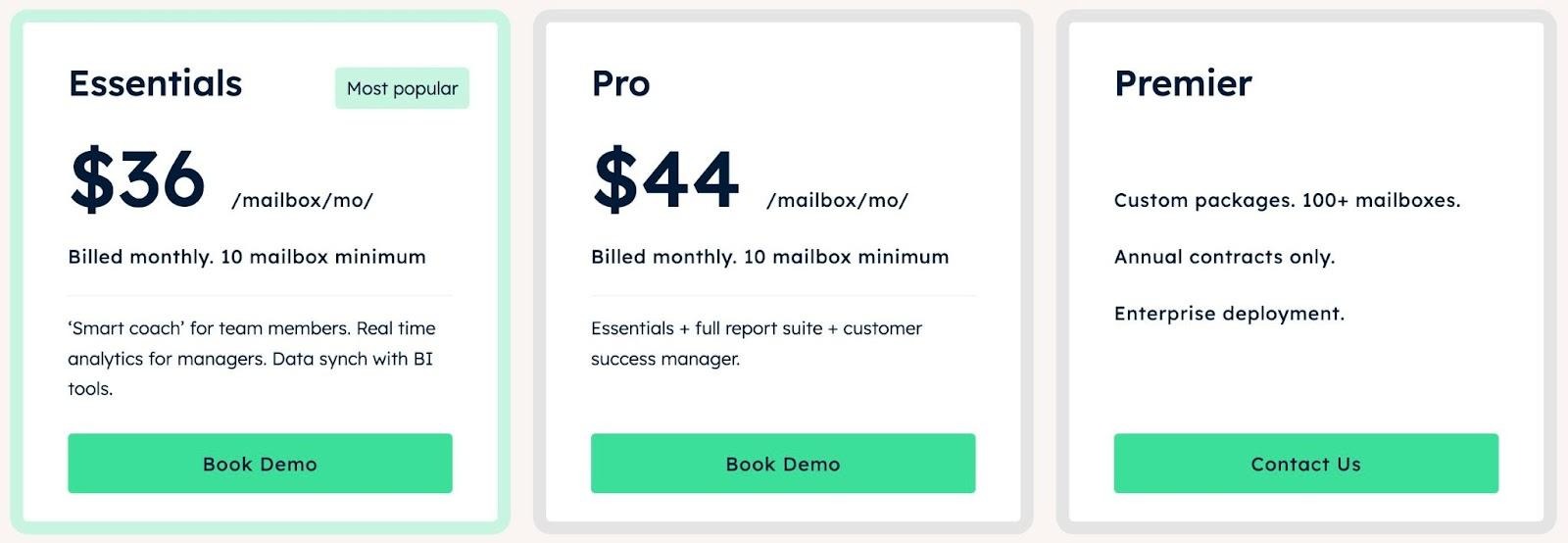
Image via timetoreply
2. Email Meter
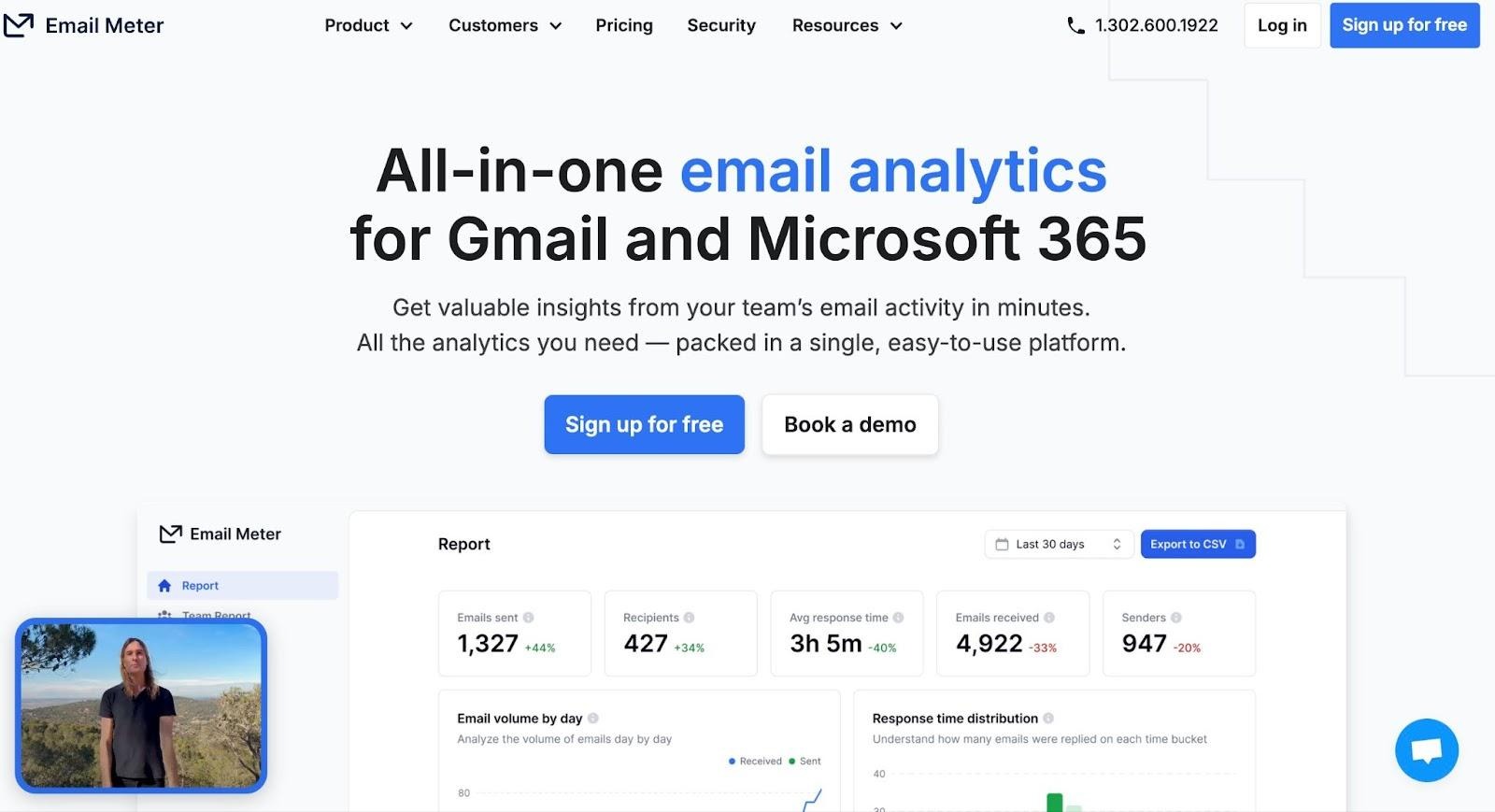
Image via Email Meter
Email Meter helps you unlock the full power of emails by connecting your customer interaction workspaces to Gmail or Microsoft 365 mailboxes. It then collects data on every email you send and receive by analyzing various metrics.
These metrics include average response time, the number of messages you handle, and when you send and receive the majority of your emails. This data highlights how fast your team replies and how your email flow looks overall.
You can also generate monthly or weekly reports that show average and fastest reply times, message volume, busiest email hours, and how many conversations got replies.
All these combine to make Email Meter one of the most reliable email response management tools for marketers, social media managers, and other professionals.
When you know exactly how fast your team answers customers, you can improve service quality and meet customer expectations more consistently.
Pricing
Email Meter has three price plans:
- Free: $0 per month
- Plus: $19 per user per month
- Custom Dashboard: From $1000 per month
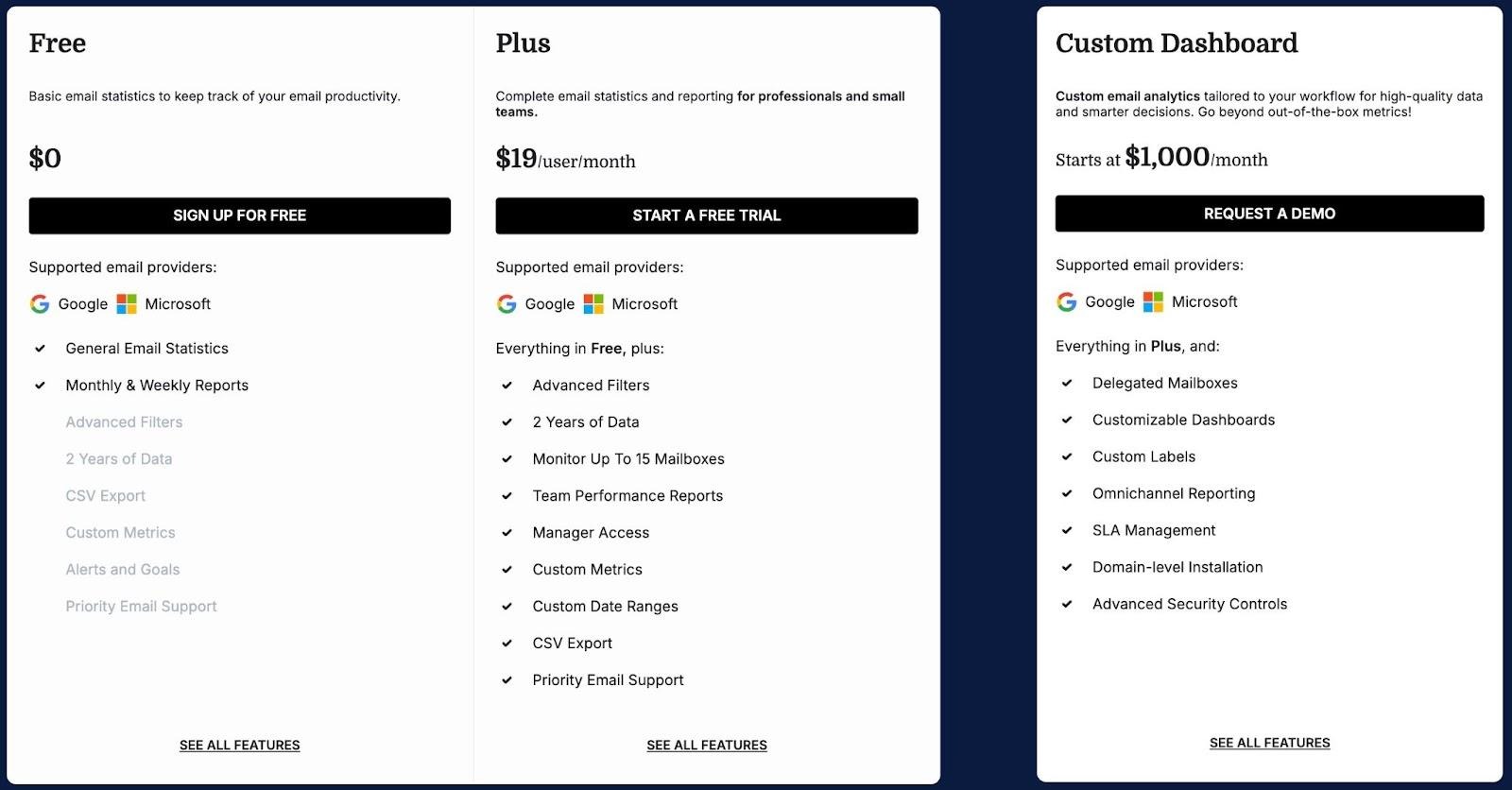
Image via Email Meter
3. EmailAnalytics
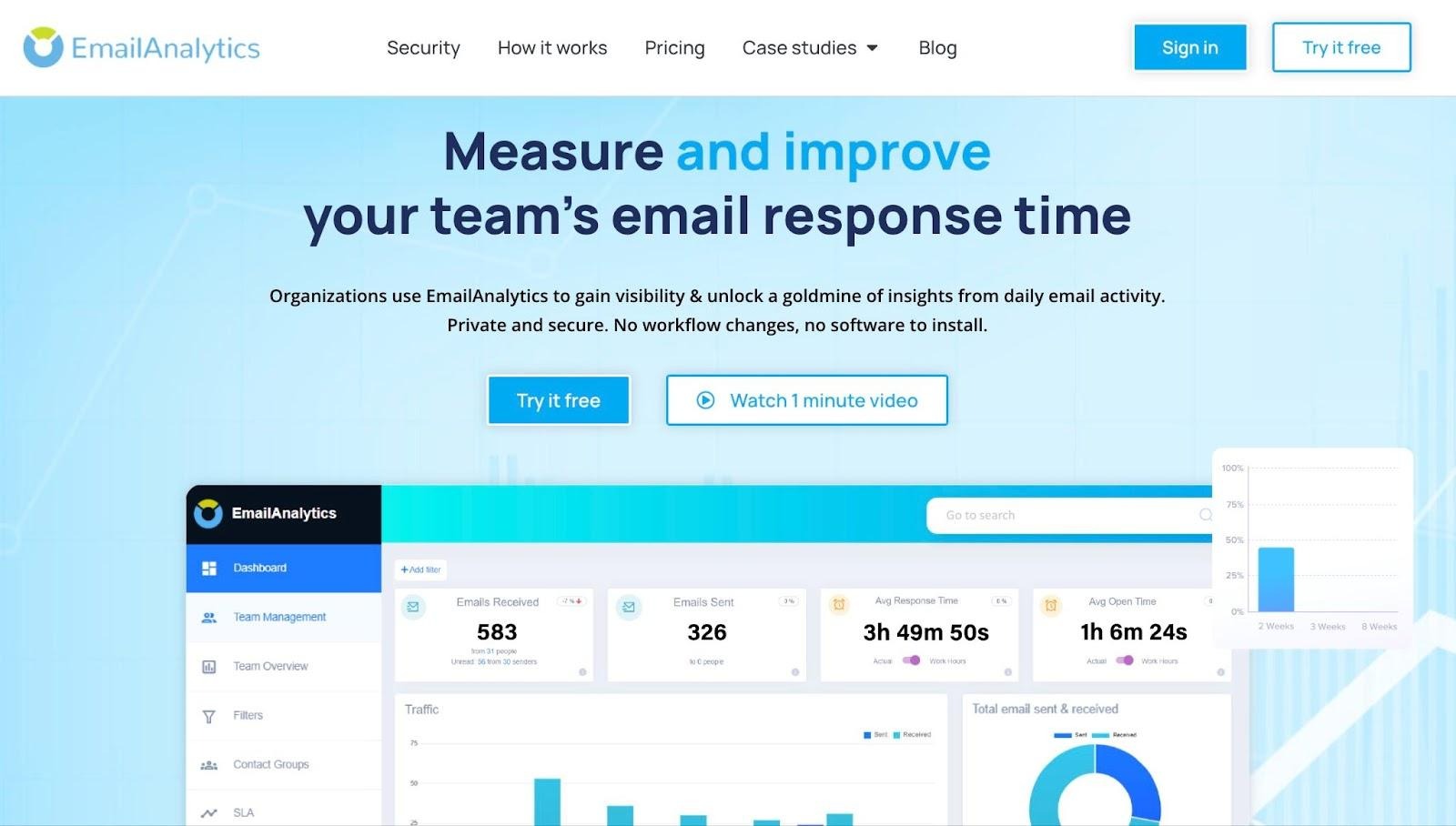
Image via EmailAnalytics
EmailAnalytics is another one of the best email analytics tools to track email response times. Similar to other tools like timetoreply, it mainly works with Gmail or Outlook accounts.
Once set up, it tracks metrics like average response time, the number of emails each person sends and receives, and when their inbox is busiest. It’s an ideal tool for any online business seeking to improve its customer success team’s performance.
With this data, you can see who responds quickly, who receives many messages, and when email traffic peaks. That gives you the room to assign your best team member to the most urgent customer inquiries.
EmailAnalytics also offers advanced features, such as real-time alerts if important emails go unanswered beyond a certain threshold. You can get reports daily or weekly, so you always stay updated searching through long email threads.
Pricing
EmailAnalytics only has one price plan:
- Pro: $19 per inbox per month (with free trial).
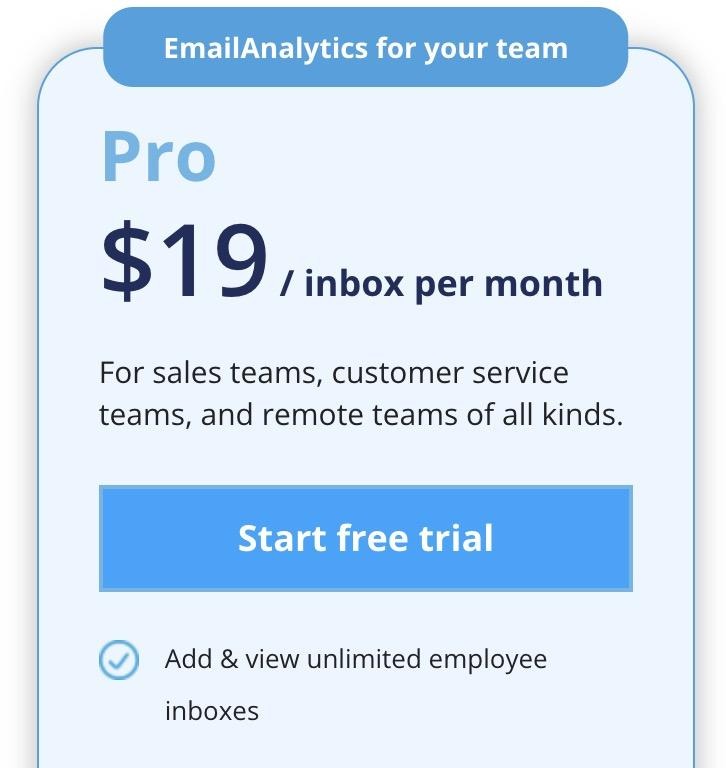
Image via EmailAnalytics
4. Hiver
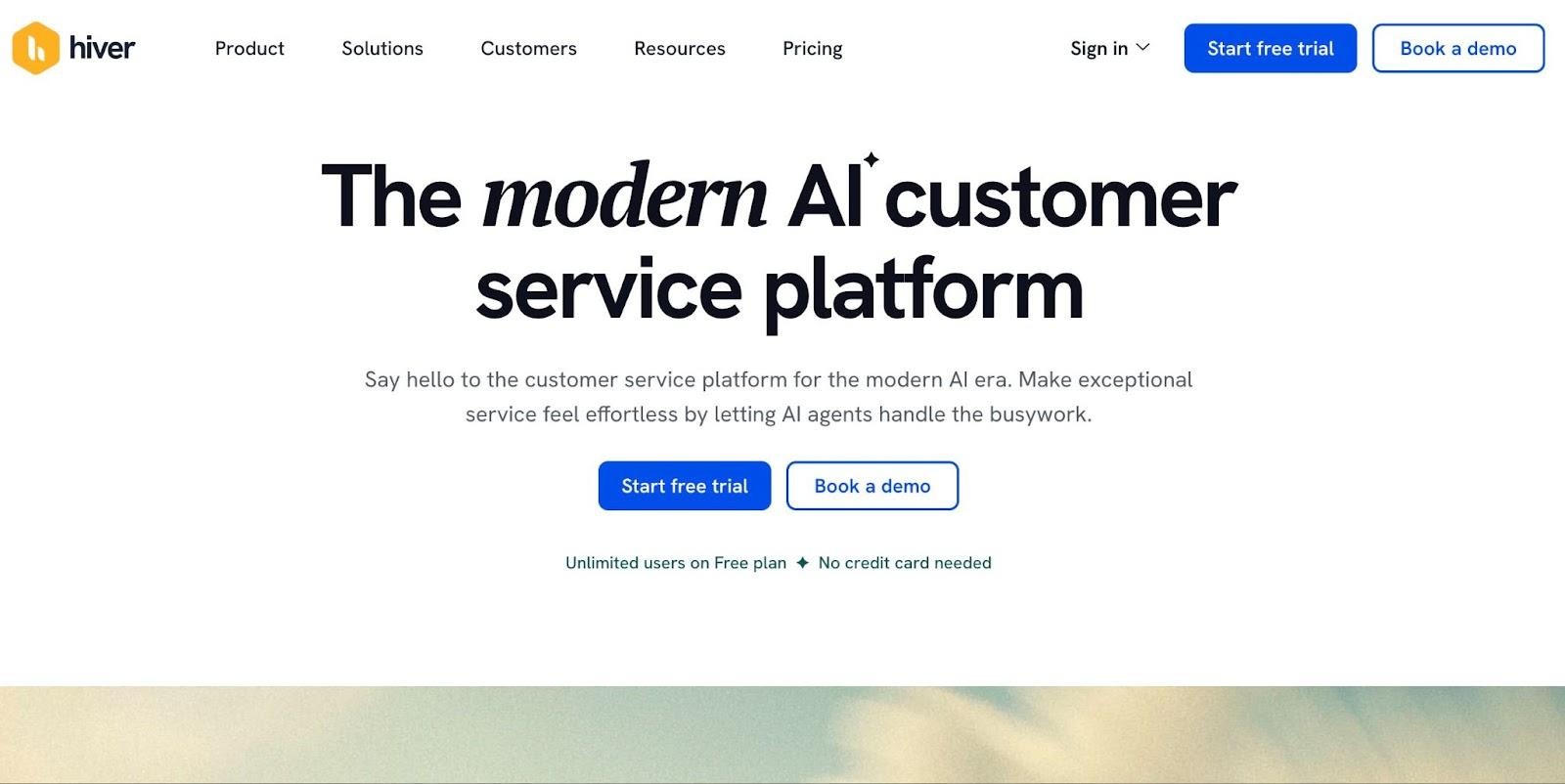
Image via Hiver
Next on our list of reliable email analytics tools is Hiver. The tool shows you how quickly your team is replying to customers and where delays happen. It turns shared inboxes into a fully functional support system inside tools like Gmail or Outlook.
Additionally, Hiver logs when a message arrives, when the assigned team member responds, and when the conversation is closed. This provides a precise analysis of metrics like first-response time and full resolution time.
Another thing that makes Hiver one of the best email analytics tools to track email response times is its simple dashboard. It allows you to assess performance at both the team and individual levels.
Pricing
Hiver has four main price plans plus an AI add-on:
- Free: $0 per user per month
- Growth: $35 per user per month
- Pro: $55 per user per month
- Elite: $95 per user per month
- Hiver AI Add-on: $20 per user per month
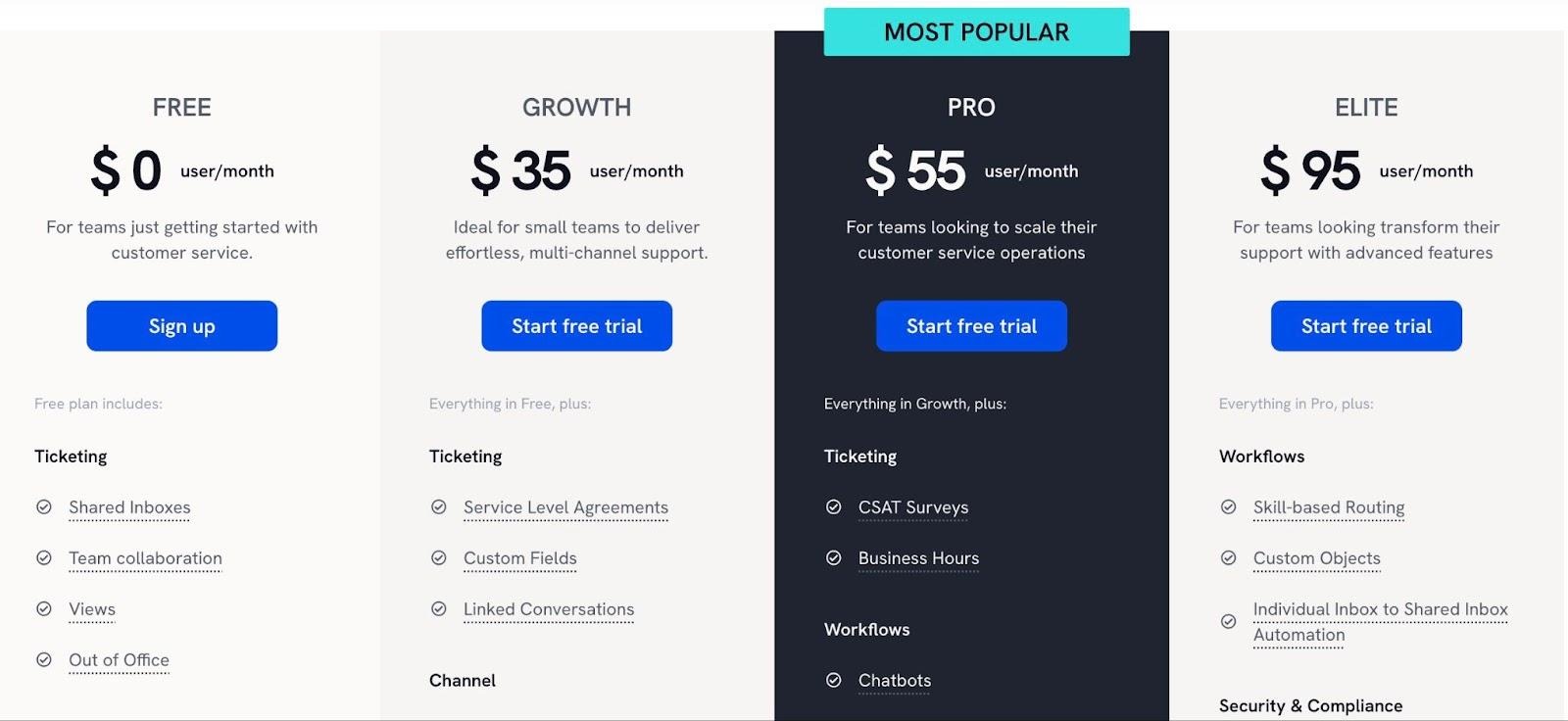
Image via Hiver
5. Front
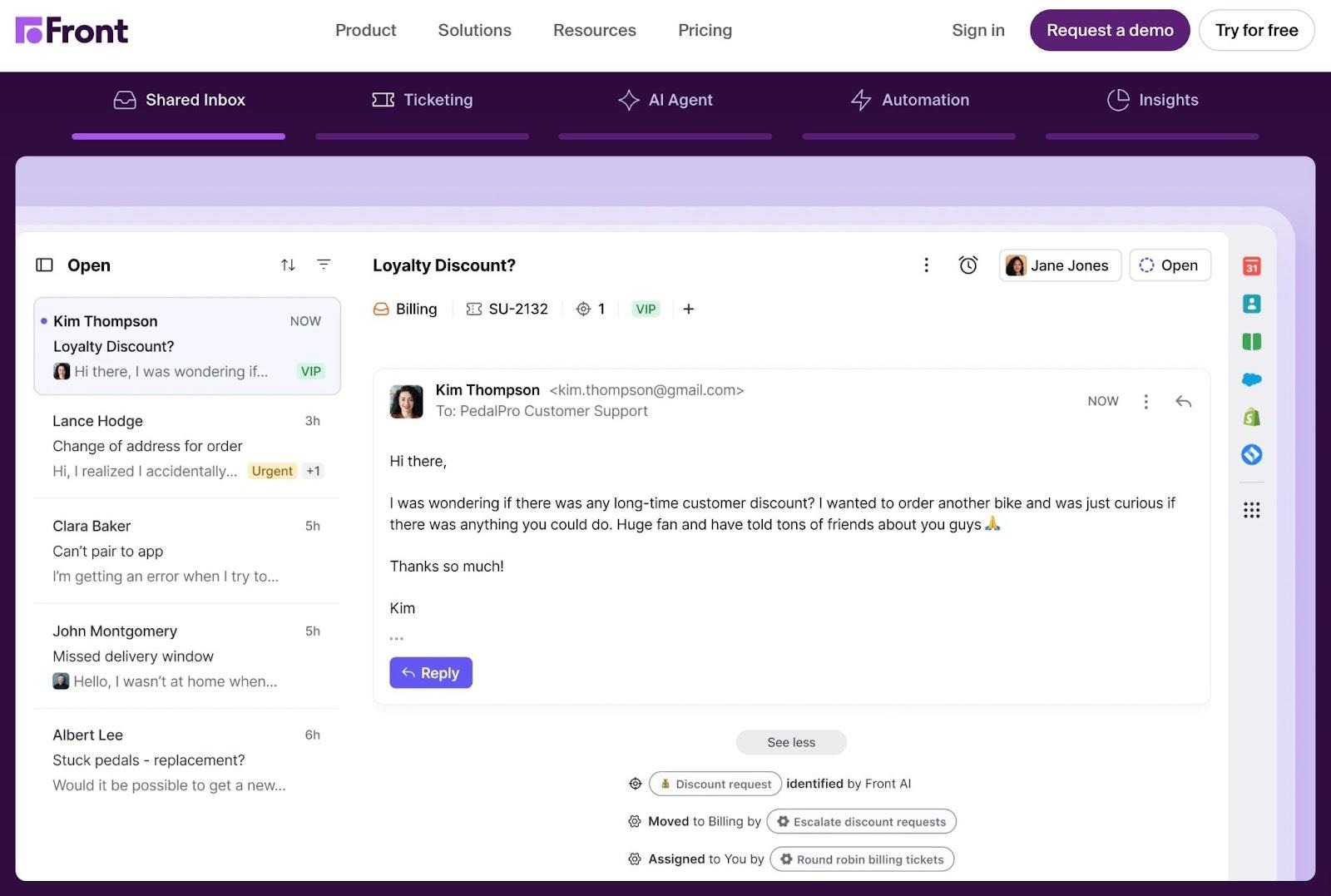
Image via Front
Front transforms chaotic inboxes into organized team mailboxes. It consolidates all incoming messages from email, chat, SMS, and social media into a single front-end, ensuring that every message is visible to the team.
Within that system, Front automatically tracks response metrics. It logs when a message is received, who replies, and when, and how long it takes to resolve the conversation.
Managers and team members can then view response, first reply, and resolution times. They can also determine the workload per teammate through live dashboards or scheduled reports.
Front is one of the best email analytics tools that helps ensure no message goes unanswered for long.
Pricing
Front comes with four price plans:
- Starter: $35 per seat per month (up to 10 seats)
- Professional: $85 per seat per month (up to 50 seats)
- Enterprise: $105 per seat per month (available on the annual plan only)
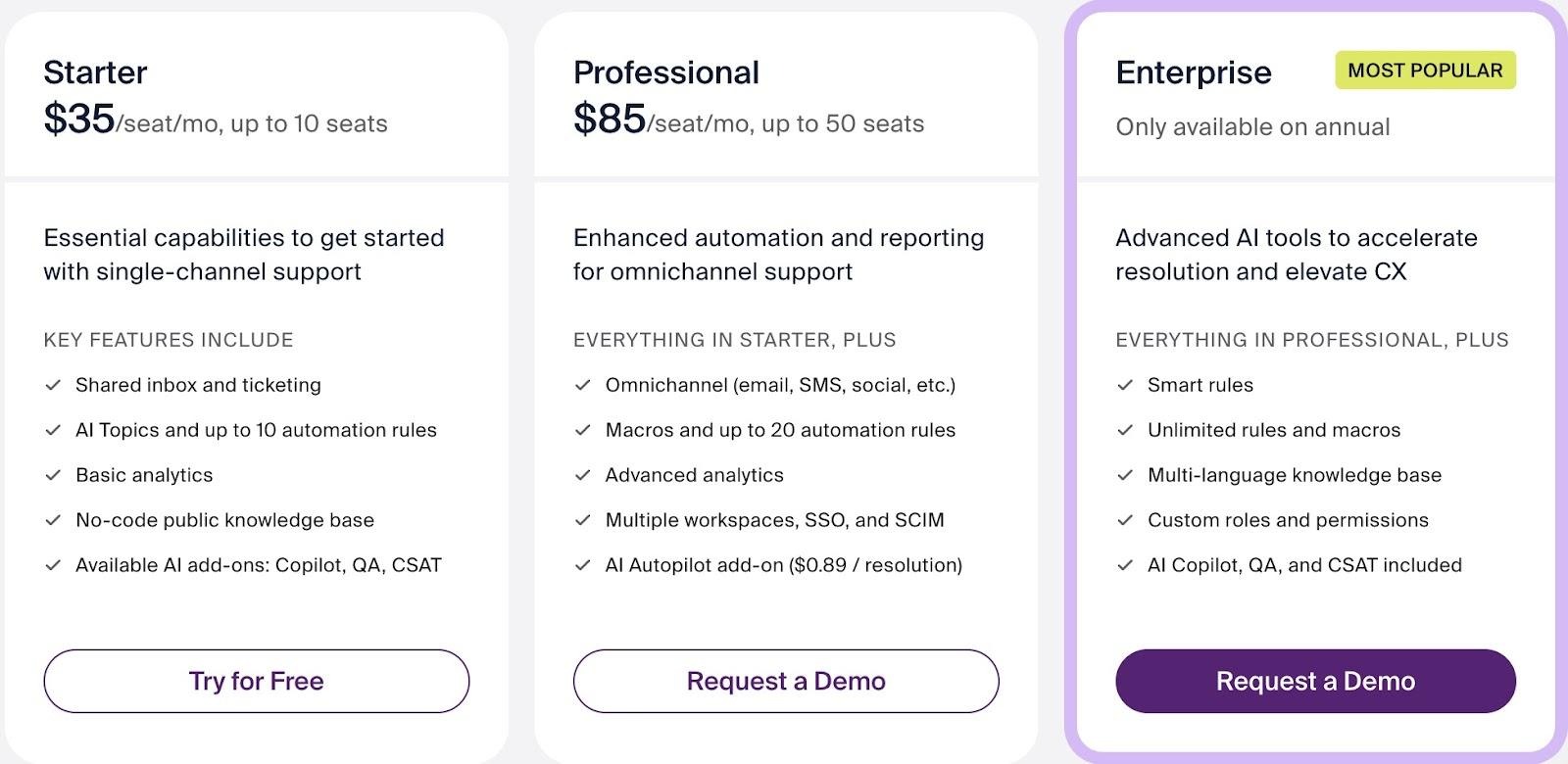
Image via Front
Conclusion
Getting the most out of customer email interactions and improving relations depend on the speed of responses. However, this can’t be done manually; you need the best email analytics tools for more efficiency.
Each option discussed here shows you how your team interacts with incoming messages and highlights slowdowns you might miss.
By using the right email analytics tools, you set your team up to work with more confidence and consistency. Whether you need basic open alerts or full performance reports, these tools simplify work without complicating your daily routine.