
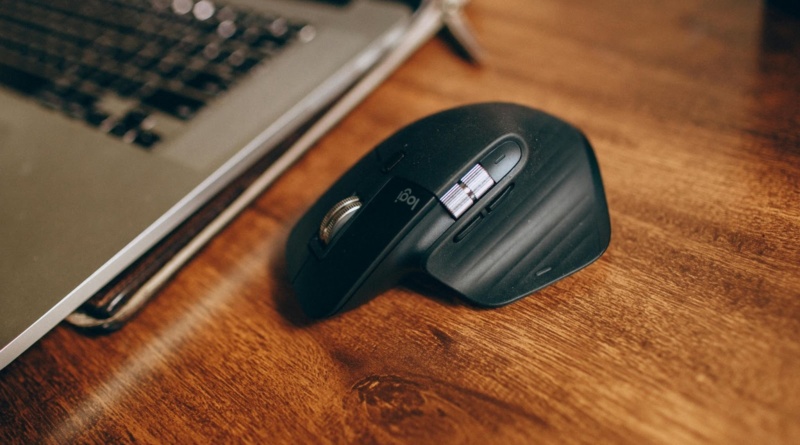
The Best Ergonomic Mouse: 7 Top Solutions Compared
It’s time to talk about mice. Not the furry, cheese-loving, long-tailed kind – we’re here to talk about computer mice. Alongside keyboards, these accessories are an essential part of every desktop computer setup. Some of us use a mouse for hours each day. But few of us actually think about the type of mouse we are using and how this could be impacting our daily comfort and productivity.
In fact, many of us who regularly spend hours working at a desk or gaming may have already experienced ‘mouse arm syndrome’. This is a pain or numbness that can affect the hand, wrist, elbow or shoulder as a result of using a computer mouse for long periods. The type of mouse you are using can greatly impact your risk of developing this RSI. It all comes down to ergonomic design – the way a tool is designed to fit and support the body.
When you use an ergonomic mouse, you’re much less likely to experience aches and strains. Improved comfort can also provide better control for detailed design work and improved precision in shooting games. There are quite a few different ergonomic mice on the market that you can choose from. To help you with your mouse hunt, here are 7 of the most popular and top rated models to compare.
#1) Contour Touch
Okay, technically this isn’t a mouse at all, but a touch pad. Here’s the truth: all traditional handheld mice can potentially cause aches and strains due to having to extend the arm. Touchpads are much less strenuous on the hand and arm, and the Contour Touch is engineered to be even more comfortable than your average touchpad. It has a centered design, smooth glass surface and integrated wrist rest. It’s so well designed that it recently won the iF Design Award 2026.
#2) Razer Pro Click V2
Want to stick with a traditional mouse? Razer specializes in high-performance gaming hardware and their Pro Click V2 is widely regarded as the most ergonomic mouse for gaming (although you can also use it equally for office work). It’s sculpted into a comfortable titled shape and has 9 buttons that can be individually customized and programmed. RGB lighting gives it a cool underglow, but you have the option to turn this off if that’s not your thing. There is also a vertical option, which can provide enhanced comfort.
#3) Logitech MX Vertical
Speaking of vertical mice, the MX Vertical is another highly ergonomic mouse that comes with a 57-degree slope designed to relieve wrist pressure. Its high-precision 4000 DPI sensor also reduces fatigue by allowing 4x less hand movement compared to a traditional mouse. Logitech is renowned for its comfortable and sustainable tech and the MX Vertical is one of their most highly-rated models. You can buy this mouse in a variety of different sizes to suit different sized hands.
#4) Logitech Lift
Logitech’s Lift similarly adopts a 57 degree angle to promote a more natural handshake position. It’s a mid-range alternative to the MX Vertical and is designed mainly for small and medium sized hands. Its smartwheel provides fast, precise scrolling and it’s also very quiet (no noisy clicking in the office). Companies looking to improve their ESG rating may also be interested to know that the Logitech Lift is made entirely from recycled plastic as are most of their hardware accessories.
#5) Kensington Pro Fit Ergo
Just by looking at the Kensington Pro Fit Ergo, you can tell this mouse is the result of months of meticulous ergonomic studies. It’s very precisely shaped for optimum comfort – opting for a 46.7 degree incline and featuring an extended lip to rest the little finger on. It’s equipped with 6 buttons and adjustable DPI settings for precise control. And to top it off, the Pro Fit Ergo is wireless and features an impressive battery life of up to a year! It’s also a lot cheaper than other mice in this list.
#6) Razer Naga Left-Handed Edition
Being left-handed can be a challenge when having to use many tools. Most computer mice come only in a right-handed version – while many hardware developers have tried their hand at engineering left-handed mice, a lot of them have discontinued their models due to low ales. However, Razer has continued to sell and develop its Naga Left-Handed Edition, and it’s now regularly rated as the best left-handed computer mouse on the market. It features a very comfortable grip and an array of customizable buttons for gaming.
#7) Vaxee Outset AX
Vertical mice aren’t for everyone. Some people prefer a more standard curved mouse shape. The Vaxee Outset AX tweaks this shape for ‘tilt-grippers’ and is a favourite premium model among gamers. It’s shorter and taller than many standard mice, but not as bulky as a vertical mouse, giving it more comfort and grip, while still being easy to adapt to after years of using a regular mouse. The mouse also provides low click latency for fast reactiveness during games like shooters and RPGs.
How To Choose The Best Ergonomic Mouse
Start by considering whether you need a traditional mouse at all. If you’re used to using a touchpad on a laptop and you mainly use your computer for general office work, an ergonomic touchpad is a very good option to use with a PC for reducing any aches or pains.
If you prefer a mouse, think about whether to choose a vertical mouse or a more standard shaped mouse. Some people find standard shaped mice with ergonomic features lighter and better for gaming, plus they can be easier to adjust to. The ‘handshake’ style grip of vertical mice is typically more commonly used in office environments and is more likely to reduce wrist strain than a standard mouse.
Beyond ergonomics, remember that other features matter too. Consider a wireless mouse with a long battery life that is engineered to be durable (there should be no rattling or creaking). Features like quiet clicking can be useful in an office, while gamers may appreciate extra customizable buttons and low latency clicking.