
Top AI Deck Tools for Marketing Pitch in 2026: Best Pitch Deck Generators Compared
Blank-slide panic is real. The big marketing plan review sits one week out, your deck is still empty, and every minute spent nudging text boxes steals focus from strategy.
In 2026, a new wave of AI deck generators drafts presentations, polishes design, and even pulls live data while you sip your coffee. That means less formatting gymnastics and more time sharpening the story that wins hearts, and budgets.
Yet not every tool fits every team. Some plug straight into PowerPoint or Google Slides, preserving your brand template. Others craft scroll-friendly web stories that dazzle prospects. A few lock down compliance for global enterprises, while several stay free for side-hustle budgets.
This guide compares the front-runners on what matters to marketers today: content quality, workflow fit, brand control, collaboration, security, and real-world value.
Below you’ll find a ranked top-10 list, plus a quick-scan table, to help you choose with confidence. Read on to meet your new slide sidekick.
How we scored the tools
Choosing a deck generator isn’t guesswork. Each contender below is compared on the same six criteria, combined in a simple weighted scorecard.
First comes output quality. Does the AI create slides that feel crafted, not copy-pasted? A tough standard, because, as one side-by-side review on Seotio bluntly puts it, “there’s a massive difference between a deck that exists and a deck that converts.”
Next comes workflow fit: which tools slip into an existing Google Slides or PowerPoint template, and which force an export, a re-import, or a new interface to learn.
Brand control follows: whether colors, fonts, and logos stay locked or drift off-brand after generation. Marketing teams can’t afford rogue palettes.
Collaboration, security, and price round out the list: live co-editing and slide analytics count as pluses, SOC 2 reports count toward compliance, and entry pricing ranges from free credits to enterprise contracts.
Finally, each factor carries a weight, 25 percent for output quality, 20 percent for workflow fit and smaller shares for the rest, and the ranking follows the total. The sections that follow explain each placement.
Quick-scan table: top 10 at a glance
Think of this table as your cheat sheet. One glance and you’ll know which tool lines up with your biggest need, whether that is native integration, design polish, or a generous free tier.
| Tool | Best For | Brand Control | Free Plan | Entry Price* |
| Plus AI | Slides / PowerPoint power users | Uses your template | Trial (7 days) | $10 user/mo |
| Microsoft Copilot | Microsoft 365 enterprises | Uses corporate theme | No | $30 user/mo |
| Gemini for Google Workspace | Google Workspace teams | Matches active theme | No | $14 user/mo (Business Standard) |
| Beautiful.ai | Hands-off design | Lockable brand kit | Trial | $14.50/mo (Pro) |
| Gamma | Instant interactive drafts | Limited | Yes | Paid tiers vary |
| Pitch | Live team collaboration | Shared styles | Yes | €10/mo (Plus) |
| Prezent.ai | Enterprise governance | Fully enforced | No | Custom |
| Storydoc | Interactive sales collateral | Medium | No | $19.80/mo (Starter) |
| Canva Magic Design | All-in-one creatives | Brand kit (Pro) | Yes | $13 user/mo |
| MagicSlides / SlidesAI | Free add-ons for outlines | Inherits theme | Yes | $10 user/mo |
*Prices are the lowest paid tier on each vendor’s pricing page in November 2026, billed annually where the vendor quotes it that way; Canva’s figure is from Seotio’s May 2026 test.
Use this as your starting map. The next sections break down each tool, highlight real strengths and gaps, and share field notes so you can choose with confidence for your next big pitch.
1 Plus AI: your template-friendly copilot
Open your team template in Google Slides or PowerPoint, fire up the Plus AI sidebar, and watch real slides appear in seconds. No exporting, no new login, no design cleanup. That smooth hand-off is why reviewers praise its native integration and why the add-on already lists more than one million users on the Google Workspace Marketplace.
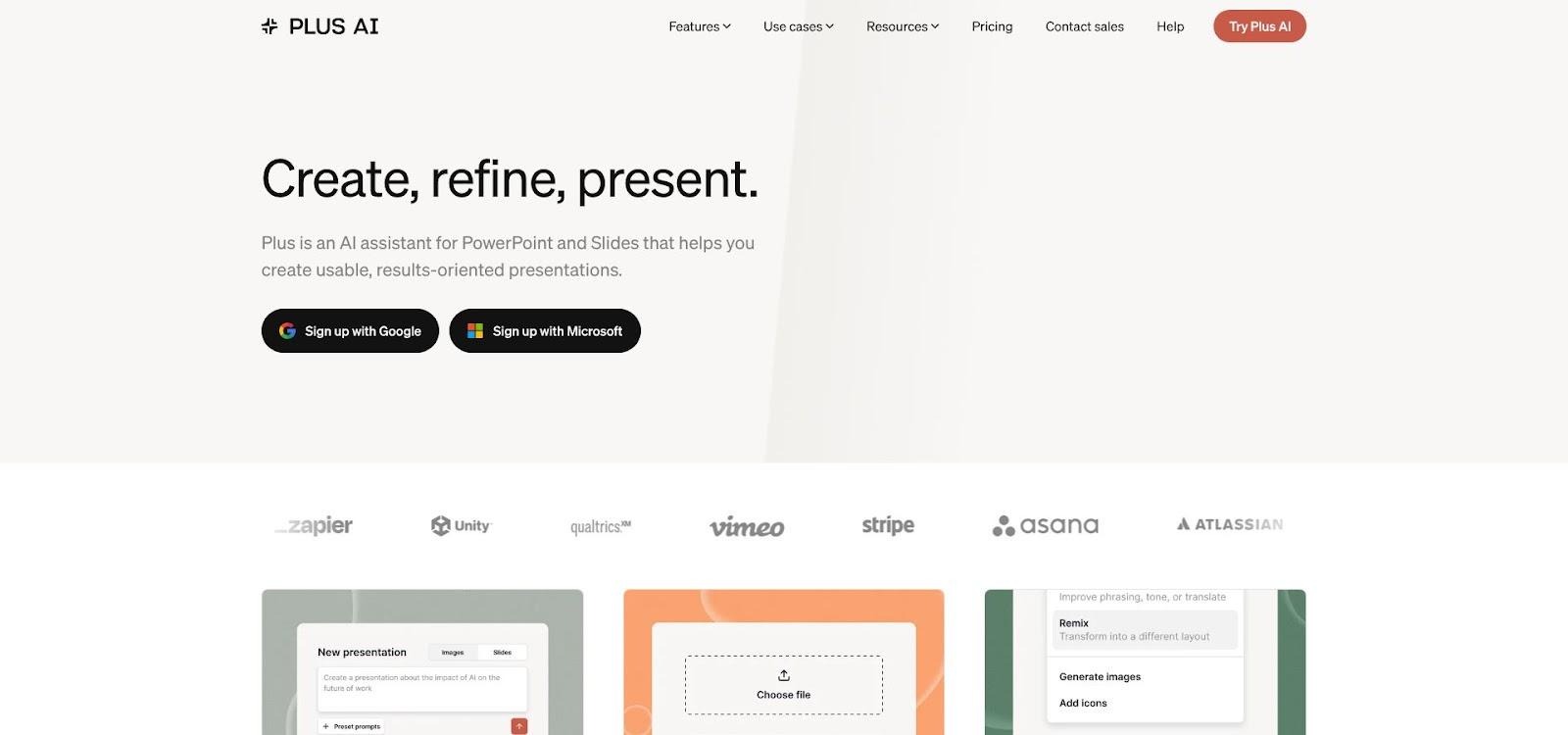
Plus AI sidebar inside Google Slides generating on-brand pitch deck
Plus AI (https://plusai.com) runs as an add-on inside both editors, so the deck never leaves the tools your team already uses.
Why it leads the pack
Plus AI speaks the language of busy marketers. Paste a full brief (up to 120,000 characters) and the model distills it into a well-structured deck that inherits every element of your master slide: logo position, brand colors, locked fonts. You stay on-brand by default, not by policing rogue hex codes after the fact.
Need to tweak? Use three no-nonsense commands:
- Insert drops a new slide exactly where the story needs support.
- Remix transforms a dense bullet wall into a cleaner comparison or graphic layout.
- Rewrite refines copy for tone or brevity without touching design.
The workflow feels like chatting with a smart teammate, not wrestling with an external generator.
Where it saves real time
Marketing and sales decks rarely stay static. Campaign numbers change the morning of the call, or a client asks for a fresh angle on benefits. Plus AI’s Snapshots embed self-updating captures of any dashboard or app straight into the slide, so your metrics stay current with zero copy-paste toil.
Because the tool lives in Slides and PowerPoint, teammates can co-edit in real time using the collaboration features you already rely on, with no extra training and no version-control chaos.
What to watch
Plus AI isn’t free forever. You get a seven-day, full-feature trial; after that the entry plan is $10 per user each month. For most teams, one hour saved pays that bill, but budget hawks should plan ahead.
Design freedom also depends on the quality of your starting template. Plus AI respects whatever you hand it, stellar or dated. If your corporate deck hasn’t been refreshed since 2018, the AI will faithfully reproduce that look. Consider pairing the add-on with a modern template before your next big pitch.
Best fit
Choose Plus AI when brand consistency and minimal disruption outrank novelty effects. Agencies that live in client templates, B2B marketers who iterate decks daily, and enterprise teams under strict brand governance all gain a speed boost without migrating to a new platform.
In short, if your team already breathes inside Slides or PowerPoint and you want AI that behaves, Plus AI is the smartest ten-dollar investment you can make this year.
2 Microsoft Copilot: built-in PowerPoint muscle for M365 shops
If your company already lives in Microsoft 365, Copilot feels less like a new tool and more like a power boost you just switched on.
Open a blank deck, ask in plain English for a “10-slide launch plan,” or hand Copilot a Word brief. Seconds later you’re staring at structured slides that follow your corporate theme, complete with suggested imagery and speaker notes. Microsoft’s support documentation confirms that Copilot can transform an existing Word file into a full presentation and keep the brand styling intact from the first draft.
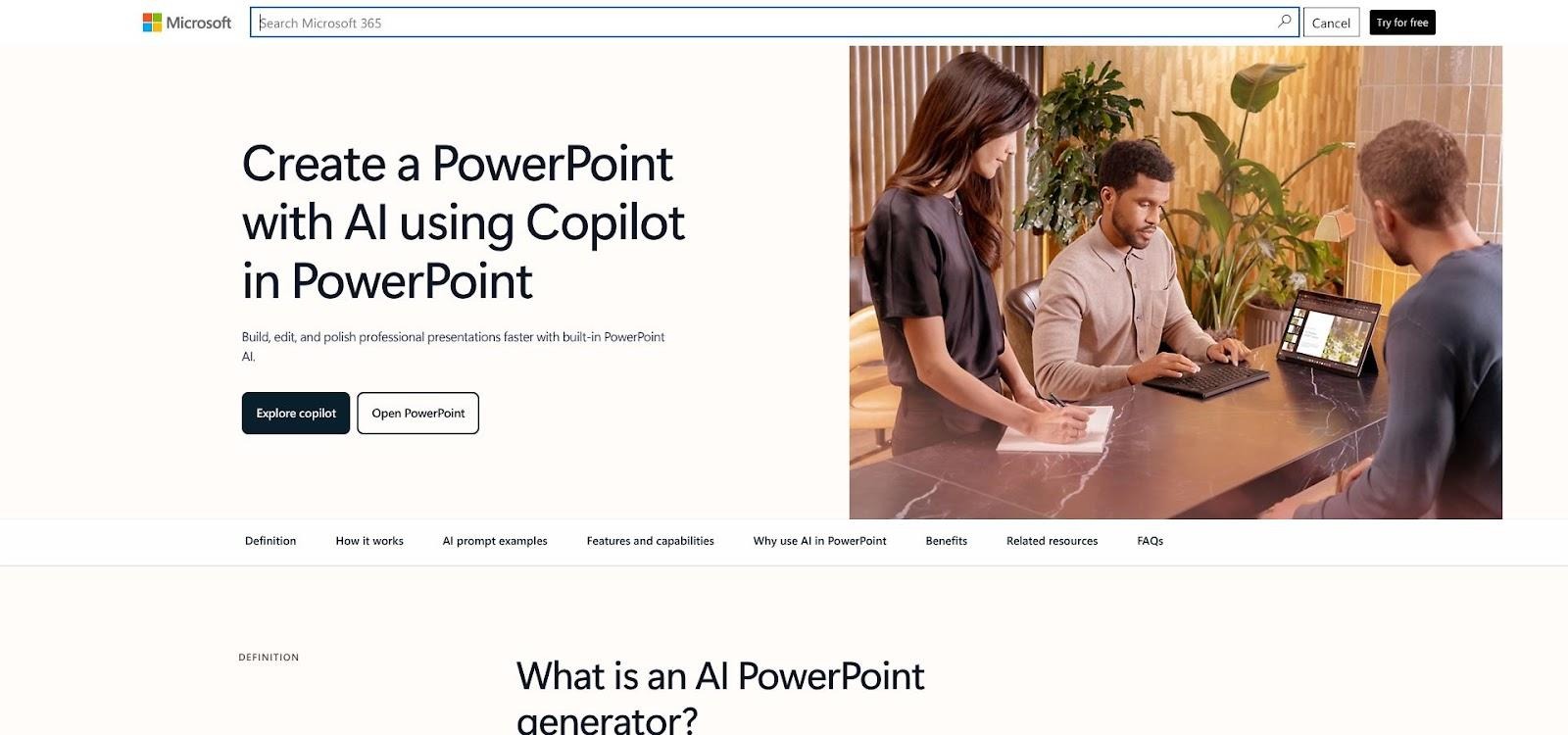
Microsoft Copilot in PowerPoint creating a 10-slide launch plan
That native advantage matters. Content never leaves Microsoft’s secure cloud, so IT signs off quickly. And because Copilot taps the same stack as Outlook and Teams, it can surface tables from your Excel forecast or quotes from last week’s project recap without leaving PowerPoint.
Copilot does its best work when you feed it context. Drop in a detailed document or point it to a SharePoint folder and the AI pulls real numbers instead of guessing. The first draft often lands at “board-ready” for structure, though you’ll still polish tone and tighten copy.
Two caveats to budget for:
- Access sits behind a paid license: Microsoft lists the Microsoft 365 Copilot add-on at $30 per user per month, paid yearly, on top of your M365 subscription.
- The AI can lift outdated stats if your source files aren’t current, so a quick fact-check pass is non-negotiable.
For large organizations already paying Microsoft, Copilot is the fastest path to AI-assisted decks with zero workflow change. Everyone else should weigh the price against the comfort of staying inside the PowerPoint they know.
3 Gemini for Google Workspace: instant decks for Workspace teams
Google finally gave Slides a brain, and it shows.
Open the Gemini sidebar, type a short prompt, and Gemini spins up slides that already match your active theme. A hands-on test from Tom’s Guide confirmed it: fed project launch notes and a social media calendar, Gemini generated new slides that automatically matched the existing theme.
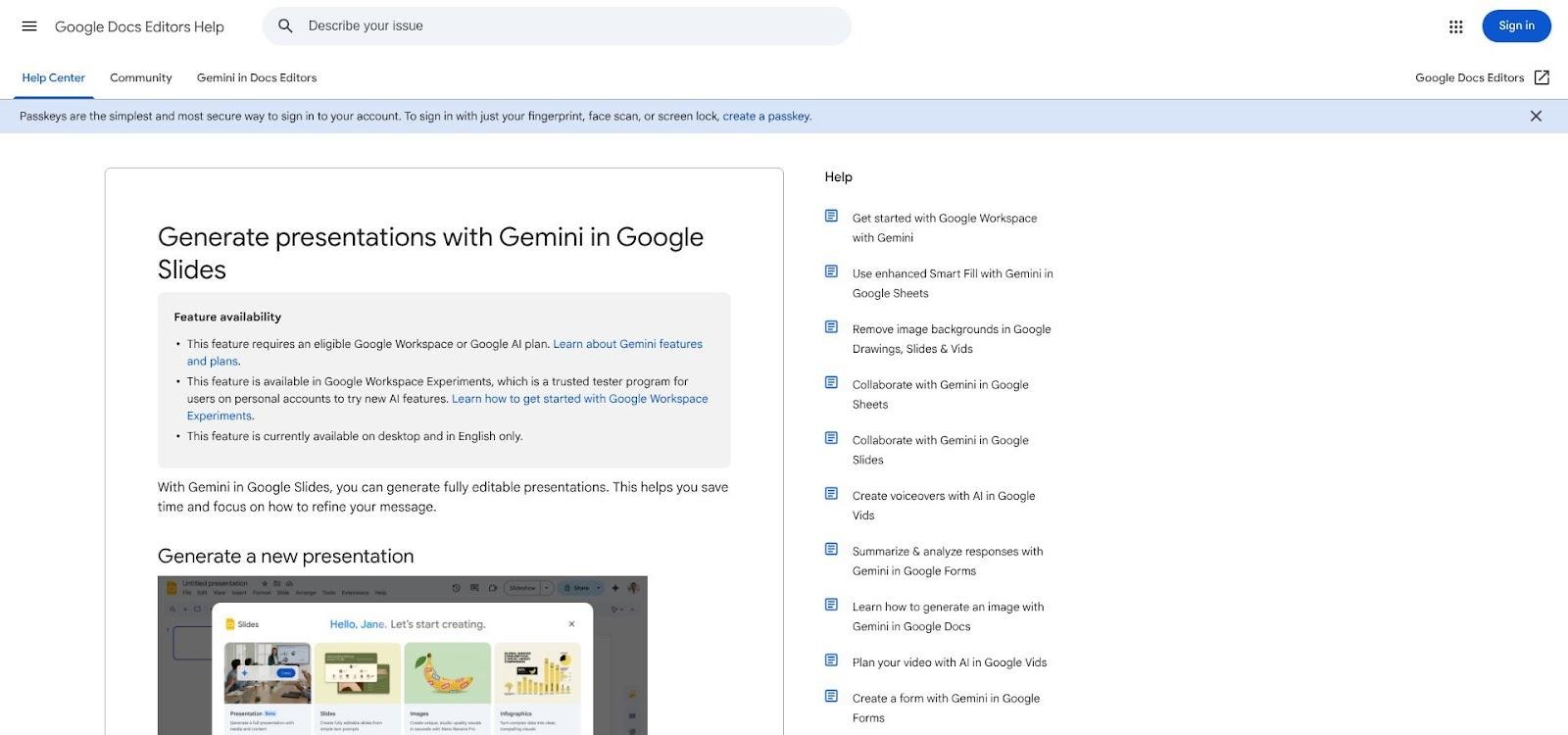
Gemini in Google Slides using Help me create for on-theme decks
That theme loyalty is gold for marketers who live inside strict brand templates. No odd fonts to fix. No rogue colors to chase down.
Gemini also understands context. Point it to a Google Doc or Sheet, and it pulls headings, tables, and charts into tidy slides. Need a Spanish version? Ask, and the deck translates on the spot. Collaboration stays native too; your whole team can jump in, comment, and adjust copy in real time.
Limitations still matter. Design variety is basic, so expect to tweak layout if you want more flair. Gemini in Slides comes with Google Workspace Business Standard and higher plans (Business Standard lists at fourteen dollars per user each month on an annual plan), and the depth on strategic slides can be uneven. Treat the first draft as a frame, then layer in your insights.
If your organization already runs on Google Workspace and values speed plus collaboration, Gemini is the quickest route from outline to on-brand deck without ever leaving Slides.
4 Beautiful.ai: hands-off design that stays polished
Beautiful.ai solves a problem most of us would rather avoid: fixing sloppy slides at midnight.
Its smart templates snap every element into place as you type, so spacing, alignment, and color harmony stay perfect. In Seotio’s eight-tool pitch deck test, Beautiful.ai was named the best overall for design quality, with a design score of 9 out of 10, and the reviewer noted that its layouts adjust automatically as you add or remove content.
That rapid, template-driven design comes with practical perks. Set up a brand kit once (logo, fonts, color values) and every deck your team creates will follow it. New interns can’t break the template, and seasoned marketers reclaim hours once spent nudging text boxes.
Content generation exists but takes a back seat. The AI will draft placeholder bullets or a simple outline, yet copy still reads generic until you replace it with real insights. Treat the tool as your designer, not your strategist.
Export options are solid: PDF is flawless, PowerPoint is reliable for static slides, though advanced animations flatten on the way out. Teams needing heavy PowerPoint editing should plan to stay inside Beautiful.ai for final tweaks, then export.
Pricing lands at $14.50 a month for the individual Pro plan, billed annually; the Team plan, at $40 per user each month billed annually, adds real-time collaborative editing, a shared slide and template library, custom branded themes, and engagement analytics. For marketers who crave client-ready visuals without hiring a designer, that fee is an easy yes. If your decks already get graphic-designer attention, the value gap narrows.
Bottom line: choose Beautiful.ai when you want every slide to look agency-made without paying agency rates. Just remember you’ll supply the story, while the platform keeps it pretty.
5 Gamma: lightning-fast drafts and web-native storytelling
Speed is Gamma’s calling card. One prompt and ninety seconds later you have a 12-slide deck laid out in minimalist cards, complete with placeholder visuals and section headers.
For marketers juggling last-minute requests, that velocity turns a blank-slide crisis into a working draft before your coffee cools.
Gamma decks live on the web, not in a traditional slide file. Each slide scrolls like a modern landing page, and readers can click to expand details or play embedded video. Prospects cruise through the story on desktop or mobile without pinching or zooming, then you track how long they linger on each card.
Collaboration is equally quick. Teammates pop in, suggest edits in a chat sidebar, and the AI refines copy or shortens bullets on command. No version-control gymnastics, no file attachments cluttering email threads.
Trade-offs exist. The AI likes to guess at stats, so every number needs a fact-check. Brand control is light: fonts and color palettes are limited, and your logo placement isn’t locked. PowerPoint export is in beta and flattens interactivity, so share via link when possible.
Choose Gamma when you need a sharp draft now and an interactive link beats a static deck. It suits early-stage concepts, weekly metrics updates, or social-first pitches where polish can wait but speed cannot.
6 Pitch: real-time co-authoring with slide analytics
Pitch feels like Google Docs after it discovered slide design.
Open a workspace, invite product, design, and revenue teammates, and everyone edits the same deck at once. Colored cursors dance across slides, and threaded comments keep feedback tight. Version history captures every tweak, so “final_v4” file names disappear for good.
Templates look sharp straight out of the box with modern fonts, generous whitespace, and bold color accents. You can lock brand styles yet still tailor each slide’s layout, giving creatives more freedom than rigid builder tools allow.
Pitch’s AI plays a support role. Ask it to outline a “Q3 campaign recap,” and it drops a sensible slide skeleton you can flesh out. Need a headline punch-up? Highlight text and request a rewrite. The assist breaks writer’s block without hijacking the story.
Sharing is where Pitch jumps ahead. On the Team plan and up, advanced links track visits, slide views, and time spent on each slide, so you can see how long a prospect pauses on pricing and which slides they skip. Your follow-up email practically writes itself.
The free plan covers up to five members with unlimited presentations, and paid plans start at €10 a month for Plus (billed yearly), which adds PowerPoint export, custom fonts, and video uploads. If your marketing team values true co-creation and data-driven refinement over one-click content, Pitch is the collaborative hub you’ll keep open all day.
7 Prezent.ai: enterprise governance meets slide automation
Prezent.ai isn’t chasing individual users. It targets Fortune-level marketing teams that produce decks every day and can’t risk a single off-brand slide slipping through.
Once your brand kit and approved content blocks sit inside Prezent, the platform acts like a concierge. A field marketer answers a short intake (audience, objective, key points), and Prezent assembles a draft using vetted slides, correct fonts, and mandatory legal footers. No one freelances with color palettes or forgets the disclaimer on a financial chart.
Workflows feel familiar. Drag in a revenue table and the AI formats it to match company style. Ping legal for a quick approval inside the app, and their sign-off appears in the version history. When HQ updates pricing, that change cascades to every slide library, so outdated numbers never resurface.
The trade-off is creativity and cost. Freedom to invent bold visuals takes a back seat to consistency. And because Prezent rolls out via enterprise contracts, you’re looking at a five-figure annual spend plus onboarding. For a global brand that values speed, compliance, and complete template loyalty, that price is small compared with designer hours and risk exposure. For startups, it’s overkill.
If safeguarding brand equity and regulatory accuracy outrank everything else, Prezent.ai is the vault you need: your slides come out fast, clean, and consistent.
8 Storydoc: interactive proposals that track every scroll
Traditional decks are blind once you hit send. Storydoc fixes that by turning slides into a scrollable microsite that behaves like a modern web page and reports back on every reader interaction.
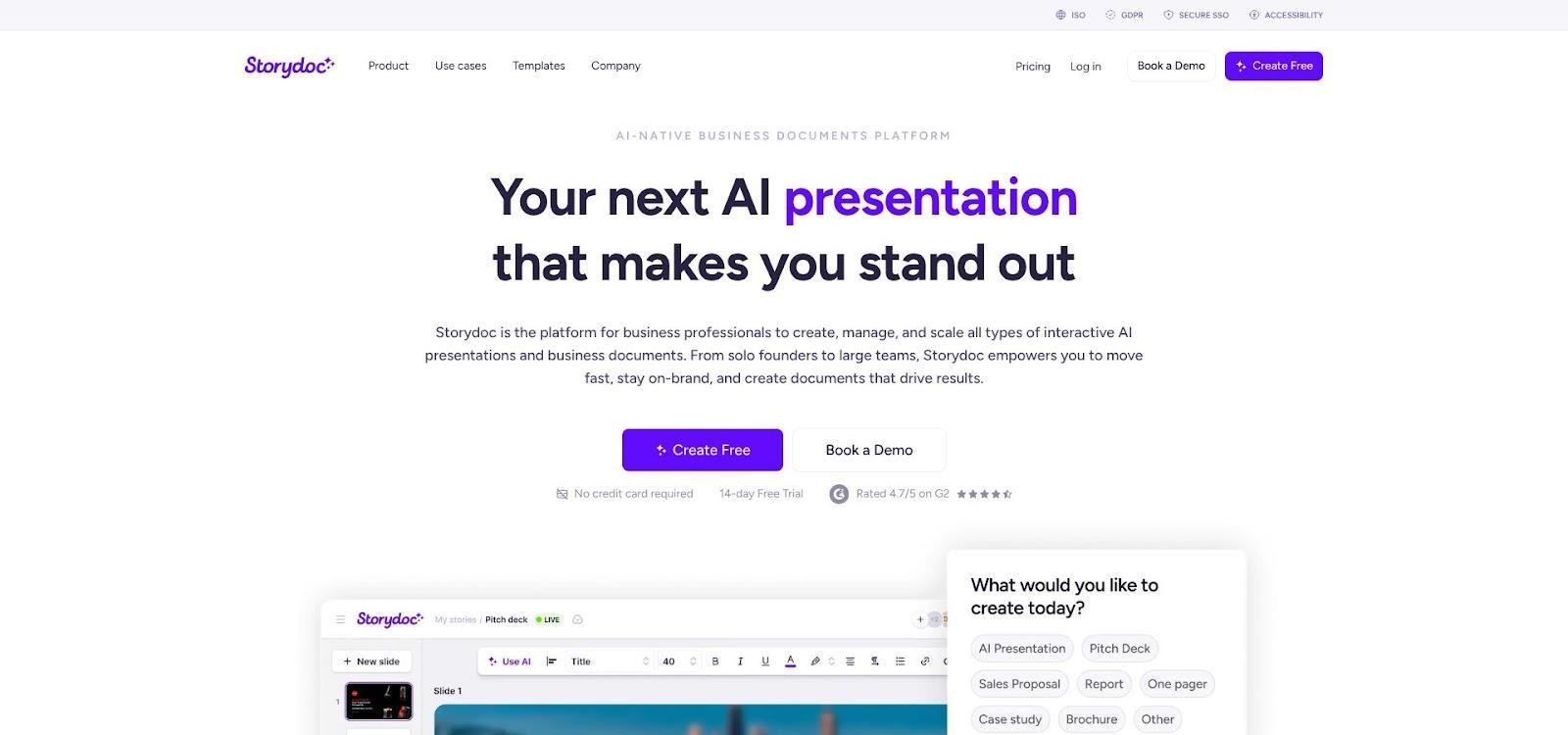
Storydoc interactive scrollable sales proposal with engagement heatmap
Build starts with a template tuned for sales proposals, case studies, or one-pagers. Drop in text, video, even a pricing calculator, and Storydoc wraps each element in tasteful animations. On mobile, the content stacks neatly, so prospects swipe instead of pinch-zooming a PDF.
Personalization is quick. Duplicate the doc, swap the logo and name fields, and the AI updates callouts across the entire piece. Your team can create ten tailored proposals in the time one manual deck used to take.
The bigger benefit appears after you share the link. A heat-map dashboard shows who opened, where they paused, and when they bailed. If everyone re-reads the ROI slide and skips the tech specs, you know exactly which follow-up email to send.
Two cautions. First, interactivity flattens when you export to PDF, so keep Storydoc links as the primary experience. Second, pricing starts at $19.80 a month for the Starter plan billed annually, with Pro at $36 a month, so teams that send only a handful of proposals a year may not recoup the cost.
For marketers and sales teams who live on outbound pitches and value engagement data, Storydoc turns each deck into a mini landing page, and each view becomes data you can act on.
9 Canva Magic Design: brand-ready visuals for the everything app
If your team already lives in Canva for social posts, videos, and ads, Magic Design feels like an automatic extension of that workflow.
Type a short brief, or paste a chunk of campaign copy, and Magic Design drops the text into attractive slide layouts, then suggests on-brand images pulled from Canva’s large stock library. Because your brand kit (colors, fonts, logo) is stored at the account level, every generated deck inherits those styles without extra clicks.
The real perk is ecosystem depth. Need an infographic in the same style? One button converts slides into a social carousel, blog banner, or print brochure. Marketing teams chasing omnichannel consistency save hours once spent juggling file formats.
Magic Design’s AI focuses on aesthetics. It structures slides reasonably yet rarely adds strategic storytelling or data context. You’ll still craft the narrative and swap its placeholder stats for real numbers.
Costs stay friendly: the free plan works for light use; the Pro tier (about thirteen dollars a month in Seotio’s May 2026 test) removes the generation limits and adds that all-important brand kit. For many marketers already paying for Canva Pro, slide generation feels like a free bonus.
Choose Magic Design when you need good-looking slides fast and you value smooth hand-offs to every other Canva format. Skip it if you require advanced analytics or strict template locking, as those strengths sit with tools higher up this list.
10 MagicSlides and SlidesAI: free add-ons for quick drafts
Sometimes you just need a rough deck fast and you need it inside Google Slides. That’s where these two lightweight add-ons help.
After installation they sit in a sidebar. Paste a topic, a chunk of text, or even a YouTube URL (MagicSlides specialty), then hit Generate. In under a minute the add-on fills your open deck with title slides, bullet points, and a few stock icons. Because the content lands in your active theme, brand colors stay intact.
Strengths are simplicity and price. Both tools offer usable free tiers, and their paid upgrades cost about the same as a latte each month. For students, side projects, or internal brown-bag sessions, that value is hard to beat.
Expect to polish. Copy is generic, design is plain, and numbers are placeholders. Think of the output as scaffolding you will rebuild rather than a finished structure. There is no analytics, no collaboration layer, and security depends on your comfort level with third-party add-ons.
Use these helpers when the alternative is staring at a blank slide and the stakes are low. For client-facing work or anything that lives beyond draft status, step up to one of the heavier hitters earlier in this list.
Honourable mentions and emerging tools
A few other names keep popping up in Reddit threads and niche reviews, and they deserve a quick nod.
Tome (closed in 2025). Once a hit of AI-deck hype, Tome closed its presentation product, Tome Slides, on April 30, 2025. If you spot an old “Tome vs…” comparison, treat it as history.
Al.ai. Early users praise its multiple design options per slide and stronger narrative memory across a deck. Still in closed beta, so reliability and pricing remain question marks.
Oria. Built by ex-consultants, Oria turns dense outlines into McKinsey-style PowerPoint files with clean tables and bullet hierarchy. If your slides must look board-room serious, keep an eye on it.
Canva Docs-to-Decks & Google Mixboard. Both experiments convert long-form notes or doodled ideas into Slides or Canva presentations. Fun for brainstorming, not yet ready for high-stakes pitches.
None of these tools beat our top ten today, but their progress shows how quickly AI presentation tech is evolving. Bookmark them if you like exploring new options; stick with the ranked picks above if you need production-ready results now.
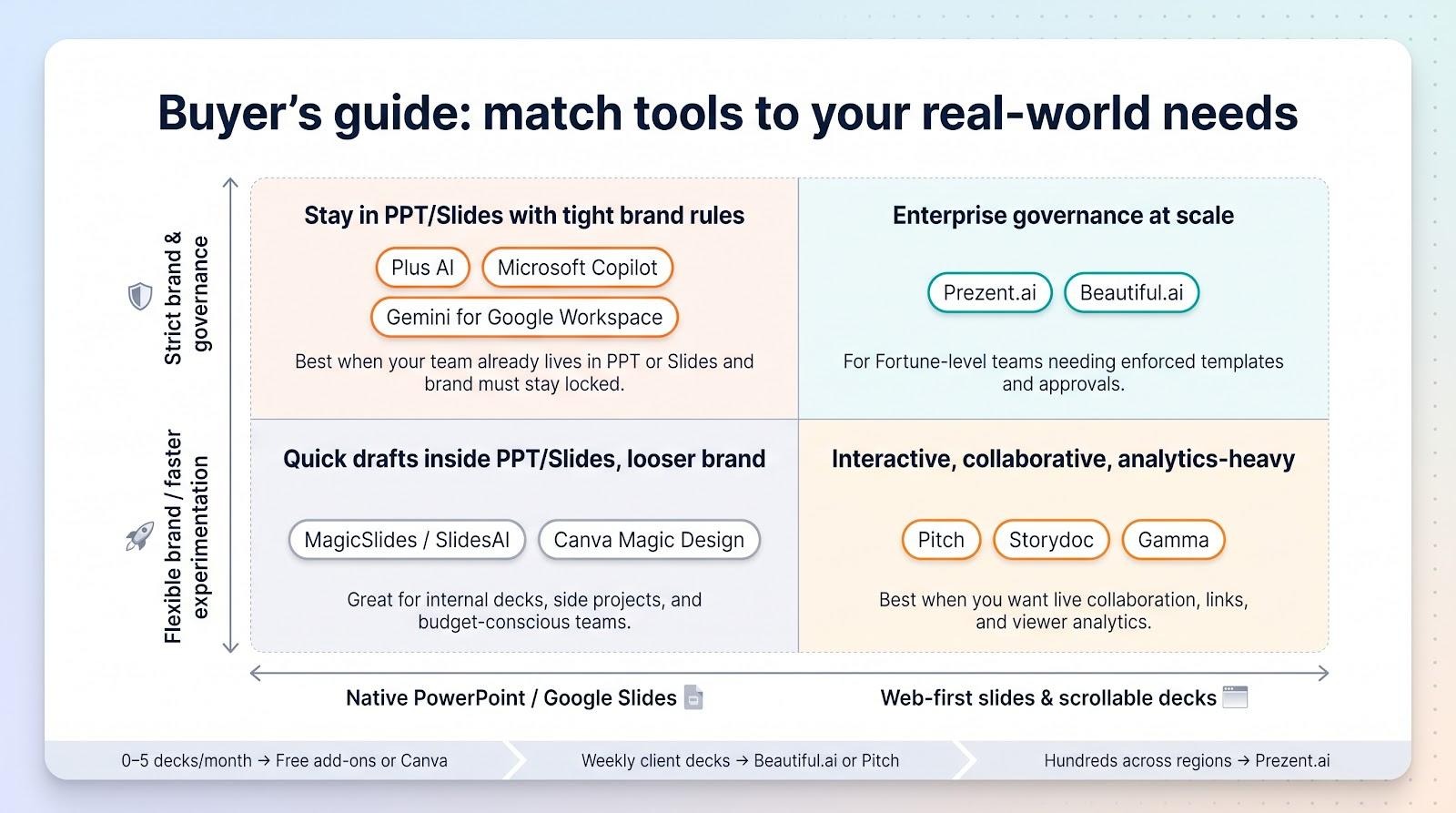
Buyer’s guide: match the tool to your real-world need
No single generator wins every scenario. The smartest choice depends on what slows you down today.
Start with workflow.
If your team already lives in Google Slides or PowerPoint, pick a tool that lives there too. Plus AI and Copilot spare you the pain of exporting files or retraining colleagues. Web-first platforms like Gamma or Pitch shine only when you’re free to switch interfaces.
Next, rate brand risk.
Strict guidelines? Beautiful.ai locks design rules, while Prezent.ai enforces corporate templates at scale. If brand is flexible, Gamma’s modern cards or Canva’s creative themes work fine.
Think about collaboration.
Do multiple people edit decks at once? Pitch’s live co-authoring and comment threads beat everything else. Storydoc and Gamma focus on share-and-track links, not joint editing.
Measure the value of analytics.
Sales teams who chase signals after the send will love Storydoc’s heat maps or Pitch’s slide-level engagement data. Internal comms decks rarely need that insight.
Balance budget against frequency.
- Zero to five decks a month? A free add-on or Canva’s included AI likely covers you.
- Weekly client proposals? Beautiful.ai or Pitch’s Pro tier pays for itself in saved design hours.
- Hundreds of decks across regions? Prezent.ai’s enterprise license costs more but prevents costly brand drift.
Use these checkpoints and the top-ten list above turns from menu into roadmap.
FAQs
Are AI-generated decks good enough for clients?
Yes, with caveats. The AI nails structure and basic design in minutes, saving hours. Still, replace placeholder data, refine the story, and proof for tone before you hit Send.
Will these tools replace designers or copywriters?
They handle repetitive grunt work, not creative insight. Designers still guide visual language, and writers still craft persuasive narrative.
Is my data safe with third-party generators?
Enterprise-focused tools such as Plus AI, which reports SOC 2 Type II compliance, publish their security practices. Free add-ons may route data through external servers with less transparency. If your slides contain confidential numbers, choose a compliant platform or add sensitive content after generation.
Do I need analytics built into my deck?
Only if you plan to act on the insights. Sales teams love knowing a prospect lingered on pricing. Internal project updates rarely need that level of detail.
What’s the easiest way to test before buying?
Open your next real brief in the trial version of your top pick. Time how long it takes to reach a presentable draft and how much editing you still do. That single exercise tells you more than any feature list.
How often should I revisit this market?
Quarterly. AI presentation tech evolves fast, and new entrants or major feature drops can shift the value equation.
Got a question we missed? Drop it in the comments and we’ll update this guide.
Conclusion
The right AI deck tool is the one that removes your biggest bottleneck. Teams that live in Google Slides or PowerPoint get the most from tools that work inside those editors, such as Plus AI, Copilot, or Gemini. Design-first teams lean on Beautiful.ai or Canva, collaborative teams on Pitch, sales teams that want engagement data on Storydoc, and enterprises with strict brand rules on Prezent.ai.
Start with one real brief, run it through a trial of your top pick, and judge the draft against the scorecard above: output quality, workflow fit, brand control, collaboration, security, and price. The tool that gets you to a presentable draft with the least rework is the one to keep for your next pitch.